






Did you know that 77% of online users read blogs regularly? With more than 600 million daily blogs on the internet today, the blogging industry has grown to become a profitable venture. Choosing between WordPress managed hosting vs unmanaged hosting can be the deciding factor for performance and security.
Studies show that fast-loading websites lead to higher engagement rates and SEO rankings. For growing blogs optimized for WordPress, this comprehensive article will discuss everything you need to know about managed hosting and unmanaged hosting
What Is Managed WordPress Hosting? A Beginner’s Guide 2026
By Javeria Riaz on October 11, 2025Table of Contents
- Overview of Web Hosting
- What is Managed Hosting?
- Pros and Cons of Managed Hosting
- What is Unmanaged Hosting?
- Pros and Cons of Unmanaged Hosting
- Managed WordPress vs Unmanaged: Head-to-Head Comparison
- Users of Managed WordPress Host
- Users of the Unmanaged Hosting Plan
- How to Choose the Right Type for Growing Blogs
- Switching Between Hosting for WordPress
- Final Thoughts
- FAQs
Key Takeaways
- WordPress managed hosting vs unmanaged is very important for the security, performance, and growth of your blog.
- Managed hosting is perfect for upcoming bloggers, beginners, and people with no technical experience who want security, simplicity, and customer support.
- Unmanaged hosting is a type of hosting that is suitable for technical experts, web developers, and users who want more flexibility and control.
- Managed hosting provides daily backups, automatic updates, and optimized performance, while unmanaged hosting demands manual maintenance and setup.
- Changing your hosting plan is possible with Hostonce. You can go for managed during peak times or unmanaged for lower costs and more control.

Experience the power of WordPress hosting
Launch your blogging site with confidence and become a household name. Maximize your WordPress blogging performance with Hostonce’s WordPress hosting.
Overview of Web Hosting
Web hosting is a service that allows you to host your website on the internet. For example, if you own a WordPress site, you can host it on a server for online accessibility. Many web hosting companies rent out spaces for users to host their websites.
When it comes to web hosting, there are different types based on pricing, performance, and features.
- Shared Hosting Plan: This type of web hosting allows several sites to use the resources of a server. Shared hosting is very cheap and not suitable for blogs with a high amount of traffic.
- VPS Hosting (Virtual Private Server): For VPS hosting, there is a dedicated server for better performance and flexibility. Keep in mind that VPS hosting is hosted within a shared environment.
- Dedicated Hosting: This hosting is typically for large websites because it provides more control over their server. In dedicated hosting, like reseller hosting, a single server is given to a user at a higher cost for better WordPress performance.
- Cloud Hosting: Cloud hosting for WordPress sites is mainly done on several interconnected servers to boost uptime and scalability.
- WordPress Hosting: WordPress Hosting is optimized specifically for WordPress users. It comes with options for managed and unmanaged hosting to run WordPress core updates.
What is Managed Hosting?
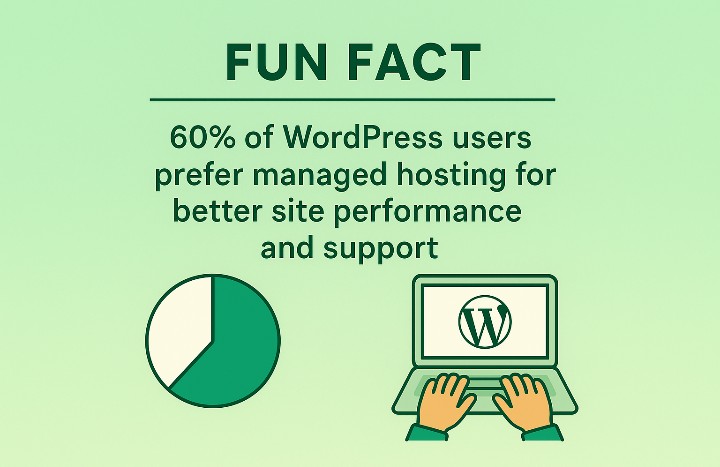
Managed WordPress hosting offers hands-off maintenance for bloggers, allowing them to focus on content creation. In a managed hosting platform, the hosting provider handles the security, updates, and technical aspects of running a WordPress site.
Key features of managed hosting include:
- Automatic Updates: Themes, WordPress core, and plugins are automatically updated to boost performance and security.
- Enhanced Security: Managed hosting providers offer proactive threats, firewalls, and malware scans to enhance security and control over your site.
- Optimized Performance: Managed hosting service is perfect for WordPress because it ensures better uptime guarantee and fast-loading times.
- Daily Backups: Managed WordPress hosting takes extra measures to provide daily backups of website content. This is crucial for preventing total loss when your site is hacked.
- Expert Support: Another feature of managed hosting for WordPress is the 24/7 availability of customer support who are ready to solve any issues.
Pros and Cons of Managed Hosting
| Pros | Cons |
| ✅ Optimized performance for WordPress users to enjoy better uptime and faster load times | ❌ It is more expensive than unmanaged hosting |
| ✅ Strong security, like threat detection and Built-in malware scans | ❌ There is less flexibility due to server or plugin restrictions. |
| ✅ Automatic maintenance on updates, themes, and WordPress cores | ❌ Limited control for users with technical knowledge |
| ✅ Daily backups are done regularly for easy recovery during loss | ❌ Relying on the host means switching providers can be tricky. |
| ✅ Expert support available 24/7 to tackle any issue that may arise | ❌ Scaling costs can increase as traffic on your WordPress website grows. |
What is Unmanaged Hosting?
Unmanaged hosting requires website owners to have complete control of their hosting without any assistance. Unlike managed hosting, Windows hosting users who go for unmanaged server hosting can take care of technical setup, performance, and other areas of their website.
Key features of unmanaged hosting services for WordPress include:
- Users install WordPress and configure it manually
- Set up website security features like SSL certificates and firewalls
- Control recovery options and backup processes
- Boost website performance via CDN integration, caching, and server tuning
- Update plugins and themes tailored to the WordPress experience.
Pros and Cons of Unmanaged Hosting
| Pros | Cons |
| ✅ It costs less than managed hosting, suitable for upcoming bloggers | ❌ It requires high maintenance for security, updates, and backups. |
| ✅ Users have complete control of website management | ❌ It is time-consuming because your website is not fully managed by a hosting provider |
| ✅ Perfect for advanced setup and custom configuration | ❌ Not suitable for beginners or people with no technical experience of WordPress |
| ✅ You can upgrade your resources anytime you want without being restricted | ❌ Blogging sites can be vulnerable to attacks if not properly protected |
| ✅ There are several hosting providers to choose from | ❌ Limited support for WordPress users |
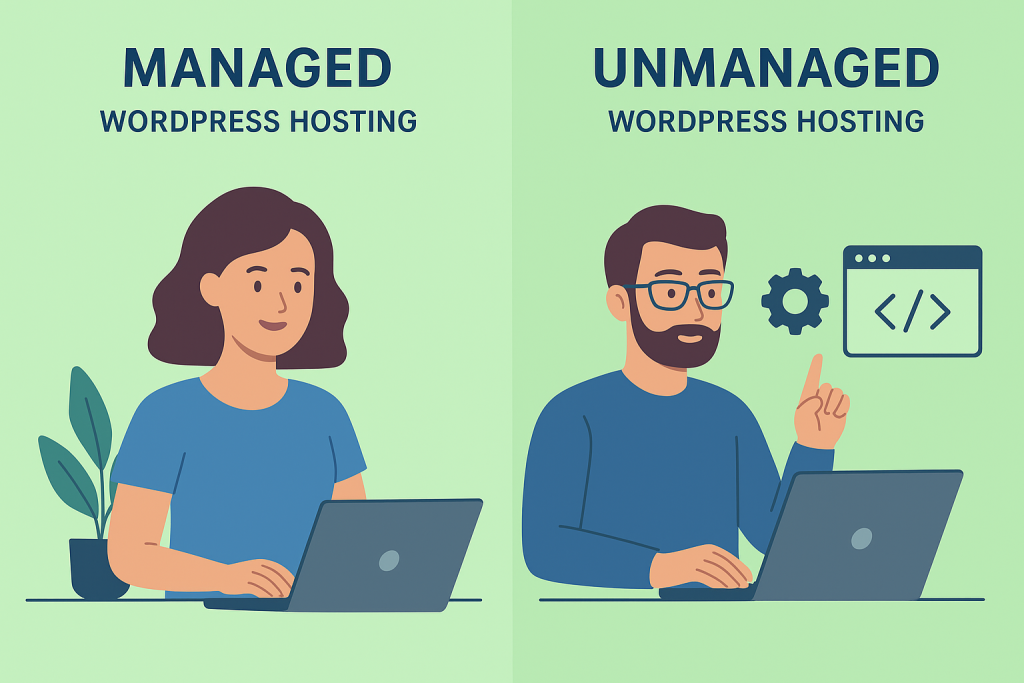
Managed WordPress vs Unmanaged: Head-to-Head Comparison
| Feature | Managed WordPress Hosting | Unmanaged WordPress Hosting |
| Ease of Use | Beginner-friendly, everything is handled for you | Requires manual setup, best for advanced users |
| Cost | Higher monthly fees due to premium services | Cheaper, budget-friendly option |
| Performance | Optimized servers for WordPress, faster load times | Performance depends on your own optimization |
| Security | Built-in firewalls, malware scans, SSL, proactive monitoring | Security setup is your responsibility |
| Updates & Maintenance | Automatic WordPress, plugin, and theme updates | Manual updates required |
| Backups | Daily automatic backups included | You must set up and manage backups yourself |
| Support | Expert WordPress support available 24/7 | Basic server support only; limited WordPress help |
| Flexibility & Control | Limited customization due to restrictions | Full control over server, plugins, and configurations |
| Scalability | Easy scaling with the host’s managed resources | Flexible but requires manual scaling and monitoring |
| Best For | Bloggers, businesses, and non-technical users | Developers, tech-savvy bloggers, and custom projects |
Users of Managed WordPress Host
The benefit of managed hosting is for users who want better security, convenience, and performance than managing technical details. Users who choose managed WordPress hosting are:
- Beginner Bloggers: People who are new to blogging and want a more hands-off approach to website management while they focus on creating blog content.
- Growing Blogs: Blogging sites with a high amount of traffic that are looking for exceptional customer support and performance to maintain smooth performance.
- Small Businesses & Entrepreneurs: Managed WordPress hosting provides professional support to business owners and entrepreneurs.
- E-commerce Stores: The best managed hosting solutions offer fast-loading speeds, security, and backups to online stores.
Users of the Unmanaged Hosting Plan
Unmanaged WordPress hosting is a cheaper option for people who want more flexibility and control of their online presence. You can choose unmanaged hosting if you are:
- Developers & Programmers: Web developers and programmers who want to try out different configurations, customize servers, and create advanced solutions.
- Tech-Savvy Bloggers: Expert bloggers with strong technical experience in boosting site performance, using plugins like Wordfence, and setting up different security measures.
- Agencies & Web Professionals: Professionals who are in control of multiple sites and want to handle everything in-house for customization
- Budget-Conscious Users: Managed hosts also provide affordable plans for users who want to handle security and performance themselves.
- Custom Project Owners: Websites that have advanced integrations, special customizations, and configurations that cannot be found in managed hosting
How to Choose the Right Type for Growing Blogs
The differences between managed and unmanaged hosting options are the level of control given to a user. If you are wondering how to make the right hosting choice for your blogs, here are important factors to consider for managed database vs unmanaged:
- Your Technical Skills: If you do not have the skillset for managing servers or any technical details, a managed plan is the right choice for you.
- Budget: A managed WordPress hosting plan is more expensive than an unmanaged one because it saves time and effort.
- Traffic and Performance Needs: Growing blogs with high traffic can go for managed hosting because it is designed to be reliable and fast. Inversely, blogs with medium traffic are perfect for unmanaged hosting.
- Focus and Priorities: If your priority is mainly on marketing and producing content, choose managed hosting. On the other hand, if you want more control over your server, you can choose unmanaged hosting
- Long-Term Goals: For online stores, expert bloggers, and businesses aiming for fast growth, managed hosting is a long-term investment to consider. Unmanaged hosting is perfect for hobby bloggers and highly customized sites.
Switching Between Hosting for WordPress
As your blog continues to grow, you may be required to upgrade your hosting plan to accommodate the online success. Switching between unmanaged and managed domain hosting is possible for WordPress users.
As we have listed earlier, it is vital for users who specialize in WordPress to consider the factors involved before taking that leap. Managed hosting is ideal for blogs with large traffic, aiming to boost performance and security. to consider
If you want to choose unmanaged hosting, ensure that you have the technical knowledge to manage your website. This WordPress hosting is typically for users who are on a budget and want more control.
As you make that switch, remember that many hosting providers like Hostonce offer free web migration services to make it smooth for you. Whether you need managed or unmanaged hosting, the key is to go for the plan that can keep your website running and reliable.
Expert Tip
Managed WordPress is perfect for those without extensive coding knowledge and unmanaged hosting offers more flexibility for expert professionals. The choice between managed and unmanaged WordPress hosting depends on your priorities, technical experience, and specific needs.

Final Thoughts
Managed hosting WordPress takes care of the technicalities for you, while unmanaged hosting provides you with more flexibility and full control over your WordPress. When it comes to choosing the right hosting option for your blogging site, it is essential to look at the various factors listed in this article. This will help you choose the right hosting environment for your website. Whether it is self-managed hosting or unmanaged, you can follow us on Twitter (X) to stay current with the latest updates in the world of web hosting.
FAQs
Is managed WordPress hosting worth the extra cost?
Yes, if you want convenience, expert support, and peace of mind while focusing on content. For technical users on a budget, unmanaged hosting may be more suitable.
Can I switch from unmanaged to managed hosting later?
Absolutely. Many providers offer migration services to help you move smoothly when your blog starts growing.
Which hosting is better for beginners?
Managed hosting is better for beginners since it requires little to no technical knowledge. Unmanaged hosting is best for advanced users.
Does hosting affect my blog’s SEO?
Yes. A fast, secure, and reliable host can improve site speed and uptime, which are important ranking factors for SEO.
How to Choose a Web Host and Find the Best Hosting Provider
By Festus Nkopuruk on November 6, 2025
Hostonce is the #1 WordPress Host
Ranked by 930+ customers in G2's Best Software Awards.
