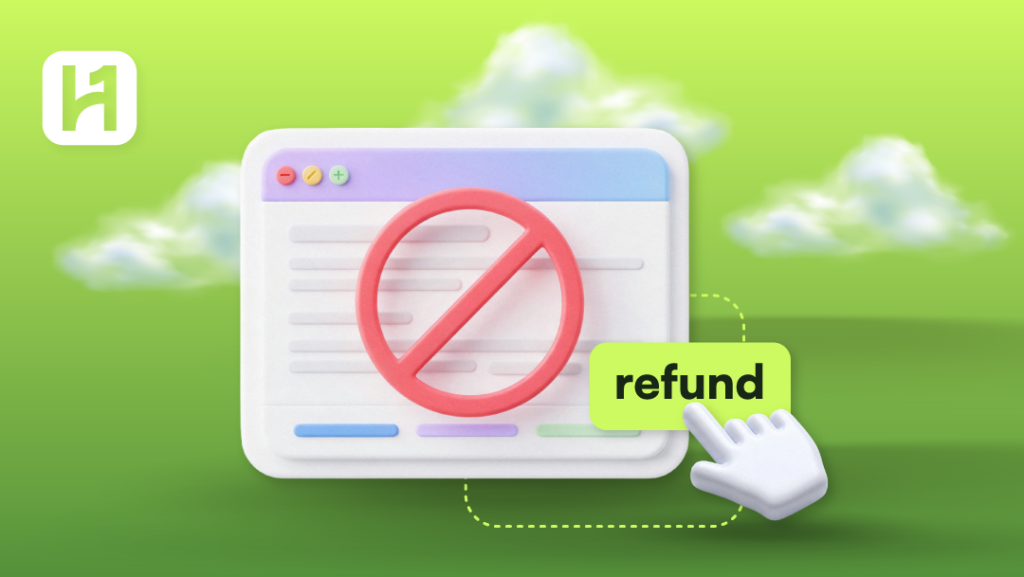
There are a number of reasons why you might wish to cancel your HostOnce services. You might no longer require this type of service, you may be considering switching to another provider, or you simply chose another plan. Cancellation and getting a refund are two different steps, and cancelling your services does not imply receiving your money back.
How to Cancel HostOnce Service
Step 1: Go to the Billing Account
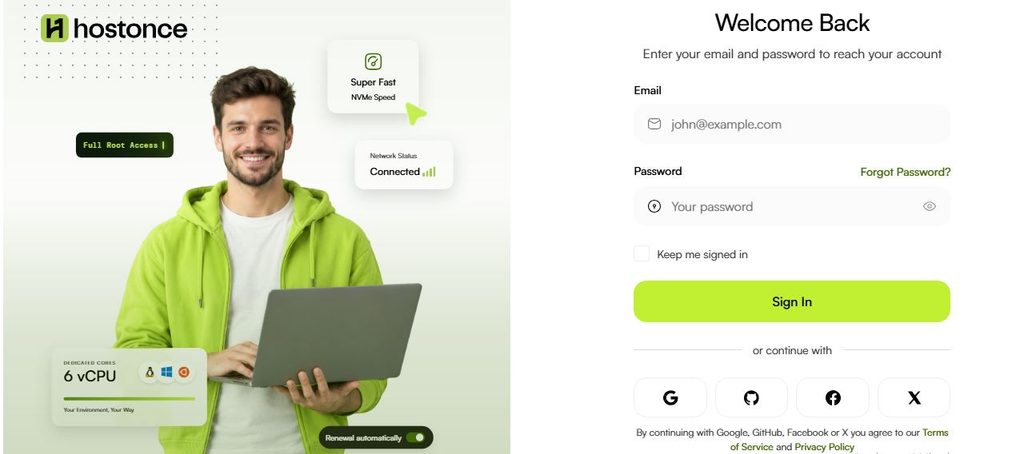
Access your billing account at the web address bill.hostonce.com using your email address and password.
Step 2: Choose a Service to Cancel
Enter the service management part of your account and choose a hosting plan, VPS, or any other service which you don’t want to use anymore.
Step 3: Check the Service Details
Look through the service name, its status, next payment date, expiration date and other related information. Verify that you selected the right service.
Step 4: Select the Option
View the service details. See whether it has a cancellation option.
Step 5: Examine the Cancellation Terms
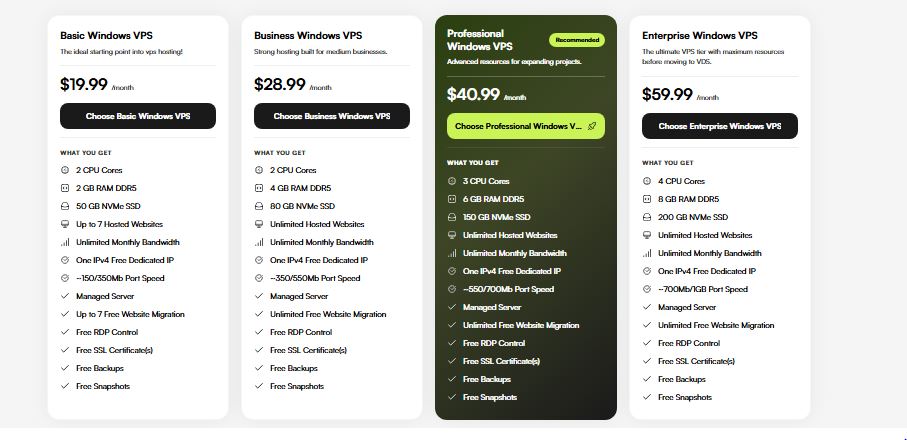
Examine all the information related to cancellation. Determine whether the cancellation will be immediate or take place at the end of the existing billing cycle.
Step 6: Cancellation Request Submission
Make use of the options provided to make a submission of your cancellation request as shown in the portal. Follow any further instructions if a reason for cancellation is required from you.
Step 7: Verify Your Cancellation Request
Please recheck the services page to verify your request has been accepted. Remember to save any confirmation message or number.

Get 25% Sale Now!
The hosting that suits your website keeps it successful! Make the smart choice to keep your site running smoothly and support your long-term goals.
How to Request a Refund
Requesting a refund is not similar to requesting a cancellation. Your capacity to get a refund is determined by the applicable HostOnce policy and the product you have bought.
Step 1: Understand Refund Policies
Get acquainted with the appropriate refund policies at HostOnce through their website.
Step 2: Obtain Your Invoice
Log in to your billing account at HostOnce and get the invoice for the payment to be refunded.
Step 3: Get Your Payment Details
Get the number of your invoice, the payment date, payment amount, name of the service, and transaction number if possible.
Step 4: Contact HostOnce support
Get in touch with the support team at HostOnce using any of the means available via your billing account or HostOnce website.
Step 5: State Your Case
State clearly the reason for your request. Specify the service or payment to which your refund request applies.
Step 6: Wait for the Review
HostOnce needs to review your request according to its applicable terms. It is crucial to keep all the communications and reference numbers in order for follow-up purposes.
Step 7: Verify the Result
In case the refund is granted, please follow the instructions given by HostOnce. The time it takes for the funds to be credited into your account depends on the payment instrument used and the corresponding payment processor.
Information to Be Supplied While Applying for Refunds
Provision of the right information helps the billing department find your transaction.
These are:
- The email ID associated with your account.
- Name of the service or order reference number.
- The invoice number.
- Amount paid and the date.
- The purpose of the refund request.
- Status of the cancellation.
- Transaction reference, where available.
FAQs
Will I receive a refund automatically if I cancel the HostOnce service?
No. Cancellation and refunds are different concepts. You may have to make a request for the refund. Your eligibility will depend on the relevant terms.
Is it possible to cancel a service before its expiry date?
You have to review your service details for the cancellation options and the relevant terms that apply. The impact of cancellation will depend on the product and selected terms of cancellation.
Will I be able to retain all my data upon cancellation?
You will be deprived of access to the service or its data when the service is terminated. It would be better for you to back up all the necessary information prior to cancellation.
How long will a HostOnce refund take?
This will depend on the process of your refund review, approval, and further payment provider actions. Contact HostOnce for more details.
What can I do if there is no way for me to cancel the service?
Contact HostOnce support and indicate the service you want to cancel.

Muhammad Usama has had impactful journey of almost a decade exploring the wonders of writing. He is always excited to share relevant knowledge with the community. Usama enjoys reading books and travelling in his free time.