
The WordPress plugin directory has over 670 business-directory plugins as part of its approximately 55,000 plugins across all categories. On top of that, leading directory plugins such as Business Directory Plugin and Directorist record about 10,000 and 20, 000 active installs respectively. The mass installation of business directory plugins is backed up by the fact that about 76% of users prefer to find their desired wares through online searches.
For your business directory website to show up those searches, your website needs WordPress directory plugins that helps you build organized directories. This makes it easier for visitors to find what they are looking for so they don’t have to leave your site.
Top 10 WordPress Project Management Plugins for Streamlined Workflow in 2026
By Javeria Riaz on October 12, 2025With over 100 business directory plugins on WordPress, it can be tricky to find what is best for your business. This article would show you the top 10 WordPress directory plugins that can help you build, grow, and make money with your business directory in 2026.
Key Takeaways
- WordPress directory plugins make listings easier: They make it easy to create business directories, classifieds, or niche listings without needing coding skills.
- Many plug-ins have monetization features: Paid listings, featured ads, and WooCommerce integration help turn a directory into an online store or revenue stream.
- Customization enhances user experience: most plugins have templates that can be edited easily making them easy to use.
- Search and location features drive traffic: Advanced search filters and maps showing the exact location of businesses help visitors find businesses quickly and improve SEO.
- Choosing the right plugin matters: Consider support, and integration options when choosing a directory plugin on WordPress.
Table of contents
What Are WordPress Business Directory Plugins and Why They Matter
A business directory is an online list of companies, services, or professionals organized by category or location. It helps visitors quickly find and compare businesses based on what they need, with useful details such as contact information, website links, and customer reviews. Many WordPress sites also use a store locator plugin to make it even easier for users to find physical business locations.
A WordPress business directory plugin makes building and managing these listings simple. It provides tools for adding entries, accepting user submissions, and customizing layouts without any coding. These plugins make your site easier to navigate, improve search visibility, and allow you to monetize through paid or featured listings.

Launch Your Directory with Hostonce
With Hostonce WordPress Hosting, you get speed, effortless plugin management, and superior uptime—everything you need to keep your visitors happy.
What to Look for in a WordPress Directory Plugin
When choosing the right directory plugin for WordPress, focus on the features that make for easy setup and sustainable growth.
- Ease of Use: Pick something with a simple setup, and front-end submission options so anyone can add listings without coding.
- Customization Options: Every directory serves a unique purpose. Choose a plugin that lets you tailor listing fields, layouts, and categories to suit your niche.
- SEO & Mobile Responsiveness: Since most users browse from mobile and find directories via Google, you need a plugin that’s SEO-optimized, loads fast, and works well on all devices.
- Payment & Monetization: If you intend to gain money for business features, make sure your plugin works easily with popular payment platforms.
Top 10 WordPress Business Directory Plugins
With countless plugins out there, finding the right business directory tool for your WordPress site is not always easy. This list comprises of the best business directory plugins and themes for a stunning listings website.
1. Geodirectory
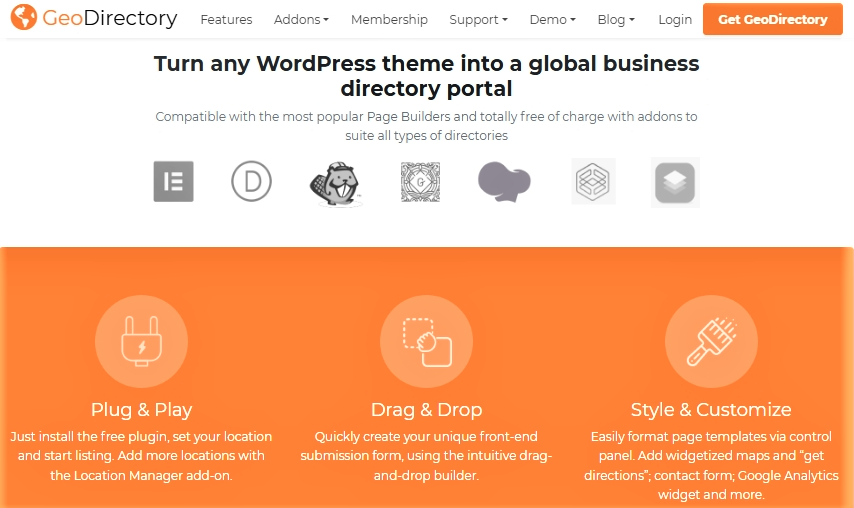
GeoDirectory is a WordPress directory plugin built to turn any WordPress theme into a listing-platform capable of handling large-scale directories. It supports business listings, multiple locations, maps and reviews, making it popular because site owners can create directories without coding. For website owners, its appeal lies in its flexibility and revenue potential via paid listings or featured placements of businesses.
Key Features
- Customizable listing templates: Easily design listings that match your brand and business type.
- Advanced search filters: Help users find exactly what they’re looking for with radius, category, and keyword search options.
- Interactive map integration: Showcase business locations on dynamic Google Maps for better navigation.
- User reviews and ratings: Build trust and engagement by allowing visitors to rate and review listings.
- Monetization options: Earn revenue through paid listings, featured placements, and membership packages.
Pros
- Built to scale, GeoDirectory can manage millions of listings without performance issues.
- Advanced search options make it easy for users to find exactly what they’re looking for.
- Integrates with e-commerce tools, allowing you to monetize through paid listings.
Cons
- Many key features require paid add-ons, which can raise total costs.
- Its wide feature set means setup can take time to learn.
Best for:Large-scale business directories and community portals that need to handle thousands of listings efficiently. It’s an ideal WordPress eCommerce tool for simplifying online shopping.
2. Directorist
Directorist is a full-featured WordPress directory plugin developed to help site owners build scalable, user-friendly directories for any niche. It supports listings, maps, booking, monetization and front-end submission, and is popular because it pairs strong out-of-the-box features with easy integration into existing themes and page builders.
For website owners, Directorist matters because it combines powerful search and management tools with monetization options, letting directories attract traffic and generate revenue without heavy custom development.

Key Features
- Multi-directory and form builder: Create multiple directory types and custom submission forms to handle different listing needs.
- Advanced search filters: Let users narrow results with radius search, geolocation, AJAX filtering and customizable filter fields.
- Built-in booking and scheduling: Add reservations and appointment bookings for services, events, hotels and more.
- Monetization tools: Support paid listings, subscriptions, featured placements and pay-per-submit to generate revenue.
- Seamless theme and page-builder integration: Works with popular themes and tools like Elementor for quick, visual design and setup.
Pros
- Simple and intuitive interface makes it easy for beginners to use.
- Optimized for speed, reducing memory load and improving performance.
- Offers deep customization to match your specific directory goals.
Cons
- Some users experience occasional bugs like faulty search filters.
- The free version is limited, requiring upgrades for premium features.
Best for: Businesses or developers who want a flexible, easy-to-use directory plugin for WordPress with front-end submissions and WooCommerce integration for paid listings on online stores or service marketplaces.
3. Business Directory
Business Directory Plugin is a WordPress solution built to help you create any kind of directory—local businesses, membership listings or niche categories—without needing to code. It stands out because it supports large directories, multiple payment gateways and custom field control, making it a go-to for serious directory site owners. For website owners, it’s important because it provides scalability, monetisation flexibility and full compatibility with most themes.

Key Features
- Custom fields & templates: Add unlimited custom fields (phone, social links, etc.) and switch directory templates with ease.
- Monetisation support: Accept payments via PayPal, Stripe or Authorize.net and manage paid listings, upgrades and recurring subscriptions.
- Large-scale directory capability: Built to handle hundreds of thousands of listings and supports CSV import/export for managing bulk data.
- Location & review features: Include Google Maps integration, ZIP/postcode search, user-reviews and ratings to enhance listing relevance and user trust.
Pros
- Fully responsive design ensures seamless browsing on all devices.
- Custom submission forms let you collect relevant business details.
- Supports multiple payment gateways for easy monetization.
Cons
- Design flexibility is more limited than some alternatives.
- Premium add-ons are needed to unlock advanced functionality.
Best for: Website owners who need a reliable, long-term solution for managing structured business listings with payments and SEO optimization on eCommerce sites and online stores.
Keep Your Directory Running Smoothly
Hostonce ensures fast performance, automatic updates, and secure listings so your WordPress business directory always works flawlessly.
4. Listify
Listify is a WordPress directory theme that lets you build listing-style sites for local businesses, services, or niche communities without any coding. It stands out for its one-click demo setup, integration with tools like Elementor and WooCommerce, and strong focus on monetization and search functionality. For website owners, it’s valuable because it offers flexible design options and reliable ways to earn income through paid listings and bookings.

Key Features
- Pre-built importable layouts & demos: Get your directory site up fast by importing ready-made templates.
- Advanced search & filter tools including geolocation: Enable users to find listings by location, radius and custom fields.
- Monetisation readiness: Supports paid listings, booking/reservation integration, and works with WooCommerce to handle payments.
- Seamless plugin compatibility & front-end submission: Works with popular WordPress plugins, supports front-end listing submission, and has extensive theme builder support.
Pros
- Deep integration with Elementor and WooCommerce for design flexibility and monetisation.
- Advanced search and filter capabilities including location radius and category search.
- Built-in support for paid listings, booking functionality and vendor dashboards.
Cons
- Some key features require additional premium plugins or add-ons, increasing total cost.
- Setup can be more complex for beginners due to the range of customization options.
Best for: Creators building directory or listing-based WordPress eCommerce websites that focus on design, usability, and monetization through bookings or paid ads.
5. AWP Classifieds
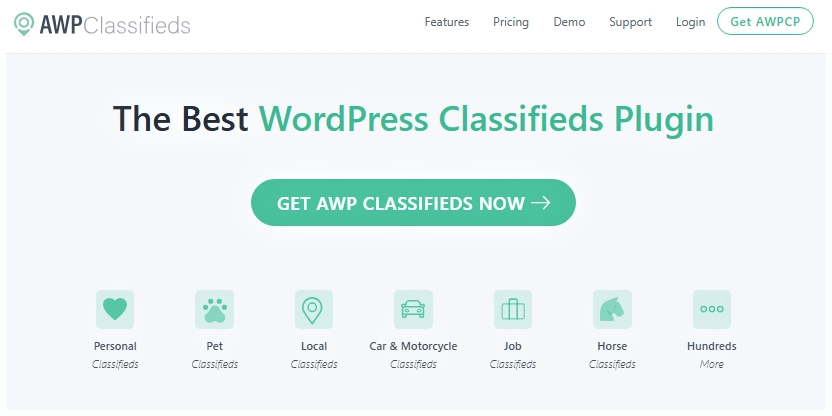
AWP Classifieds is a WordPress plugin that allows you to build a fully-featured classifieds or directory site, handling both free and paid listings. It’s been around since 2011 and supports large-scale directories, making it a reliable choice for site owners who want flexibility and monetisation built-in. For website owners, it matters because it gives you the tools to manage listings, payments, and custom fields, all within your WordPress dashboard.
Key Features
- Custom fields & extra field control: Add as many custom fields as you need and tailor listing forms to your directory’s niche.
- Payment & monetisation options: Support for PayPal, Stripe, Authorize.net, fee-plans and featured listings gives you revenue mechanisms.
- CSV import/export and scalability: Bulk import listings via CSV and support a large number of listings without performance hitches.
- Location and region filtering: Users can search by city, state, ZIP/postcode and other regions, helping localised directory setups.
- SEO and theme compatibility: Works with standard themes, integrates with popular SEO plugins and outputs listing content in a way search engines can index.
Pros
- Supports frontend submissions, simplifying the listing process.
- Includes monetization tools for paid listings and ad options.
- Custom fields help businesses display detailed listing information.
Cons
- Requires a paid license for full access.
- Some advanced functions rely on extra paid add-ons.
Best for: Users running classified ad or small business listing websites who need strong payment features, scalability, and straightforward setup on their WordPress platform.
6. Connections
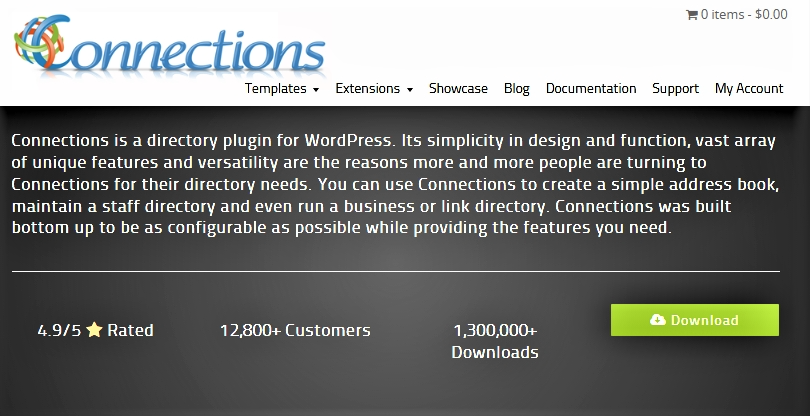
Connections Business Directory is a versatile WordPress plugin built from the ground up for directory use. It supports business listings, staff directories, member lists and more, making it popular for its flexibility and ease of use. The plugin is particularly valuable to site owners because it handles large directories, integrates seamlessly with most themes, and offers strong extensibility without coding.
Key Features
- Highly theme-compatible: Works with any WordPress theme, including major ones like Avada, Divi and OceanWP.
- Repeatable fields & nested categories: Allows unlimited addresses, phone numbers, emails per listing and supports hierarchical categories.
- Scalable architecture: Built to handle directories with hundreds of thousands of entries without performance degradation.
- Strong templating & blocks support: Includes various templates and Gutenberg blocks (directory, team, carousel) for different layouts.
- Developer friendly & extensible: Offers many hooks, filters and premium extensions to expand functionality.
Pros
- Comes with pre-built templates for fast setup.
- CSV import simplifies bulk listing uploads.
- Templates are customizable, allowing unique directory designs.
Cons
- No built-in payment gateway support limits monetization.
- Premium add-ons are needed for advanced features.
Best for: Small to large organizations that need a lightweight but powerful directory for staff, members, or local businesses—perfect for WordPress sites and online stores that prioritize speed and scalability.
Expert Tip
Before launching your WordPress directory, always test your chosen plugin on a staging site. Testing helps ensure search functions, payment options, and listing displays work smoothly, preventing issues that could affect user experience or revenue once your site goes live.

7. Sabai Directory
Sabai Directory is a premium WordPress plugin built to create fully-featured local business directories with maps, listings, reviews, and front-end submission. It stands out because all major functionality is included in the base version, making it a strong all-in-one choice. For website owners, it’s valuable because you can launch a professional directory without stacking many add-ons.

Key Features
- Multiple display modes: Show listings in list-view, grid-view or on a map for flexible presentation.
- Advanced search & filters: Users can search by keyword, category, location and distance with auto-suggest and custom fields.
- Interactive map integration: Full map support including draggable search, clustered markers and geolocation.
- Reviews, ratings & social features: Visitors can leave reviews, upload photos, bookmark and vote on listings and reviews.
- Built-in monetisation tools: Accept payments for listings, manage pricing plans and support major gateways like PayPal and Stripe.
Pros
- Integrates smoothly with Google Maps for interactive location views.
- Built-in review system lets users rate and review listings.
- User-friendly interface simplifies management for admins and users alike.
Cons
- Only available as a premium plugin, limiting free access.
- Customization options are fewer compared to rivals.
Best for: Users seeking a premium, all-in-one local business directory plugin with mapping, reviews, and front-end submissions—great for online stores and WordPress eCommerce websites integrating listings with paid promotions.
8. WP Local Plus
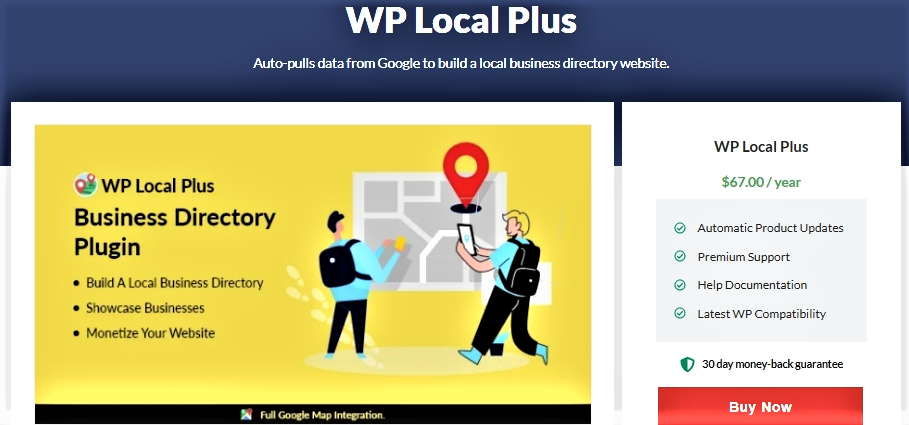
WP Local Plus is a premium WordPress directory plugin from WPEka that focuses on building local business listings quickly by importing data from external sources. It provides map-based listings, business details, and monetization options so site owners can populate and earn from a directory with minimal manual input. The plugin is valuable for owners who want fast setup and ongoing data refresh without heavy development.
Key Features
- Auto-import from Google and CityGrid: Pull business data automatically to populate listings.
- Google Maps integration: Show locations on interactive maps for easy discovery.
- Claim and front-end submission: Allow business owners to claim or submit listings via the site.
- Monetization tools: Charge for featured listings, offers, or display ads.
- Data management: Bulk import/export and tools to edit listings at scale.
Pros
- Automatically imports business data from Google and City Grid, saving hours of manual work.
- Built-in Google Maps integration with detailed listings (reviews, contact info, offers) improves user engagement.
- Monetisation options allow you to charge for featured listings and display ads or offers.
Cons
- Customisation is somewhat limited compared to more flexible directory plugins, reducing design freedom.
- Relies on external data sources for listings, which may lead to occasional inaccuracies or outdated information.
- Being a premium plugin, the initial cost may be higher than simpler directory plugins for beginners.
Best for: Site owners who want to quickly build local business directories by importing listings from Google and CityGrid, suitable for WordPress websites and online stores targeting local audiences.
9. Classified Pro
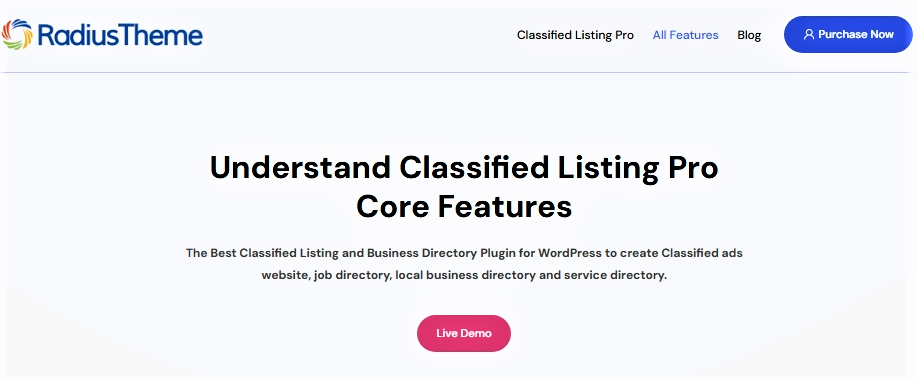
Classified Listing is a powerful WordPress plugin designed to build both classifieds sites and business directories, offering full support for front-end submission, monetisation and directory listings in one tool. It stands out for its AI-assisted features and flexibility in creating multi-type directories (jobs, local businesses, service listings). For website owners it’s important because it gives a solid all-in-one solution to launch, manage and monetise a directory without needing multiple separate plugins.
Key Features
- AI-powered form and content generation: Build listing forms and generate titles and descriptions using AI.
- Unlimited custom fields with conditional logic: Create custom fields per category and apply logic rules for display.
- Advanced search and mapping options: Include radius search, Google Maps or OpenStreetMap support and filterable listings.
- Revenue-driven listing options: Support paid listings, featured/bump up ads, subscriptions and membership packs.
- Frontend user management and developer hooks: Users can submit, edit and delete their listings; developers have access to templates, hooks and filters for deep customisation.
Pros
- Built-in ad promotion boosts visibility for featured listings.
- Live chat integration enables instant communication with users.
- Works perfectly with Elementor and Gutenberg for easy page customization.
Cons
- Requires a paid license, which might deter budget users.
- Full functionality often depends on extra paid add-ons.
Best for: Businesses and entrepreneurs building a versatile WordPress directory or classifieds site with modern features like AI-powered form creation, advanced search, and monetization.
Losing Visitors to Website Downtime?
Switch your WordPress business directory to Hostonce and enjoy faster performance, secure listings, and hassle-free management.
10. HivePress
HivePress is a lightweight and flexible WordPress plugin built to create any type of directory website—from business listings to job boards or marketplace-style listings. It’s popular because it combines strong core functionality (listing creation, search filters, monetisation) with ease of setup and design. For website owners, HivePress matters because it provides a scalable foundation for a directory site without locking you into one niche or theme

Key Features
- Front-end listing submission: Users can add listings via a simple front-end form that you control.
- Custom fields & search filters: You can add custom data fields for listings and turn those fields into filters for users.
- Monetisation options built-in: Support for paid listings, featured listings, and claiming of listings gives you revenue potential.
- Geolocation & map integration: Supports location-based search, maps and radius filters for listings.
- Developer friendly & extensible: Offers hooks, filters, REST API and works with a variety of extensions for niche functionality.
Pros
- Includes marketplace features for directories with e-commerce capabilities.
- Offers customizable themes to match your design vision.
- Free core plugin makes it ideal for cost-conscious users.
Cons
- Advanced features require paid extensions.
- The free version includes only basic functionalities.
Best for: Developers and site owners who want a free, modular, and scalable plugin to create listings, job boards, or service directories—ideal for WooCommerce websites that combine directories with eCommerce functionality.
Conclusion
WordPress directory plugins let you build everything from local business directories to classified sites and online stores without needing to know how to code. Whether you need advanced customization, simple listings, or WooCommerce-powered payments, there is a plugin that fits your site’s needs. It is best to start small, focus on usability, and choose a tool that can grow with your website.

Top eCommerce Tools to Streamline and Grow Your Online Store in 2026
By Festus Nkopuruk on August 7, 2025FAQs
How can I monetize my directory website?
Many directory plugins offer monetization options like paid listings, featured ads, and membership plans. Integrating with WooCommerce can further expand payment capabilities, allowing you to charge for various listing features.
Are these plugins compatible with my existing theme?
Most reputable directory plugins are designed to work seamlessly with popular WordPress themes. However, it's advisable to test the plugin on a staging site to ensure compatibility with your specific theme and other active plugins.
Can I customize the appearance of my directory listings?
Yes, many directory plugins provide customization options, including custom fields, templates, and styling controls. Some plugins also support page builders like Elementor or Gutenberg for enhanced design flexibility.
How do I ensure my directory site is SEO-friendly?
To optimize your directory site for search engines, choose a plugin that supports SEO best practices, such as customizable URLs, schema markup, and integration with SEO plugins like Yoast SEO. Regularly updating content and obtaining backlinks can also improve search rankings.

Hostonce is the #1 WordPress Host
Ranked by 930+ customers in G2's Best Software Awards.