
The global CRM market was valued at $91.43 billion in 2023 and is projected to exceed $80 billion in revenue by the end of 2025. A major driver of this growth is that CRM tools such as WordPress CRM plugins make everyday business functions like email marketing automation, and lead generation much easier to manage.
When used well, CRM tools can boost lead conversion rates and shorten the sales cycle by simplifying how customer relationships are managed. They can help businesses increase sales, improve productivity, and enhance marketing efficiency. CRM tools like WordPress CRM plugins also allow users to automate sales and email marketing tasks, saving significant time in the process.
Top 10 WordPress Project Management Plugins for Streamlined Workflow in 2026
By Javeria Riaz on October 12, 2025This article will consider the top 11 types of WordPress CRM plugins that can supercharge your business.
Key Takeaways
- The global CMS market is projected to exceed $80 billion in revenue by the end of 2025
- CRM tools are widely used because they make everyday business functions like email, marketing automation, and lead generation much easier to manage.
- CRM software have features that help businesses manage customer interactions and relationships
- The main goal of installing a CRM plugin in WordPress is to improve sales by streamlining customer management and marketing processes.
- WordPress CRM plugins can save business owners a lot of time by automating tasks related to sales and email marketing.
What are CRM Plugins
CRM stands for Customer Relationship Management. CRM plugins on WordPress have features that helps businesses manage how customers interact with their business sites. CRMs act as a central database where you can store customer data like their name, contact information, purchase history, and every email or call they have ever had with you. The main goal of installing a CRM is to improve business relationships so you can grow your sales.
Factors to Consider When Choosing a CRM Plugin
- Self-hosted vs. SaaS: Decide whether you want to host the CRM data within WordPress (self-hosted) or you want a cloud-based SaaS solution.
- Features: Identify the essential CRM functionalities that you need such as contact management, lead tracking, email marketing, sales pipeline management, and reporting.
- Budget: Evaluate free and paid options, considering monthly or annual costs and potential per-user fees. Check the cost of the plugin against its features and your budget to make the right choice.
- Integration: Determine if the CRM needs to be integrated with other tools like e-commerce platforms, form builders, or marketing automation services to function efficiently.
- Ease of Use: Consider the learning curve and user-friendliness of the plugin’s interface.

Keep Your Business Site Online Always
Hostonce keeps your business website running at peak speed, so visitors stay engaged and your site never experiences downtimes
Best WordPress CRM plugins
There are many typed of WordPress CRM plugins available to users on the WordPress directory and other third-party sites. In this section, we will look at the top 11 types of WordPress CRM plugins available to users.
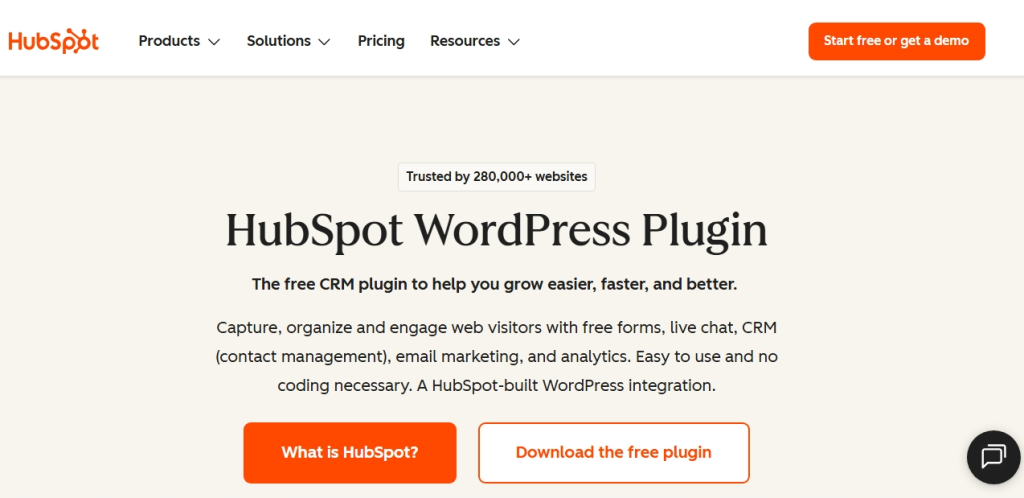
1. Hubspot
The HubSpot WordPress plugin is perfect for anyone with a WordPress website looking for a CRM with built-in marketing tools. This makes it perfect for agencies, business owners (including small businesses and ecommerce companies), bloggers, and designers. It is used by about 258,000+ customers in 135+ countries to grow their businesses.
Key Features
- CRM & Contact Management: Your website forms automatically sync with the HubSpot database making it easy for you to manage contacts and organize them into lists. You can also track visitor engagements such as page visits, form submissions, and live chats from a single dashboard.
- Email Marketing & Marketing Automation: HubSpot has 20+ pre-designed email templates plus a drag-and-drop email builder that lets you create newsletters for your email contacts. With HubSpot, emails can be automated based on actions like form submissions or live chats. The emails are also tracked for opens and clicks.
- Analytics: HubSpot has built-in analytics tools that helps you track your sales and marketing activities so see which drives the most success.
- Live Chat & Chatbots: HubSpot lets you add a 24/7 chatbot that can help you respond to visitors even when you are offline.
Pros
- HubSpot integrates seamlessly with 1,800 apps and plugins like Woocommerce and stripe adding more functionality to your website
- Easy to use. No coding necessary
- Has a generous free plan with basic features
Cons
- Advanced features are locked behind the costly plans.
Pricing: Hubspot is basically free with optional paid features
Reviews: 4.4 out of 5 stars on the WordPress directory
Active installations: 300,000+
PHP version: 7.2 or higher
Best For: Hubspot is great for businesses that want a complete CRM with marketing, sales, analytics and automation at a low budget.
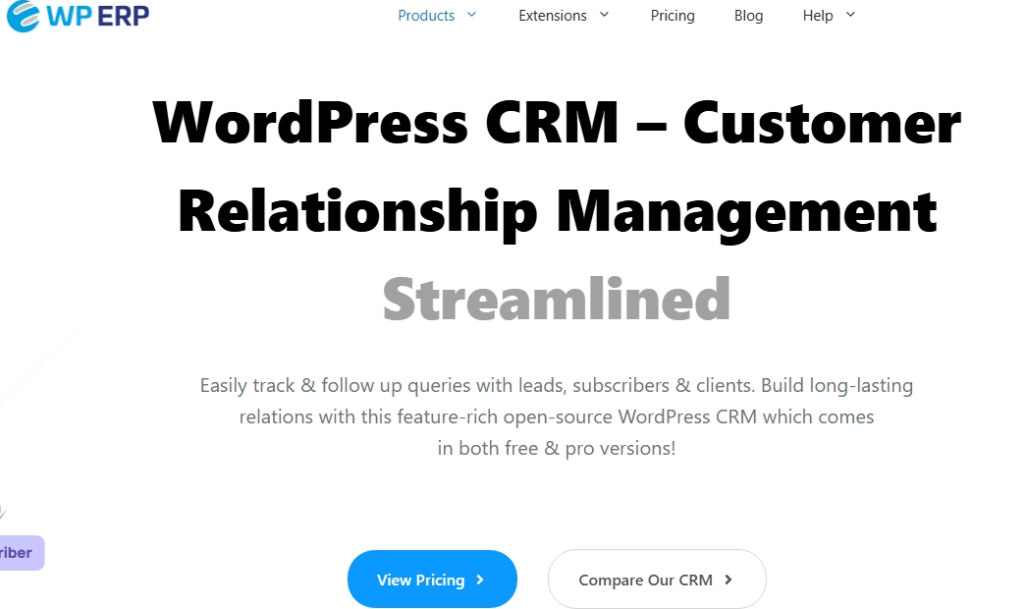
2. WP ERP
WP ERP is a comprehensive Enterprise Resource Planning plugin for WordPress that enables businesses to manage their entire operation seamlessly from their WordPress dashboard. It integrates HR Management, CRM, and Accounting and covers essential business functions such as employee management, customer relationship management, and financial accounting all in a beginner-friendly interface. The core version is free, with paid components for upgraded functionalities and support.
Key Features
- Client Data Synchronisation: WP ERP’s CRM module lets you sync your WooCommerce orders and customer data, and check your overall sales. It also lets you track your customer activities and manage business records all from one place.
- Complete Customer Management: WP ERP includes a filter feature that lets you segment your website visitors. This makes it easier to manage marketing funnels and guide customers from being just leads to regular buyers.
- Support Tool Integration: WP ERP integrates with tools like Zendesk, Help Scout, and Awesome Support, allowing you to sync support tickets and conversations and manage customer support activities from one central CRM interface.
- Security and Reliability: The WP ERP plugin is a secure plugin according to WordPress standards. It is open-source allowing for easy development and customization.
Pros
- Cost-effective compared to other alternatives
- Accessible from any platform or device
- Cloud based data storage to prevent data loss
Cons
- Frequent bugs causing site breaks
Pricing: The plugin has a free version with a premium plan starting at $155.88 per year.
Reviews: 4.4 out of 5 stars on the WordPress directory
Active installations: 7,000+
PHP version: 7.2 or higher
Best For: WP ERP is a good choice for businesses that want an all-around business management tool and not just a tool for lead tracking.
Pro Tip For Better Functionality of Your WordPress CRM Plugin
Before making a choice on what CRM plugin to use, match the CRM’s features to your business needs. If your business mainly needs lead capture, a lightweight plugin like Lead Form Data Collection to CRM or FuseWP may be sufficient. For full-scale sales and marketing automation, options like HubSpot or Groundhogg are the better choice. Don’t pick a complex tool if you won’t use most of its features.
3. WordPress CRM Plugin
The WordPress CRM plugin is a fully featured WordPress CRM that allows you to use the WordPress interface you are already familiar with to manage your customers, projects, and tasks with ease. It allows you to manage projects, assign tasks, track marketing campaigns and follow up leads and customers.
Key Features
- Contact & Client Management — WP-CRM lets you add and manage as many contacts or clients as you need directly inside WordPress, keeping all customer records in one central place.
- Project, Task & Campaign Management — You can organize work by creating projects, assigning tasks, and running campaigns from one dashboard, making it easier to move leads through to completed jobs.
- Support Tool & E-commerce Integrations — The plugin works with tools like WooCommerce, Mailchimp, Slack, and Zendesk, allowing you to handle orders, customer data, and conversations within one CRM system.
- Invoicing and Payments (with add-on) — WP-CRM supports invoicing through an add-on, letting you create invoices and collect payments from clients without leaving your CRM environment.
Pros
- WP-CRM includes GDPR tools that allow users to request data access or deletion, helping you manage customer data responsibly.
- It supports multiple languages, making it suitable for websites that serve international audiences.
- It allows you to add unlimited contacts and clients without extra per-user charges, which is ideal for growing businesses.
Cons
- WP-CRM lacks some advanced automation and reporting features found in more full-scale CRM platforms, which may limit its usefulness for large or complex operations.
Pricing: Like Hubspot, the WP-CRM plugin is free, with premium features you can pay for.
Reviews: 3.9 out of 5 stars on the WordPress directory
Active installations: 1,000+
PHP version: 7.4 or higher
Best For: WordPress CRM Plugin is great for users looking to manage customer contact and data straight from WordPress without advanced or additional tools. It is best for very small teams or solo entrepreneurs with simple CRM needs.
4. Web-to-Lead for Salesforce
Web-to-Lead for Salesforce creates an HTML form that automatically capture visitor information from a website and push it directly into Salesforce as a new lead. This process saves time by eliminating manual data entry, reduces errors, and can be configured to send automatic notifications and be linked to specific marketing campaigns.
Key Features
- Automatically capture form submissions on your WordPress site and send them directly into Salesforce as leads or contacts.
- Use shortcodes or widgets to insert lead-capture forms anywhere on your site — blog posts, pages, sidebars, popups, or widgets.
- Map WordPress form fields to Salesforce CRM fields so data goes where it needs to, even custom fields.
- Redirect users after submission and send notifications on lead submission success or failure to help you follow up quickly.
Pros
- The plugin sends form submissions directly to Salesforce, so you don’t have to copy and paste leads manually.
- You can place lead forms anywhere on your WordPress site using shortcodes or widgets, giving you flexible integration.
- Field mapping ensures that contact data from your site appears correctly in Salesforce, even if you use custom fields.
Cons
- The free version has limited features.
Pricing: Free plugin but it requires a Salesforce CRM account
Reviews: 4.4 out of 5 stars on WordPress.com directory
Active installations: 3,000+
PHP Version: PHP 5.6 or above .
Best For: Web-to-Lead for Salesforce is ideal for organizations already using Salesforce CRM as it captures leads from WordPress forms and sends them directly into Salesforce.
Expert Tip
When choosing a WordPress CRM, start by mapping out your sales and customer processes first. Know what data you need to track, which tasks you want to automate, and what tools your team already uses. This helps you pick a plugin that fits your workflow, avoids feature overload, and ensures you get the most value from your CRM.

5. Bitrix24 CRM
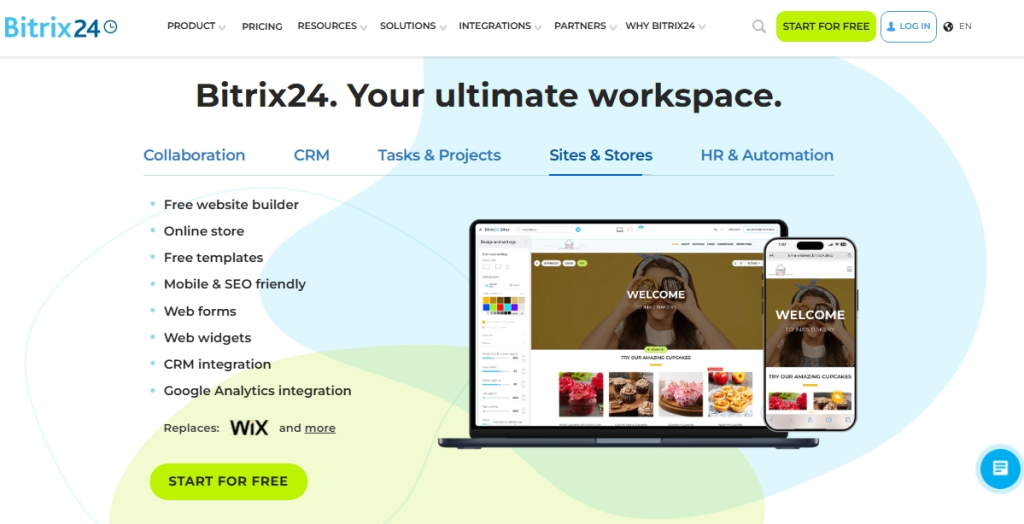
Bitrix24 is a CRM tool that helps you manage your sales, marketing, and customer data from one place. It allows you to capture leads, close deals, accept payments, manage inventory, run marketing campaigns, track performance, and improve customer relationships without having to rely on multiple tools.
Key Features
- Marketing: Bitrix24 offers you plenty of CRM marketing tools allowing you to reach your clients through their most preferred medium. You can send them emails, SMS, calls, social media and more.
- Analytics and reports: Bitrix24 features a wide variety of CRM analytics tools to help you track the efficiency of your marketing activities so you can make informed decisions.
- AI-powered sales: You can create compelling marketing copy, promotional emails or original ideas for your special offer using the bitrix24 ai copilot. you can also transcribe phone calls with a client.
- Sales automation CRM: With Bitrix24, you can set up automated client notifications via SMS or email, automatically move leads/deals down the sales pipeline, log calls and many more.
Pros
- Bitrix24 gathers messages from email, live chat, social media, and web forms in one place so you can manage leads more easily.
- It offers a free plan with unlimited users and contacts, which is helpful for small business teams and startups.
- It combines CRM, marketing, sales, and team collaboration tools in one platform, reducing the need for multiple software tools.
Cons
- The platform can feel complex to use at first because of its many features and settings.
Pricing: Plans start at $49 a month (billed annually).
Reviews: Not listed
Active installations: Not listed
PHP Version: Not listed
Best For: Bitrix24 CRM is a good fit for teams that want a mix of collaboration, communication and project management alongside client relationship management features.
6. Contact Form 7 Zoho
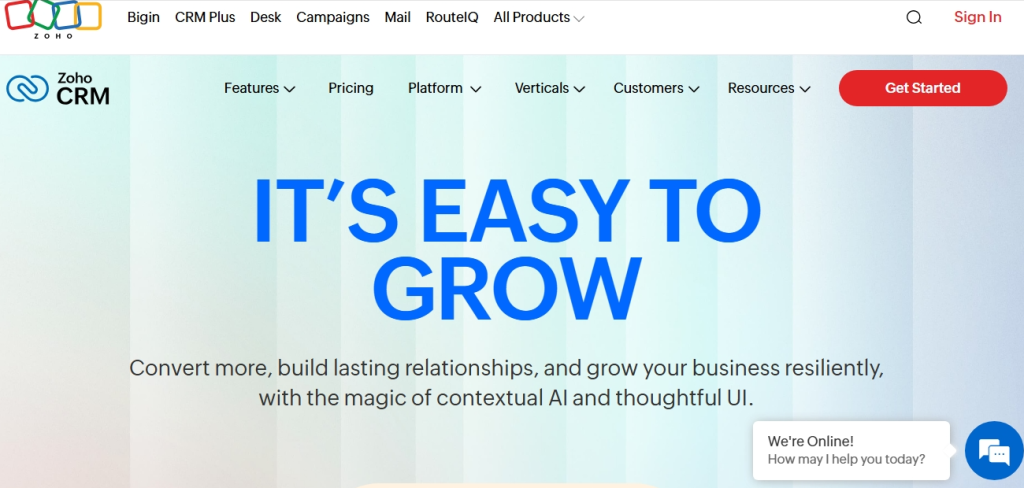
The Zoho CRM plugin lets your WordPress site send form submissions straight into your Zoho CRM account. It works with Contact Form 7 and other supported plugins, so every time someone fills a form, their info is automatically added as a lead or contact in Zoho. With Zoho Flow, you can even use these form submissions to trigger actions in other apps, helping you automate tasks and keep your data organized without extra work.
Key Features
- Lead management: Zoho CRM offers you a lead management module that helps you capture leads from your website, social media, email, webforms, etc. and helps you keep track of the progress you have made with each contact.
- Sales force automation: Zoho CRM lets you automate tasks like contact tracking, customer follow-up and updates. You can also automate pricing and tailor proposals to your client’s unique needs.
- Advanced analytics: Measure your business performance with easy-to-understand visual reports inside your CRM dashboard. Zoho also includes an AI assistant that helps you spot trends and sudden changes in your marketing and business activities.
- Easy Integration: Zoho integrates with over 1000 apps and CMS platforms like WordPress and third-party tools like Google Workspace
Pros
- Test site that allows you to test all features before purchasing the plugin
- Quick support response. Their average response time is about 2hours
- Regular updates taking into account the wishes of users
Cons
- It is not a standalone CRM plugin
Pricing: Free for the core plugin. Starting at $59 for a premium site license. Zoho CRM also has its own pricing.
Reviews: 5 out of 5 stars
Active installations: 2,000+
PHP version: 5.3 or higher
Best For: Contact Form 7 Zoho is not a full CRM on its own. Because of this, the plugin is best for those who use Contact Form 7 on their site and want form submissions to go into Zoho CRM. It is best for teams that already rely on Zoho.
Ease Customer Management with WordPress CRM Plugins
Hostonce Hosting makes CRM plugin installation seamless, helping you capture leads, manage relationships, and run operations efficiently.
7. Lead Form Data Collection to CRM
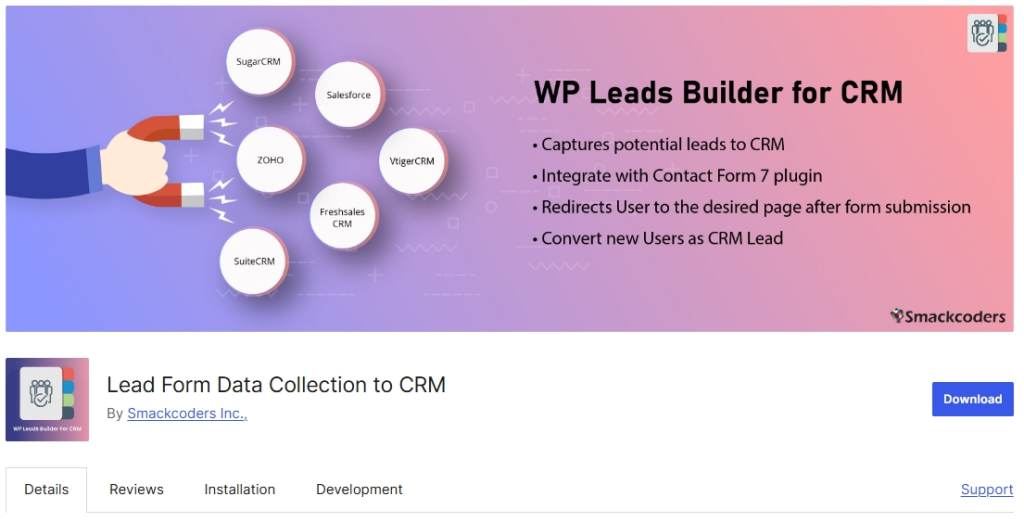
The Lead Form Data Collection to CRM plugin, is great for capturing data from your WordPress contact form and effortlessly transferring it to your CRM as Leads or Contacts. The plugin has a simple intuitive interface that makes it easy for you to create, edit, and update form fields to match your need. The Lead form data collection to CRM WordPress plugin also helps you automate workflows, prevent duplicate entries, fine-tune submissions and so on.
Key Features
- Effortlessly Collect and Send Leads Data to CRM: The lead form data collection to CRM WordPress plugin allows you to capture lead data from your WordPress forms or Contact Form 7 plugin forms with ease and send it to your integrated CRM.
- Seamless CRM Integration: The plugin integrates easily with WordPress CRMs like Salesforce, Zoho, Vtiger, SuiteCRM, FreshSales, and Joforce CRM for streamlined lead management.
- WooCommerce Integration: The lead form data collection to CRM WordPress plugin integrates with WooCommerce allowing you send checkout information and capture abandoned cart customers as CRM leads. You can also gain valuable insights into your visitors’ online shopping experience on your website.
- Efficient Data Handling: Easily create, update, or skip options to handle duplicate entries effectively. Use Google Captcha to prevent spam submissions and maintain data accuracy.
Pros
- Prompt customer support response
- Seamless integration with other WordPress plugins
- Helps automate the lead collection process.
Cons
- It is not a full CRM
Price: There’s a free version and a $99 premium version.
Reviews: 4 out of 5 stars on the WordPress directory
Active installations: 600+
PHP version: Not listed.
Best For: The Lead Form Data Collection to CRM plugin is essential for brands that use powerful CRMs but don’t have a direct connection to their WordPress websites. This is a plugin that makes sense for those who are already using CRMs like SugarCRM or Zoho CRM.
Pro Tip For CRM Cost Management
Always check the features available on the free versions of the CRM plugin you intend to install. While some CRM plugins on WordPress are basically free, they may require paid extensions for automation, email marketing, or advanced reporting. Calculating the total cost for your team size helps avoid unexpected subscription expenses.
8. FuseWP
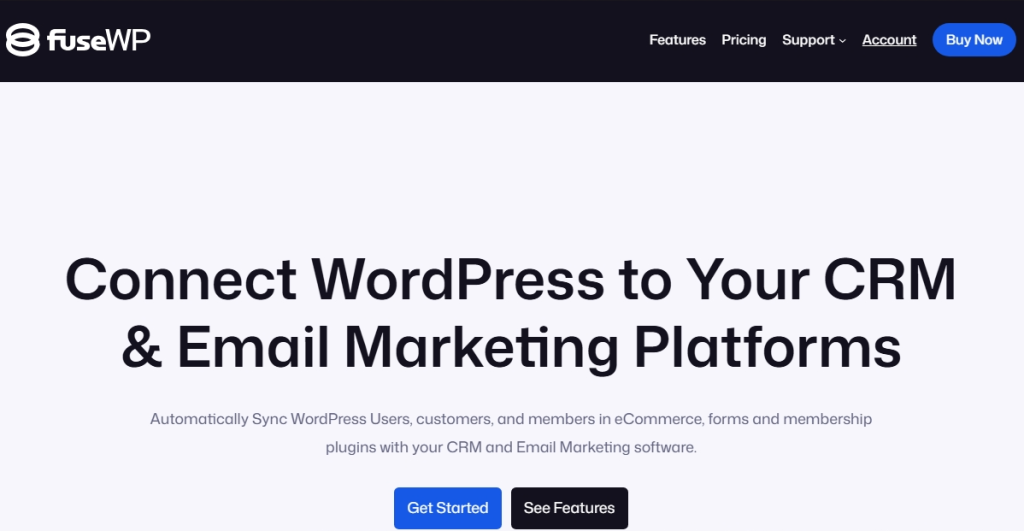
FuseWP connects your WordPress website to your CRM or email marketing tool and keeps your user data in sync automatically. When users register, update their details, or are removed from your site, FuseWP updates your CRM or email list to match. It also works with ecommerce, membership, and form plugins, making it easier to send leads, customers, and members directly into your marketing or customer system.
Key Features
- WordPress User Sync: FuseWP automatically syncs WordPress users when they register, update their profiles, or are deleted, ensuring your CRM or email list stays up to date.
- Custom Field Mapping: FuseWP lets you match WordPress user data with custom fields in your CRM or email platform so no important information is lost during syncing.
- Form, Ecommerce and LMS Integration: It works with popular form, ecommerce, membership, and LMS plugins like WooCommerce and LearnDash, allowing leads, customers, and members to sync easily to your CRM or email tool.
- Bulk Export and Batch Sync: You can sync or export all existing WordPress users at once, which is useful if you already have a large contact list to move into your CRM or mailing service.
Pros
- FuseWP automatically syncs WordPress users with your CRM helping you keep your contact and email list updated without manual work.
- It supports popular plugins like WooCommerce, forms, and membership tools, making it easier to capture leads and customers from different parts of your site.
- It allows custom field mapping so your user data is accurately transferred to your CRM without losing important details.
Cons
- Some advanced WordPress CRM integrations and features are only available in the paid version, which may be a limitation for users on a tight budget.
Price: Free version available. Premium plans start at $99/year.
Reviews: Not listed
Active installations: 2,000+
PHP version: 7.4 or higher.
Best For: FuseWP is great for WordPress CRM integration. The primary reason to choose FuseWP is if you already use a CRM and want an integration with your WordPress site. Whether you run an online store, membership site, or course platform, FuseWP ensures that your customer data is always in sync with your marketing tools.
9. WP Fusion
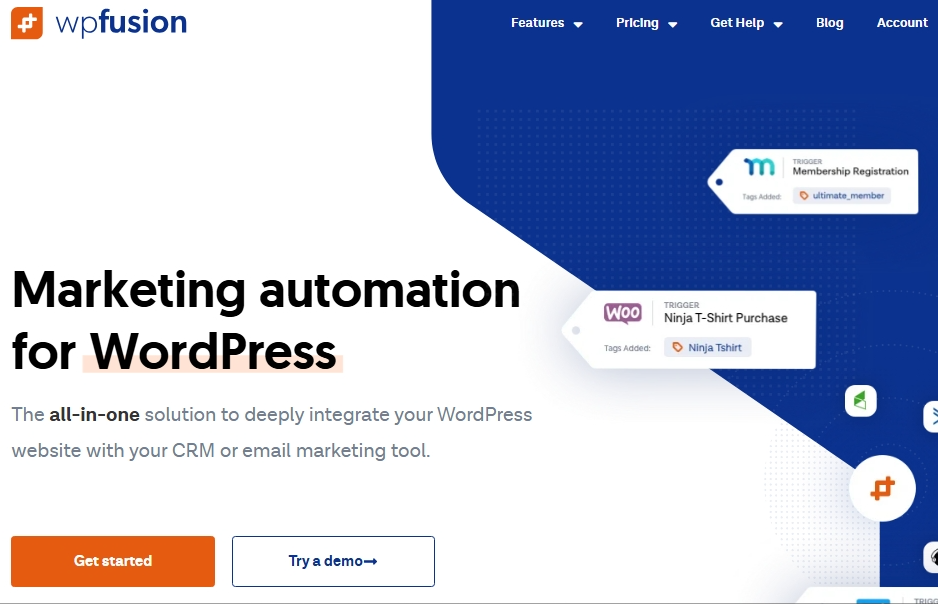
WP Fusion helps synchronise your WordPress users with leading CRMs and marketing automation systems, which keeps user profiles in sync with CRM contact records, and lets you protect your site content based on CRM tags. With WP Fusion, you can provide a tailored service that would improve your customers’ online shopping experience.
Key Features
- Powerful Marketing Automation: WP Fusion brings a suite of powerful tools to WordPress, to help you get the most out of your CRM or marketing automation platform.
- Seamless Integrations: WP Fusion includes support for dozens of plugins on WordPress, allowing you to connect your membership site, store, learning management system, and more to your CRM.
- Task Automation: WP Fusion tracks user activity on your website, applies tags based on user actions, and helps you automate tasks using those tags.
- Sync Customer Data: WP Fusion has an intuitive field mapping system that lets you connect any piece of user data on your site to fields inside your CRM.
Pros
- Easy to install, setup and configure
- Fast, lightweight and easy to use
- Provides the broadest CRM and marketing platform integration.
Cons
- Can be overwhelming for beginners
Price: There’s a free Lite plugin. The premium versions start at $297/year.
Reviews: Not listed
Active installations: 5,000+ (Lite version)
PHP version: 5.6 or higher
Best For: WP Fusion is great for users who run membership sites, e-commerce, or LMS platforms on WordPress and want user data synchronized with their CRM. It is especially useful for WordPress CRM integration, for CRM tools that do not normally work on WordPress.
10. vCita CRM
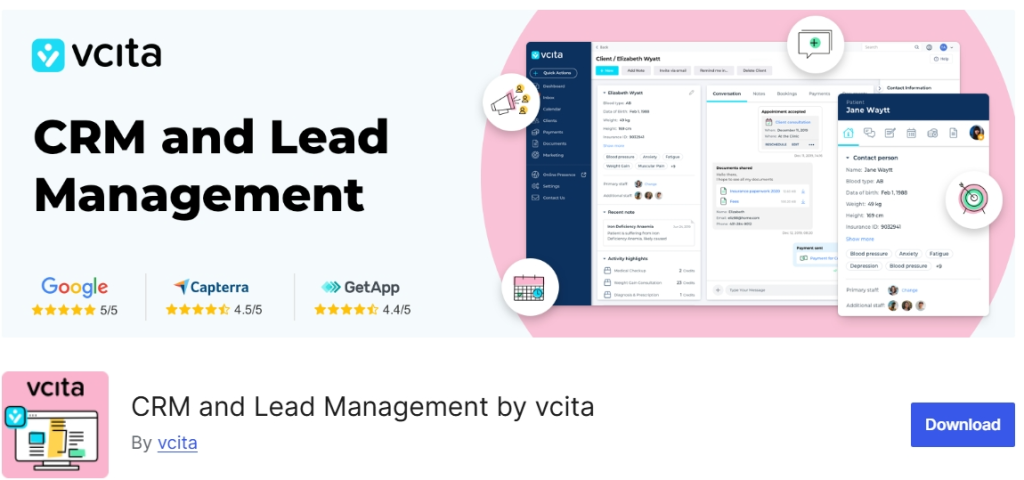
vCita CRM & Leads for WordPress helps you manage leads and customer relationships from your website. It does more than just store customer data, it helps you find new sales opportunities, track leads, and automate client communication with reminders and notifications. With the vcita Client Portal, visitors can message you, book appointments, upload documents, and make payments from any device, making it easier to turn visitors into customers and grow your business.
Key Features
- Lead Capturing & Management CRM – vcita CRM & Leads has features that encourages visitors to make purchase on your site. The plugin captures the contact information of visitors, integrate it into your CRM platform and makes it easy for you to do client follow-up.
- Client Management: The vCita CRM lets you easily organize, search and edit client information and social data, mark for follow-up, request payment or schedule appointments. It updates data on clients’ accounts and enables efficient scheduling and communication.
- Invoicing Templates and Online Payment Collect – vcita CRM lets you create professional invoices that have your logo and details. It also supports online payments options using a credit card or through PayPal.
- Email and SMS marketing – The plugin lets you create targeted email and SMS campaigns for your clients. You can craft beautiful, mobile-friendly emails in minutes and track results and client actions in real time.
Pros
- Easy client management and communication.
- Easy setup
- Responsive customer support
Cons
- Can be expensive as your team and contact numbers grow.
Price: After the 14-day free trial, the cheapest plan is $29 per month.
Reviews: Not listed.
Active installations: Not listed.
PHP version: Not listed.
Best For: vCita CRM is tailored for service-based businesses such as consultants, coaches, or freelancers who need CRM functionality combined with client scheduling, payments, and communication workflows.
11. Groundhogg
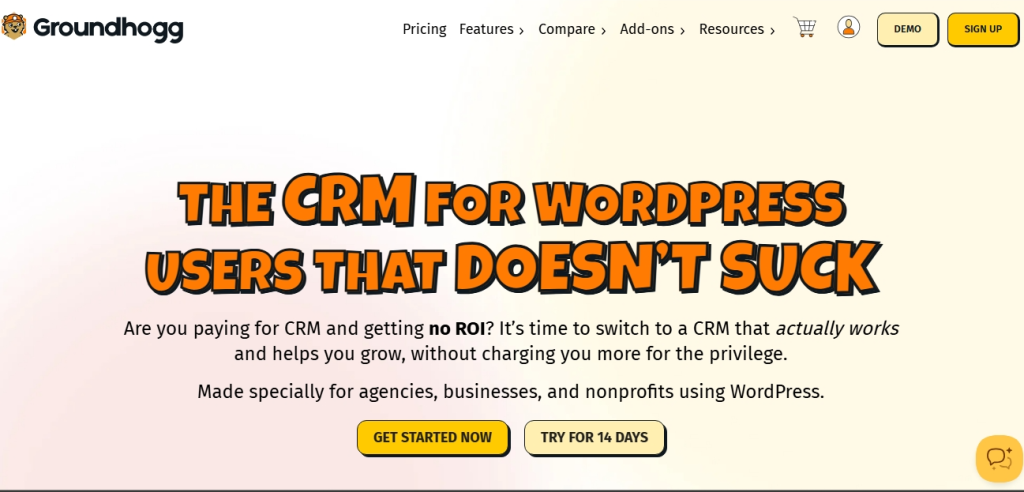
Groundhogg is a popular marketing automation plugin that helps you acquire leads and make sales on your online store. It lets you create flows, email campaigns, and have a CRM all within your WordPress site.
Key Features
- Contact Management: Groundhogg helps you collect, filter, and segment customer data. You can leverage this data to predict or alter customer buying and engagement habits.
- Sales Automation: Groundhogg has features that lets you create bookings, collect payments and manage sales pipeline. Its proven sales tools helps convert leads into returning customers.
- Email Marketing: Get quality email content to your audience fast with Groundhogg’s easy email marketing features.
- Marketing Automation: Automate content delivery, nurture leads, and convert sales using the Groundhogg CRM plugin.
Pros
- Allows for easy integration with many WordPress plugins, such as WooCommerce and Gravity Forms, as well as LMS plugins like LifterLMS.
- Supports multiple language translations.
- Send follow-up emails as replies to increase user engagement.
Cons
- The pricing is higher than many other options.
Price: Free core plugin. The premium plugin starts at $20 per month and goes up to $80 per month for the Agency Plan.
Reviews: 4.9 out of 5 stars on the WordPress directory.
Active installations: 2,000+
PHP version: 7.1 or higher.
Best For: Groundhogg is well suited for small businesses focused on automated marketing without relying on external SaaS platforms. It allows users to manage customer relationships and automate marketing without leaving WordPress.
Reliable Hosting for Your Online Store
Enjoy reliable website performance. fast load times and easy ckeckouts with Hostonce secure ecommerce hosting for online stores
Conclusion
CRMs are very important for users running a business site. Using CRMs to manage your client base makes lead generation, follow ups and conversion easy and stress free. With WordPress CRM plugins, you can collect customer data, and manage interactions from a single dashboard. Be sure to consider the features and pricing of the CRM plugins before making your choice.

Discover the Top 10 WordPress Business Directory Plugins of 2026
By Favour Brown on November 10, 2025FAQs
Do I need a CRM if I already have WordPress?
Yes, a CRM adds customer management and automation features that WordPress alone doesn’t provide. It helps you track leads, follow up automatically, and organize your customer data efficiently.
Are WordPress CRM plugins suitable for small businesses?
Absolutely. Many WordPress CRM plugins offer free or affordable plans that are perfect for startups and small businesses that want professional customer management without big software costs.
Can I integrate WordPress CRM with my email marketing tools?
Yes. Most plugins, like WP ERP, FuseWP, and Zoho CRM plugins, can sync your contacts with email marketing platforms so you can automate campaigns and keep all your contact data updated.
Do WordPress CRM plugins work with WooCommerce?
Many do. Plugins like WP ERP, WP Fusion, and Salesforce WordPress-to-Lead can sync your WooCommerce customers, orders, and activities with your CRM for better sales tracking.

Hostonce is the #1 WordPress Host
Ranked by 930+ customers in G2's Best Software Awards.