
According to recent industry forecasts, global online learning platforms are projected to generate approximately US$56.69 billion in revenue in 2025, with the broader online education market exceeding US$203 billion worldwide. For WordPress-based LMS platforms, this means that choosing reliable LMS hosting is more important than ever, as hosting determines your site’s uptime, scalability, security, and ability to handle increasing numbers of users and content without performance issues.
This article would explain what LMS hosting is, the pros and cons of the available LMS hosting options as well as key factors to consider when choosing a hosting provider for your LMS platform.

Hostonce vs Bluehost Shared Hosting WordPress: Which Hosting Service Delivers Better Value?
By Javeria Riaz on June 15, 2025Key Takeaways
- Choosing the right LMS hosting is critical for performance, security, and scalability of your online courses.
- Self-hosting gives users full control of their LMS platforms but it requires technical expertise, uninterrupted electricity and stable network connectivity .
- Managed hosting means your hosting provider handles maintenance, backups, and security, allowing you to focus on content and user experience.
- Regular backups and strong security measures are essential to protect student data and prevent data losses.
- Using WordPress with compatible LMS plugins like LearnPress, LifterLMS, or Sensei LMS simplifies course creation and platform customization.
Table of Contents
What is LMS?
A Learning Management System (LMS) is a platform that is integrated into a WordPress site to allow a user to create, host, and manage online courses. WordPress LMS supports the publishing of multiple kinds of content. This allows the user to create and publish both written and video instructional content. WordPress LMS also has features that allow visitors to sign up and pay for classes, as well as platforms for grading, keeping student records, and much more.
What is LMS Hosting?
Good hosting is the backbone of any LMS. It provides the site with the hardware, software, and network configurations needed to make the LMS readily accessible to users across the internet. LMS hosting determines how an LMS platform manages its data storage, whether it uses a physical server or cloud storage. When considering LMS hosting, there are two options available: self-hosting and managed hosting.

Simple, Secure, Supported Hosting
Focus solely on creating content and never have to worry about updates, security, backups and overall website maintenance with Hostonce managed WordPress hosting.
What’s the best LMS hosting option for businesses?
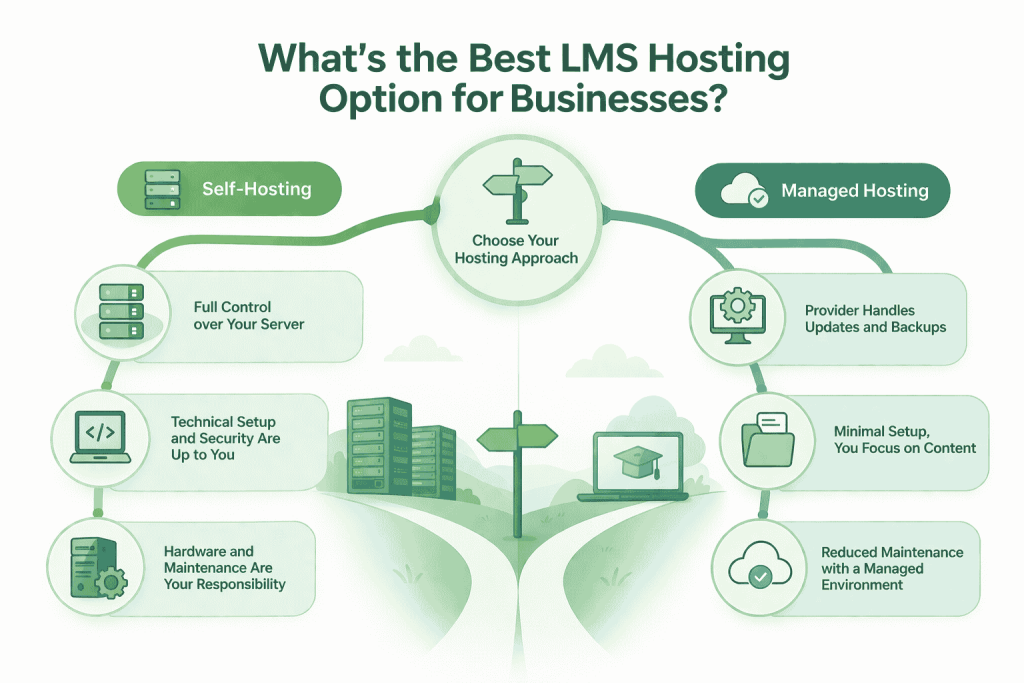
When considering you are faced with two choices which are self- hosting or managed hosting. Let us consider what both could mean for your website.
Self-hosting your LMS
With self-hosting, you manage the hosting environment of your LMS platform. This includes setting up and maintaining your server, installing and updating software, and ensuring your site’s security. While this option gives you the freedom to choose where your server is located and allows you to customize the platform to your taste, it is quite demanding. There is the expense of maintaining the server, the constant electricity and network connectivity requirements, and also the need for a physical server. Self-hosting an LMS platform also requires technical expertise.
Using a managed host for your LMS
Many WordPress users prefer managed WordPress hosting because it takes away the bulk of site maintenance tasks, such as security updates and backups. While managed WordPress LMS hosting does not give users the flexibility they need for extensive server-level configurations, it does make things easier for users. The hosting provider manages the LMS plugin and other tasks, and the user only has to focus on managing and backing up the content they upload.
Quick Tip
Choosing between managed and self hosting for your website is like choosing between control and safety. Choose control if you have the technical knowledge and resources required to launch and manage your website and choose safety/managed hosting if you don’t.
Things to Consider When Choosing a Hosting Provider for Your LMS Hosting
The choice of a hosting provider is critical when setting up your LMS platform. Here are some factors you should consider when choosing a hosting provider, plan, or option for your LMS platform.
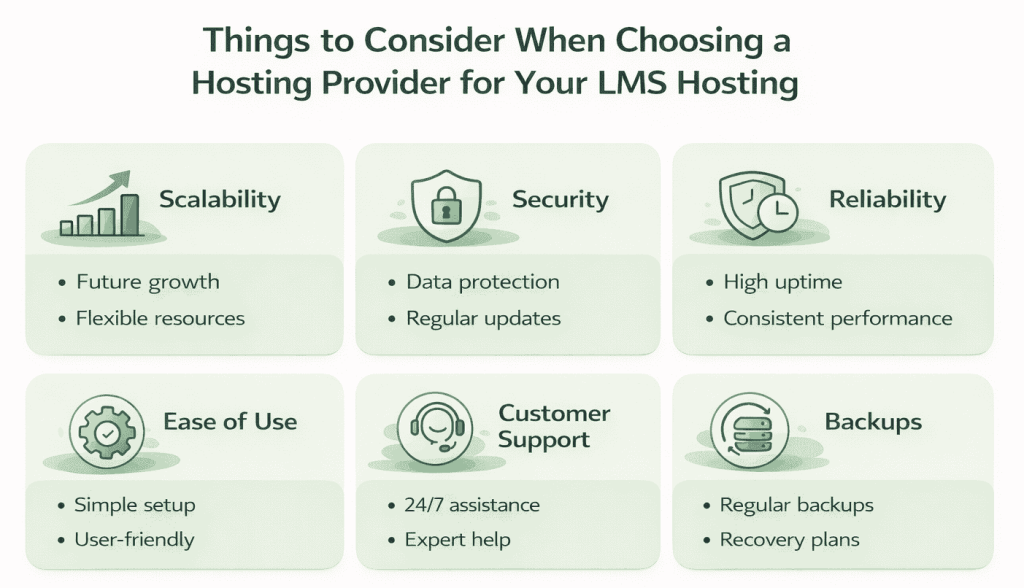
Scalability
As your online learning platform grows, the number of users and your content will also increase. You have to prepare for this growth to avoid performance issues that could arise if you don’t. With a good hosting plan, you will have the necessary resources for your site’s current needs and a scalable setup for future requirements without affecting performance or user satisfaction.
Security
The rise of technology has brought better security measures, but also concerns about hackers and data security. When choosing a hosting provider for your LMS hosting, it is important to select one that follows strict security practices, such as data encryption and timely security updates. This helps keep your students’ data safe.
Reliability
It would be difficult for students to follow through with the courses on your site if they experience a lot of downtime. The best hosting providers guarantee high uptime rates, which determines their dependability. Along with that, hosts that provide Service Level Agreements (SLAs) demonstrate their assurance in providing reliable services and are usually a better choice. With a good hosting provider, your users will have great learning experiences, which helps establish credibility with your audience.
Ease of use
Using hosting platforms like WordPress, combined with LMS plugins, helps simplify the LMS hosting process. To do this, choose an LMS plugin like Sensei LMS, which easily integrates with WordPress. The plugin also offers intuitive content creation tools and provides a library of pre-designed templates. Choosing a managed hosting option, along with using platforms like WordPress, makes for a good choice to ease LMS hosting.
Customer support
While hosting providers do everything they can to avoid glitches in the hosting process, issues cannot be completely eliminated. If you choose to self-host your LMS platform, the responsibility for backup and troubleshooting rests solely on you and your IT team. If you choose to work with a web hosting company, they provide dedicated support teams that offer expert solutions when needed. Before deciding between self-hosting and managed hosting or choosing a hosting provider, consider whether you will need support and the provider’s available support options.
Backups
Having backups helps mitigate the setbacks associated with data loss. A good hosting provider offers regular backup plans and recovery strategies for users. If you choose self-hosting, backups will have to be handled by your in-house team.
Reliable Hosting for Your Website Needs
Try Hostonce hosting for reliable website performance, data security, steady customer support and room to grow without disruption.
WordPress LMS Hosting in Four Steps
WordPress LMS hosting can be done in a few simple steps as outlined below:
Step 1: Choose and Install an LMS Plugin
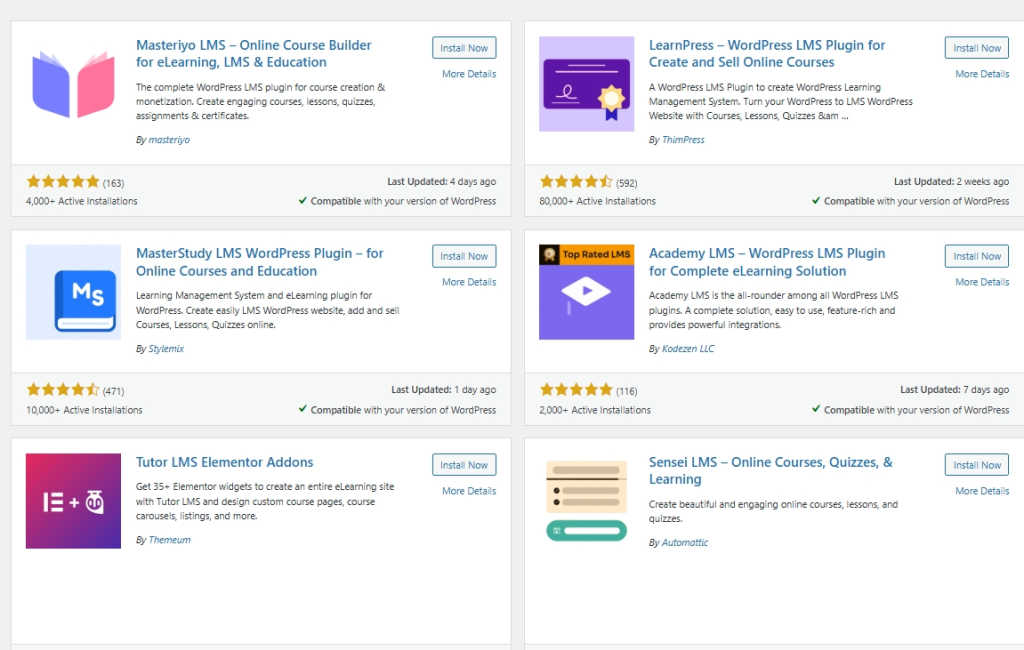
There are several excellent LMS plugins that easily integrate with WordPress. Each of them has its advantages and disadvantages. Many of these plugins come with ready-to-use templates and theme integrations, making it easy for users to set up their LMS platforms. Available LMS plugins include LearnPress, LifterLMS, MemberPress, LearnDash, and others.
Step 2: Setup the LMS Plugin
After installing and activating the LMS plugin, the next step is to set it up. This involves filling in your personal details, customizing your plugin settings, and setting up payment gateways and payment information.
Build Your Website on Stable, Optimized Servers
Experience fast page load speed, seamless user interactions, and reliable uptime with Hostonce VPS hosting solutions.
Step 3: Create Website and LMS Pages Manually
After the initial setup, the next step is to create the standard pages for your LMS platform. Depending on the LMS platform you choose, you may have a template with pre-set page layouts already set up for you to customize to your taste. Alternatively, you might have to create them manually yourself.
To do this, you would need a WordPress theme like Divi, which easily integrates with LMS plugins and allows you to customize your platform to suit your preferences. With LearnPress, the main pages are already created for you, but there are other pages you need to create yourself. These include:
- A student dashboard where students can view their progress, completed courses, upcoming courses etc.
- A course landing page that describes the courses along with testimonials from other users.
- Courses page that lists out all your courses.
- Individual course pages that lists out the lessons for each course with links.
- Lesson pages that shows the video and written content for the lesson.
- A quiz page for each lesson.
Expert Tip
When choosing your LMS hosting, don’t make your decision based on cost alone. Choose a plan that can grow with you and can keep your data secure. Using a plan that gives you automated backups, steady website uptime, and SSL encryption will save you from website downtime or data loss as your platform grows.

Essential plugins to install regardless of your hosting provider or hosting option
To ensure smooth workflow and easy use of your platform, there are some plugins that you need to install. Here are some of those plugins:
Jetpack
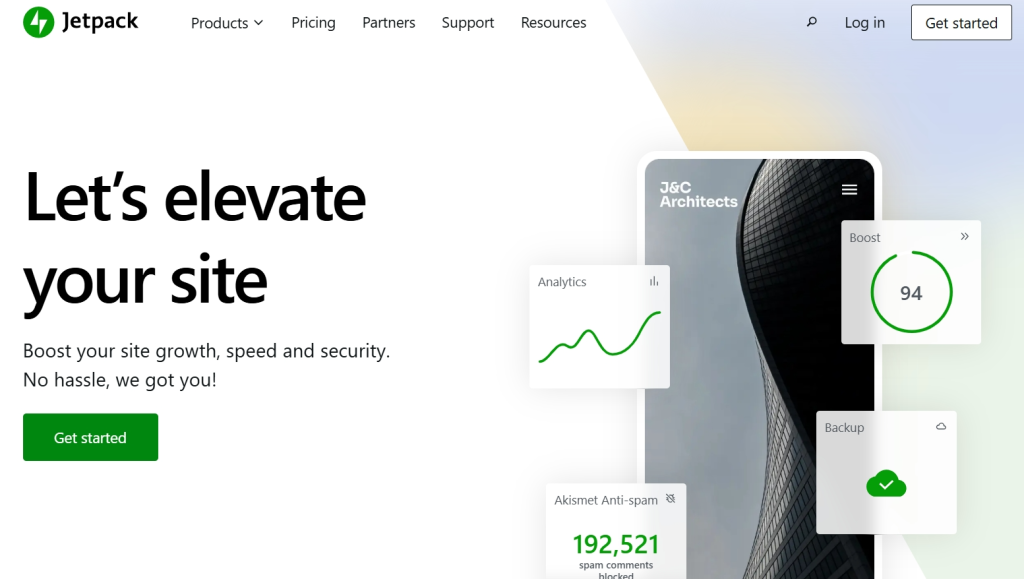
Jetpack is a WordPress security plugin. It also helps you manage your sites performance. With Jetpack, you can boost your site’s security and also gain valuable insights into its performance.
Yoast SEO
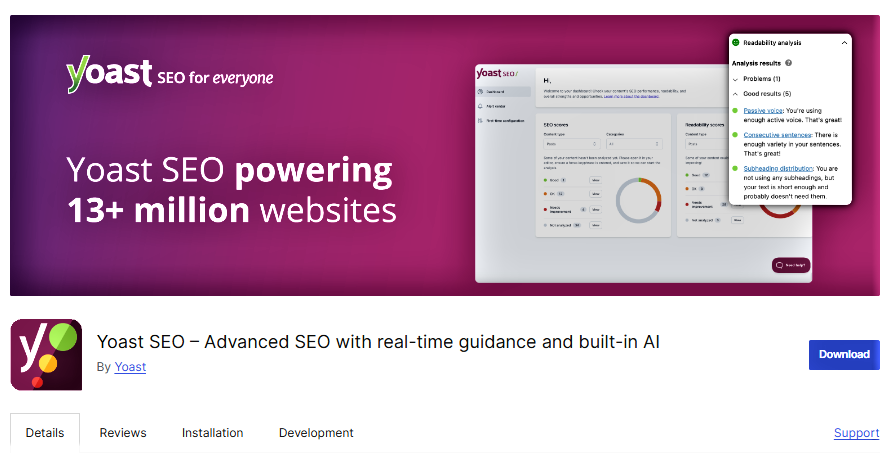
WordPress SEO plugins like Yoast SEO helps you optimize your course content for search engines. This helps to enhance your visibility and reach a wider audience.
WooCommerce
If you are looking to sell your courses or any merchandise, WooCommerce is a versatile and powerful plugin that helps you add e-commerce functionality to your site.
Conclusion
WordPress LMS hosting is one of the easiest LMS hosting solutions. It enables users to create courses with little or no technical efforts. Users can choose to host their LMS platforms themselves on a dedicated server or they could also choose a managed LMS hosting option. Both have their own advantages and disadvantages in terms of flexibility and difficulty. When choosing a hosting provider for your LMS hosting, it is important to choose one like Hostonce that can guarantee steady uptime and security for your website.

Bluehost Professional Email
By Javeria Riaz on July 4, 2025FAQs
Should I choose self-hosting or managed hosting for my LMS?
Self-hosting gives you full control but requires technical expertise and ongoing maintenance. Managed hosting reduces your workload by handling updates, security, and backups, making it ideal for non-technical users.
Why is uptime important for LMS hosting?
High uptime ensures your students can access courses consistently. Hosting providers with Service Level Agreements (SLAs) guarantee reliable access and minimize downtime.
Which LMS plugins work best with WordPress?
Popular LMS plugins include LearnPress, LifterLMS, LearnDash, MemberPress, and Sensei LMS. Each has templates, theme integrations, and unique features suited to different needs.
Can I customize the look and feel of my LMS?
Yes. Using WordPress themes like Divi and compatible LMS plugins, you can customize pages, templates, and layouts to match your branding and course style.

Hostonce is the #1 WordPress Host
Ranked by 930+ customers in G2's Best Software Awards.