Email marketing is projected to still deliver one of the most significant returns on investment of any digital marketing channel into 2026. New reports indicate that email marketing campaigns are yielding a return of $36 to $42 for every dollar spent, outpacing social media and paid advertising. As 4.6 billion people are anticipated to have access to email worldwide by 2026, it has become increasingly vital for marketers to be able to drive retention and revenue growth as more and more marketers turn to email as a strategic tool. With growing competition for consumer attention and increasing concerns around data privacy, the proper email marketing platform is more important than ever.
Selecting the proper email marketing platform is important for determining future deliverability and engagement, as well as how well the platform automates and the conversions it generates. Poor selection can lead to poor inbox placement, little automation, a lack of analytics, and a budget wasted on the wrong email marketing tool. The right tool, on the other hand, helps marketers develop and send more targeted campaigns, automate lead nurturing, and continue to drive growth while managing complexity.

47 Key Digital Marketing Growth Statistics In 2026
By Aliza Irfan on June 11, 2026Key Takeaways
- The right email marketing software is essential to long-term success since email marketing is still one of the digital channels with the highest ROI.
- The most appropriate email marketing software will depend on your business requirements and will reflect a good combination of user-friendliness, automation, deliverability, and analytical capabilities.
- Most beginners and small businesses will prefer simple and cost-effective solutions, whereas advanced users will demand more automation and more integrations.
- eCommerce brands should prioritize software that has store integrations and possesses capabilities for tracking user behavior and attributing revenue.
- Though free plans will help you get started, as your email list becomes larger and as your strategies get more sophisticated, an upgrade will become necessary.
- Better email marketing software alignment with your goals and scaling will result in more engagement, increased conversions, and increased ROI.
Table of Contents
- What Are Email Marketing Tools?
- Key Features to Look for in Email Marketing Tools
- The 13 Best Email Marketing Tools
- Tool #1: Mailchimp
- Tool #2: Brevo
- Tool #3: Constant Contact
- Tool #4: ConvertKit
- Tool #5: ActiveCampaign
- Tool #6: GetResponse
- Tool #7: AWeber
- Tool #8: HubSpot
- Tool #9: Moosend
- Tool #10: Klaviyo
- Tool #11: Campaign Monitor
- Tool #12: Drip
- Tool #13: MailerLite
- How to Choose the Right Email Marketing Tool
- Common Mistakes to Avoid When Using Email Marketing Tools
- Final Thoughts
- FAQ

Launch Your Website Today
No matter which path you choose, you need a strong hosting foundation to grow online. Get secure, fast, and beginner-friendly web hosting to power your digital journey.
What Are Email Marketing Tools?
Email marketing tools are systems that allow users to design, distribute, and analyze marketing emails at scale. The main goal of these programs is to allow companies to achieve timely, personalized, and effective communication with subscribers, removing the drudgery of sending emails manually and the need for advanced technical skills. These tools combine email creation, audience management and segmentation, automation, and performance tracking into one platform.
In addition to newsletters, modern email marketing tools help grow businesses by fostering customer journey automation, nurturing leads, and converting subscribers to customers. Because of triggered emails, behavioral targeting, and A/B testing, marketers can improve open and click-through rates with time-saving emails and improve messaging to increase overall conversions.
Key Features to Look for in Email Marketing Tools
- Email Builder and Templates – Easily create and edit mobile-responsive emails in moments with drag-and-drop openers and design templates.
- Automation and Workflow—Improve user engagement by sending emails automatically based on a predetermined user action, time, or behavioral trigger.
- List Management and Segmentation – Group your subscribers into smart segments to provide all your audiences with the most relevant and personalized messaging.
- Analytics and Reporting – Analyze the performance of a campaign in order to improve future initiatives by tracking opens, clicks, conversions, and ROI.
- Integrations with Other Platforms – Easily share data with CRMs, eCommerce stores, CMS, and analytics tools for faster workflows.
- Deliverability and Compliance (GDPR, CAN-SPAM) – Emails should comply with data protection and anti-spam regulations to reach the intended audience.
The 13 Best Email Marketing Tools
Below is a list of the 13 best tools for email marketing for 2026, with each tool being compared and reviewed using the same framework, making it easy to notice the variation in features, strengths, and drawbacks of each tool.
Tool #1: Mailchimp
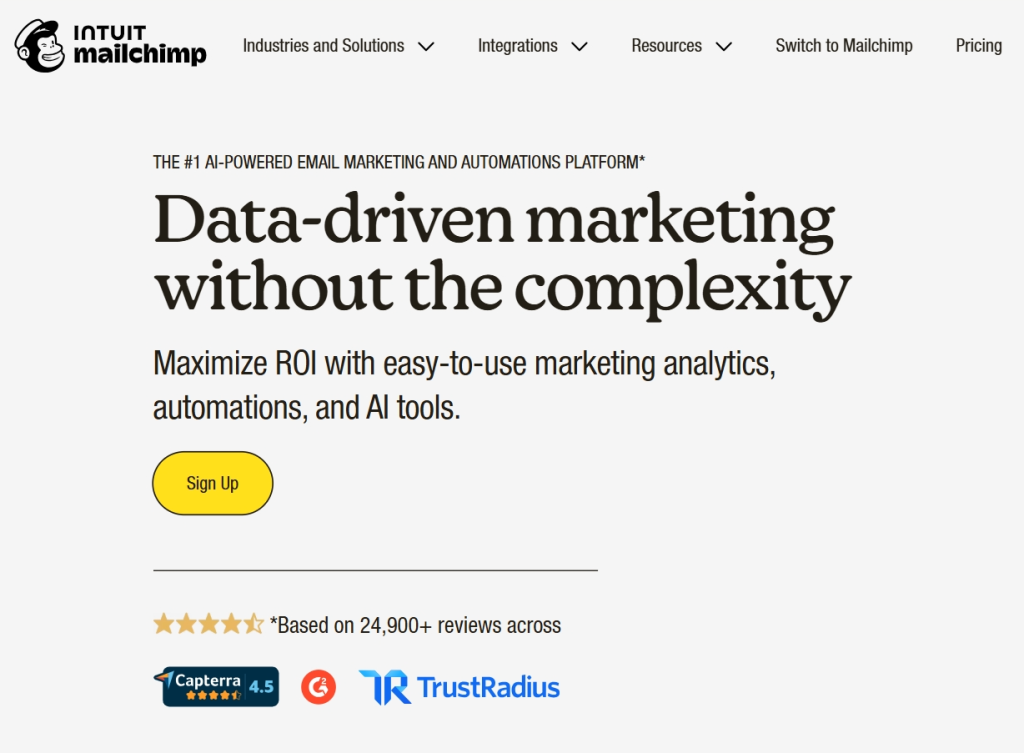
Mailchimp is among the largest email marketing platforms in the world and is a favorite for many of the new entrants in the email marketing field, as well as small businesses. Mailchimp has an easy-to-use interface, good products in the branding category, and many available integrations. Over the years, Mailchimp has developed beyond being just a newsletter tool and has become a more sophisticated, all-in-one marketing tool that has automation features, analytics, and rudimentary CRM tools. However, it does get expensive as your list of subscribers grows.
Key Features
- Email drag-and-drop function
- Predictive behavior analysis
- Customer journey tracking and workflow automation
- Insights and analysis of your audience
Pros & Cons
| Pros | Cons |
| Straightforward and easy-to-understand | Pricing technology for email automation scales habits |
| Massive email and marketing CAD library | Lower plans mean less automation |
| Email and marketing scheduling tools | Limited automation for free and basic plans |
Tool #2: Brevo
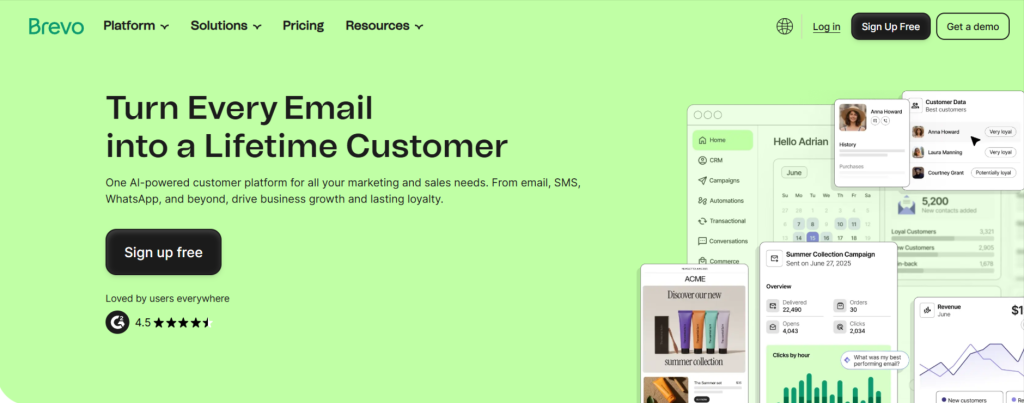
Brevo, previously known as Sendinblue, integrates SMS (texting) with emails, marketing, and operational message automation for a general and specific purpose with a multi-functional and singular platform that is cost-saving with a growing email and SMS list. Brevo’s transactional emails for emails and forum marketing are for both general and targeted marketing. The functionality for scheduling emails and SMS is lower than other premium platform tools, which is Brevo’s main offered service.
Key Features
- Extensive automation for workflows
- Email campaigns with SMS automation
- Transactional and built-in customer management with emails
Pros & Cons
| Pros | Cons |
| Straightforward and easy-to-understand | The older interface didn’t have modern design options |
| Email and SMS converging for marketing | Email design templates are basic |
| Effective and Easy for workflow automation | Lost technology habits for automation in emails. |
Tool #3: Constant Contact
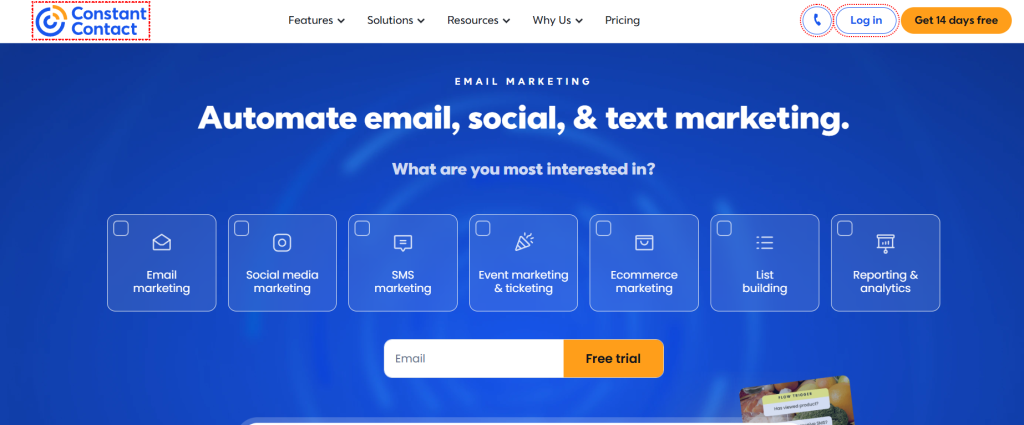
Constant Contact focuses on ease of use, reliability, and customer service rather than sophisticated automation. Users without technical knowledge can still use simple tools for newsletter creation, event marketing, and surveys. The platform focuses on deliverability and offers step-by-step onboarding for users, but it doesn’t offer advanced workflows like more modern alternatives.
Key Features
- Drag and drop email builder
- Event and survey tools
- Engagement tracking
Pros & Cons
| Pros | Cons |
| Amazing customer service | There is no free plan |
| Onboarding is very simple | Not a lot of automation |
| Deliverability is always reliable | Not a lot of advanced features |
Tool #4: ConvertKit
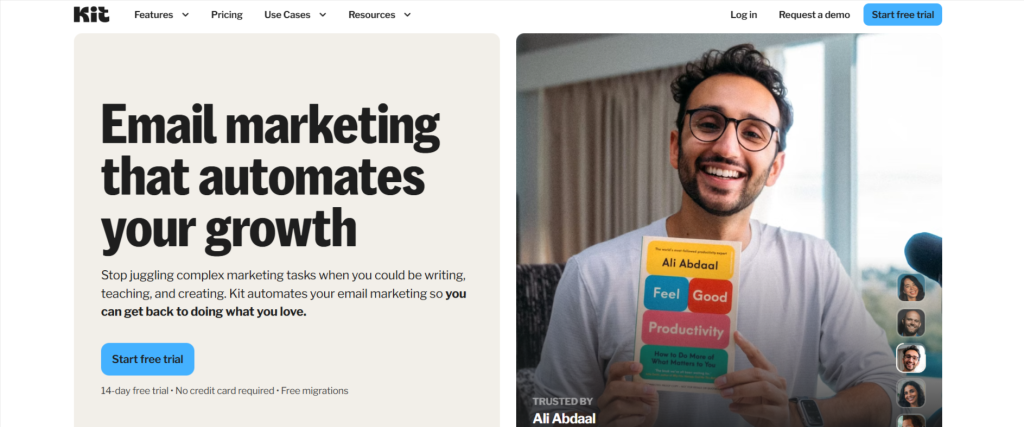
ConvertKit is aimed toward digital creators who focus on audience building and monetization. They use a tag-based system rather than the traditional lists, which allows for a more flexible and intuitive approach toward segmentation. This platform is great for automation, subscriber journeys, and creator-centric tools like forms and landing pages. Users can expect a more functional system if they don’t prioritize strong email design options.
Key Features
- NoCode automation builder
- Tag-based segmentation
- Forms and landing pages
Pros & Cons
| Pros | Cons |
| Great automation | Less design freedom |
| Creator-focused features | Higher pricing |
| Great subscriber management | Not the best for eCommerce |
Tool #5: ActiveCampaign
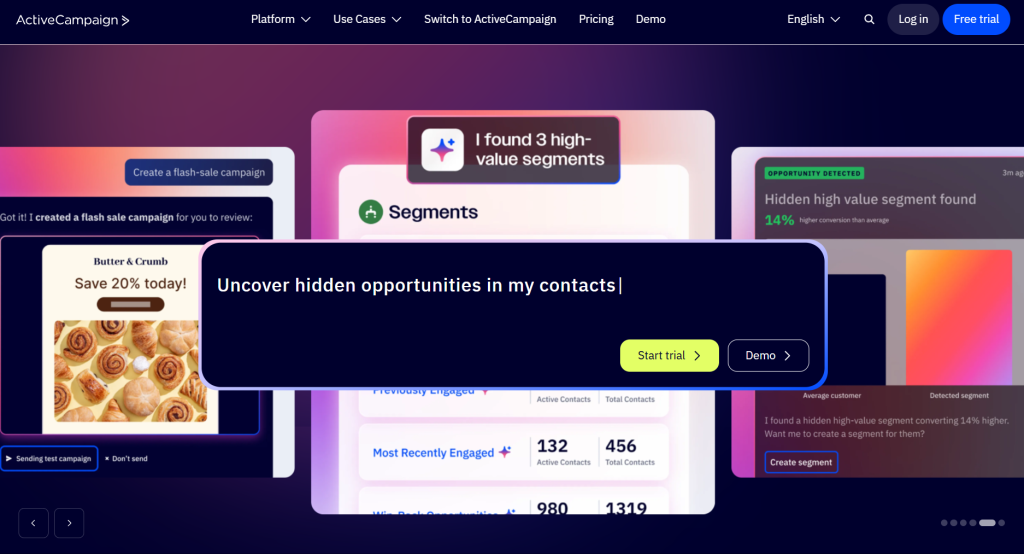
ActiveCampaign is a suite of tools for automation in email marketing and customer relationship management with a focus on behavioral tracking. It is a robust platform consisting of marketing automation, and it is easy to use for email drawing. It is well known for its effective automation, and because of its high functionality, it is best for those who focus on high-level tools.
Key Attributes
- Automation and CRM
- Behavior Tracking
- Predictive Sending
Pros & Cons
| Pros | Cons |
| Best Automation in Industry | Steep Learning |
| Built-in CRM | Expensive for small teams |
| Deep Personalization | The interface is complicated |
Tool #6: GetResponse
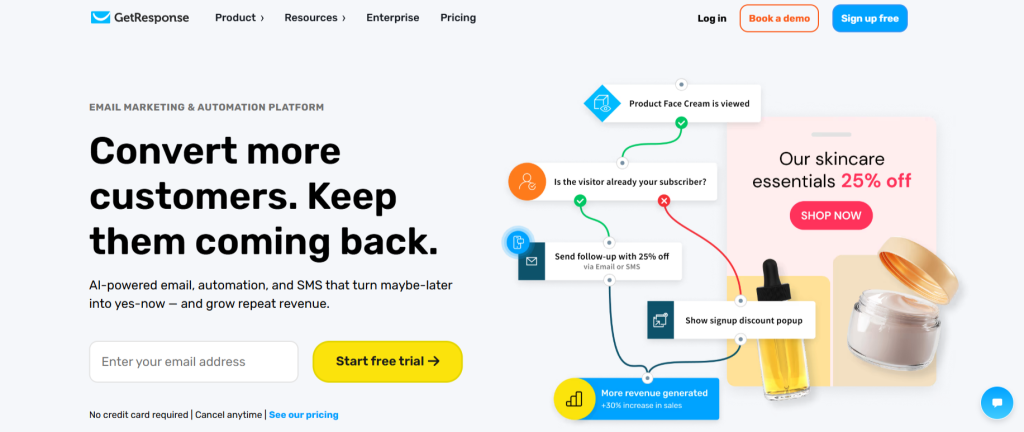
GetResponse is an all-in-one marketing tool that has been useful for marketers running funnels, online courses, or live events. They have all of their marketing tools at a basic level and do have a dated interface, though it is a solid tool for automations and conversions. As you add more features, pricing increases.
Key Attributes
- Email Marketing
- Funnel Builder
- Webinars
Pros & Cons
| Pros | Cons |
| All-in-one Marketing | Outdated Interface |
| Good Automation | Price Increases Quicker |
| Webinars | Templates are Limited |
Tool #7: AWeber
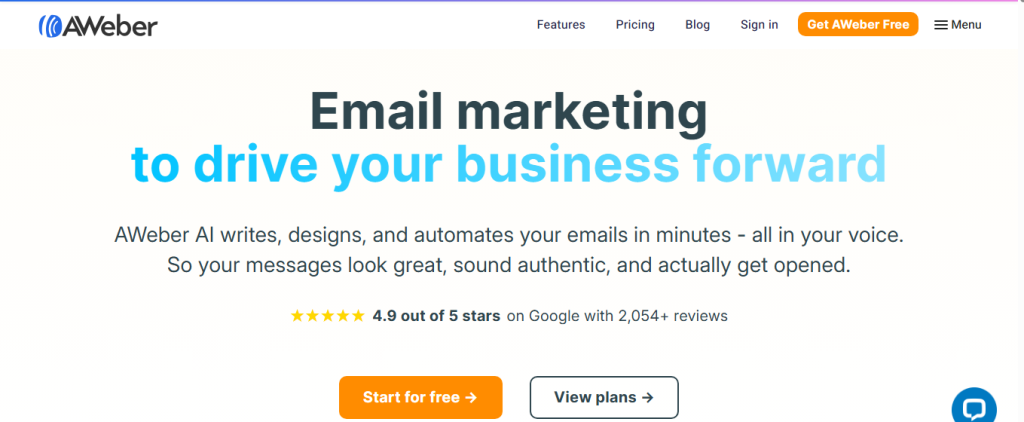
AWeber has been around for quite some time and is very reliable. It is one of the more core and simple email marketing tools, with basic automation, autoresponders, and AMP for Email. It doesn’t have advanced automation, but it remains dependable for a more straightforward campaign. For users who want a less complicated setup, it is certainly a more appealing tool.
Key Features
- Drag-and-drop interface
- Email autoresponders
- AMP for Email
Pros & Cons
| Pros | Cons |
| Reliable deliverability | Limited automation |
| Easy to use | Basic segmentation |
| Good customer support | Average analytics |
Tool #8: HubSpot
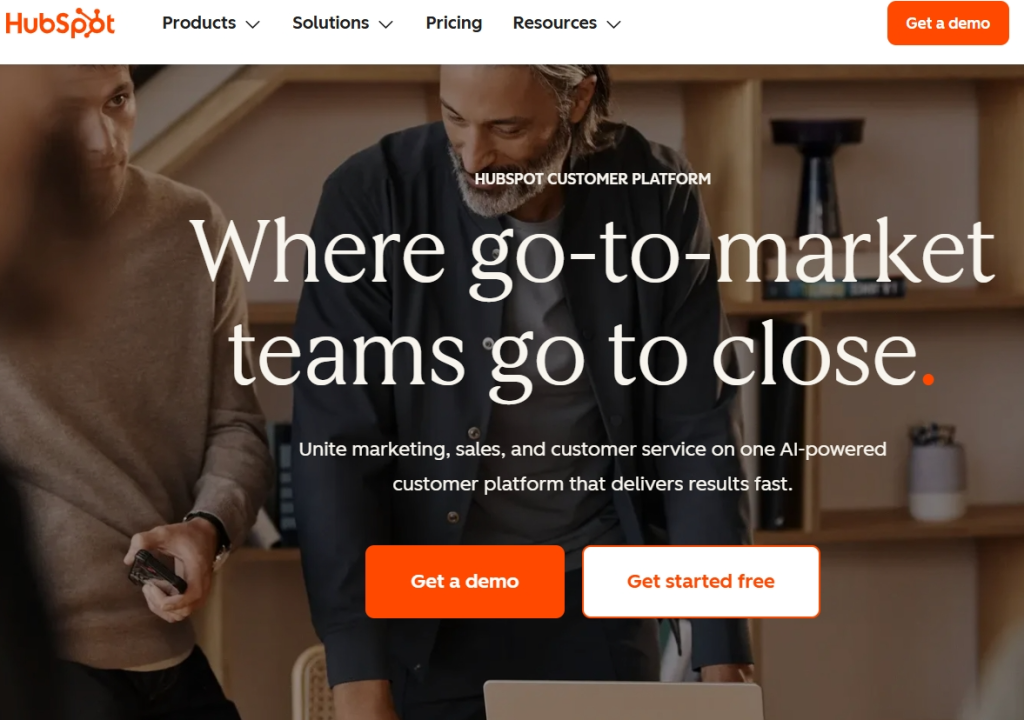
HubSpot email marketing is part of a large customer service and marketing ecosystem. This allows a business to link email campaigns to sales pipelines and customer data. This platform is user-friendly for customizing individual marketing campaigns and generating sales reports. Pricing is on the higher end for bulk unsorted contracts.
Key Features
- Email marketing as CRM
- Email marketing campaign
- Better customer service
Pros & Cons
| Pros | Cons |
| Powerful CRM integration | Very expensive at scale |
| Strong reporting | Limited free tier |
| Enterprise-grade automation | Overkill for beginners |
Tool #9: Moosend
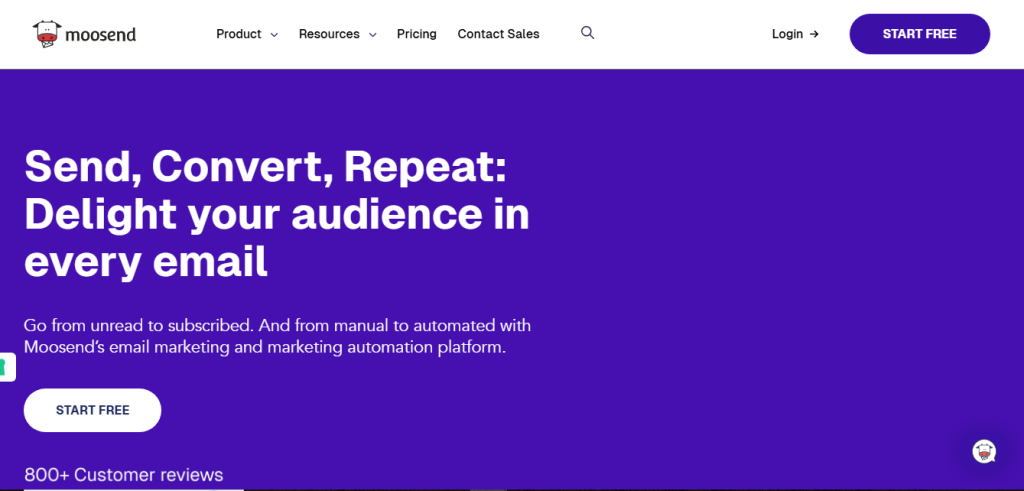
Moosend is one of the email marketing automation platforms. Email campaigns for marketing in a user-friendly interface with a visual flow of the process. Moosend is popular for strong basic automation and starts at even 70+. Moosend is for marketing email campaigns.
Key Features
- Automation workflows
- Personalization tools
- Real-time analytics
Pros & Cons
| Pros | Cons |
| Affordable pricing | Limited integrations |
| Easy automation setup | Smaller template library |
| Clean UI | Fewer advanced features |
Tool #10: Klaviyo
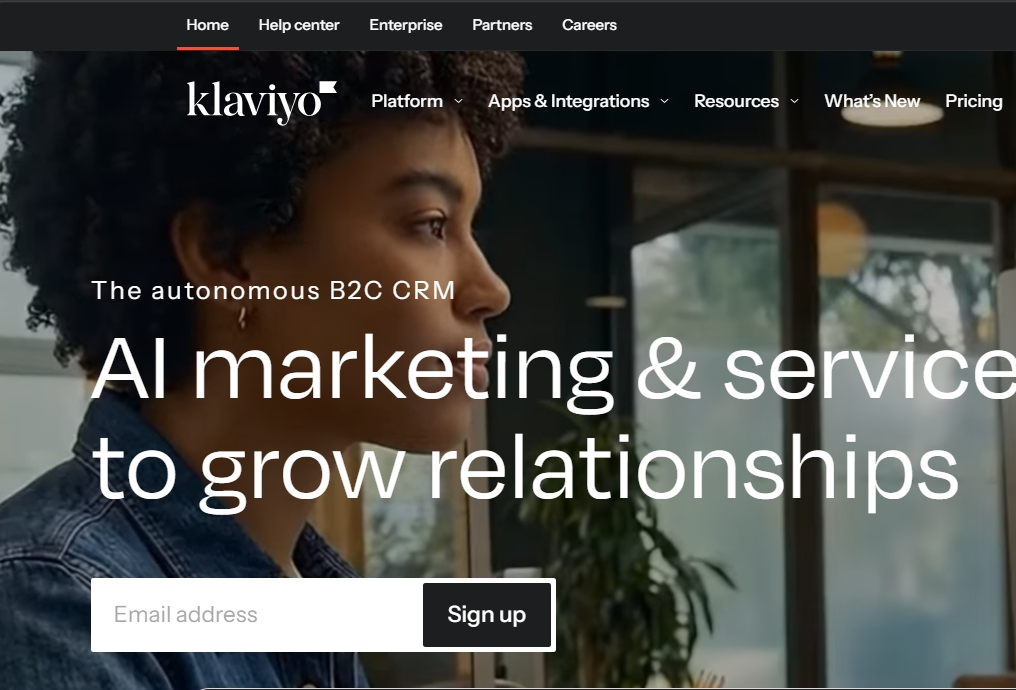
Klaviyo is built specifically for eCommerce brands and data-driven email marketing. It integrates deeply with platforms like Shopify and WooCommerce, allowing precise segmentation and revenue tracking. The platform excels at personalization and lifecycle marketing but comes at a premium price. Setup can be complex for beginners.
Expert Tip
Don’t choose an email marketing tool based on features alone—choose it based on how well it fits your workflow and automation needs. A simpler tool that you actually use consistently will outperform a complex platform you barely touch. Focus on segmentation, automation, and analytics first, then scale to advanced features once your email strategy matures.

Key Features
- Deep eCommerce integrations
- Advanced segmentation
- Revenue attribution
Pros & Cons
| Pros | Cons |
| Best-in-class for eCommerce | Expensive |
| Powerful personalization | Complex setup |
| Strong revenue analytics | Not creator-focused |
Tool #11: Campaign Monitor
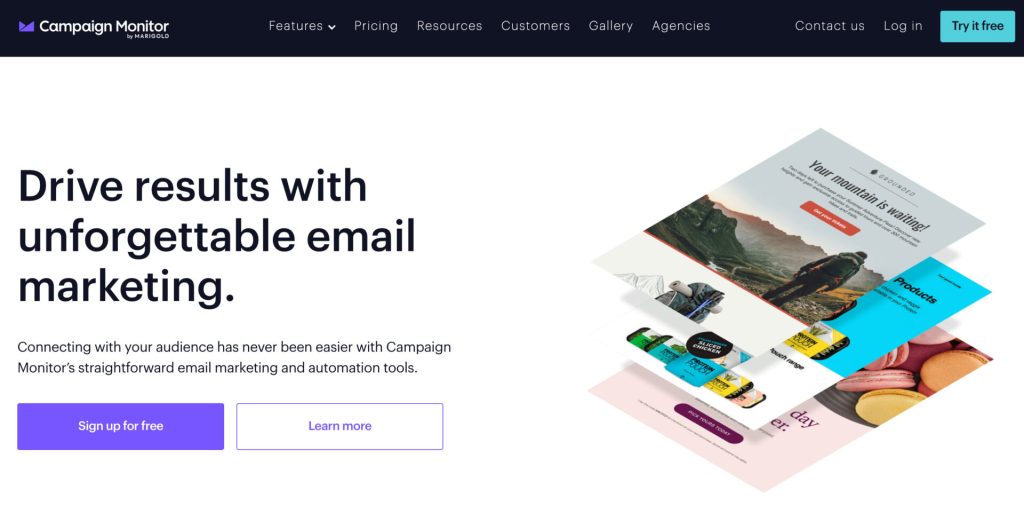
Campaign Monitor is known for its strong focus on email design and branding. It offers professional templates, visual journey builders, and excellent brand control. While automation is solid, CRM features are limited compared to competitors. Pricing is higher, especially without a free plan.
Key Features
- Quality of templates
- Visual automating of journeys
- Control of branding
Pros & Cons
| Pros | Cons |
| Excellent design tools | No free plan |
| Good automation | Limited CRM features |
| Strong branding | Higher pricing |
Tool #12: Drip
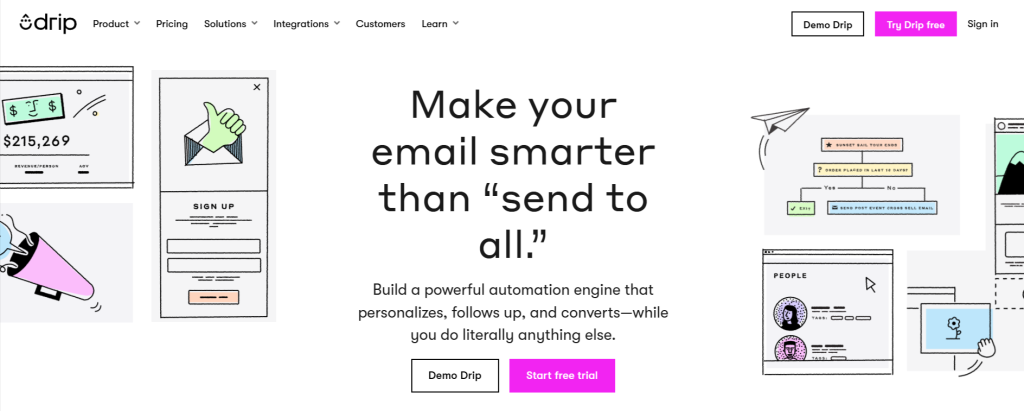
An impeccable email automation tool called Drip is primarily built for eCommerce businesses. Drip is concerned about customer journeys, behavior tracking, and revenue attribution. While Drip provides automation on a large scale, it is not beginner-friendly due to the templates and easy setup being absent. However, pricing is due for the features to be advanced.
Key Features
- Automation of customer journeys
- Tracking of behavior
- Analytics of revenue
Pros & Cons
| Pros | Cons |
| Advanced automation | Expensive |
| Strong eCommerce focus | Not beginner-friendly |
| Detailed analytics | Limited templates |
Tool #13: MailerLite
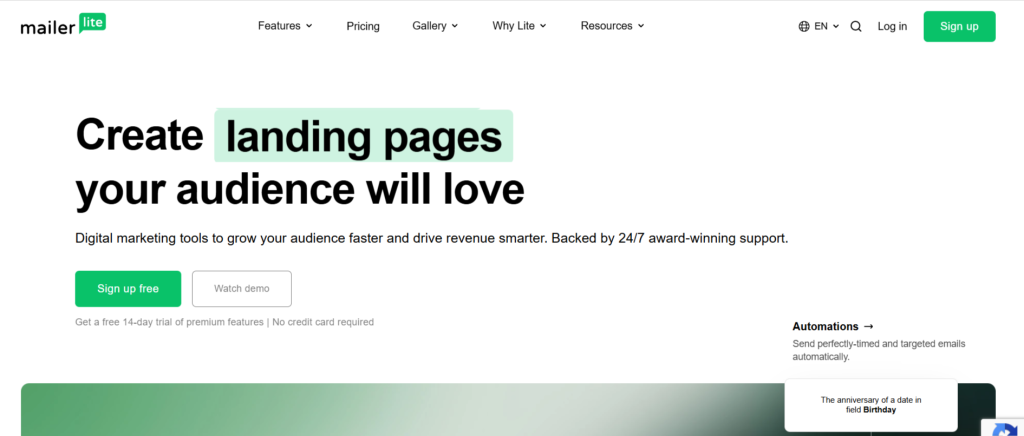
One of the easiest email marketing applications, MailerLite, is very beginner-friendly. It is built in a way to incorporate a low-touch approach and is set on affordability. MailerLite performs well on basic campaigns, and to get there, it has automation features, landing pages, and forms. While unnecessary complexity is avoided, MailerLite is, on the whole, very easy to adopt.
Key Features
- Editor based on drag and drop
- Automation of a basic nature
- Landing pages, forms, and More
Pros & Cons
| Pros | Cons |
| Very affordable | Limited advanced automation |
| Easy to use | Basic analytics |
| Clean interface | Fewer integrations |
How to Choose the Right Email Marketing Tool
Your company size, goals, target audience, and budget may all influence how best to decide between email marketing tools. The best possible choice is not always the most expensive choice. It is all about what is best suited to the company and what provides the best opportunity for future growth.
Grow Online with Confidence
Take the next step toward building your digital presence. From hosting to tools that support your growth, Hostonce has everything you need to succeed—whether you’re starting a blog or scaling a business.
For Beginners and Small Businesses
Small companies and beginners often look for affordable tools that are easy to use. They should also look for tools that have templates, automated email processes, and help with list management. A less complex tool, with simple setups and straightforward campaign checklist interfaces, would help launch email marketing processes at a rapid pace.
For Bloggers and Content Creators
People who create and sell works often target a specific audience, and to best do that, they should have simple marketing tools that help automate marketing and audience growth. It would also help to have funnels and page builders that can create signup forms. These are often of greater importance than tools built to have complex sales systems.
For eCommerce Stores
Stores that sell for eCommerce purposes should find tools with a deep understanding of tracking consumer behavior, revenue systems, and how to integrate with the company stores. Certain features that help provide recommendations of popular products, target purchase emails, and track consumer behavior can help increase sales and a customer’s value.
Common Mistakes to Avoid When Using Email Marketing Tools
- Low-cost tools come with deliverability, automation depth, and scalability limitations. This could create higher costs in the future if you need to migrate to a different platform.
- Sending emails without tracking inbox placement, open rates, or conversions is a one-way street with no opportunity for improvement in performance or ROI.
- Automation without personalization is like taking away the heart and soul of a campaign, deflating passion towards the intended target. Impersonal campaign emails often result in subscribers losing interest or disengaging altogether.
- Keeping contacts who do not interact with your emails or who have invalid emails diminishes your deliverability and inflates the costs of subscriber-based pricing.
Final Thoughts
Having a good, reliable email marketing software can make the difference between success and failure in your engagement, conversions, and growth. In this guide, we attempted to cover beginner-level email marketing software like MailerLite and Mailchimp to email marketing growth engines like ActiveCampaign, HubSpot, and Klaviyo, which are built for data-driven email marketing. There is no one-size-fits-all.
Above all, your email marketing software should tie in with your organization’s goals. Content creators may want to streamline for ease of use and rapid audience growth, while eCommerce brands will want greater visibility and control over sales and deeper integration, whereas agencies will require complex workflows and flexibility. Choosing a tool that fits how you operate now and how you will in the future can save a lot of time and money from having to switch systems and can help you avoid tools that do not solve your needs.
Get started with platforms that won’t wear your pocket thin and make a point to focus on the creation of campaigns and the compiling of quality lists. After building an audience and maturing your strategies, advanced automation and analytical tools can be added to your stack without breaking your flow.
FAQ
Are Email Marketing Tools worth it?
Most free plans are great for hands-on learning, but they also come with added limitations on automation and support. Even with free plans, when lists grow large enough, upgrading to a premium plan becomes necessary to retain your lists and campaigns' performance and deliverability.
Which has the best automation of processes?
ActiveCampaign has advanced automation, and HubSpot has advanced automation with great CRM features.
What would be the best tool for ecommerce email marketing?
For eCommerce businesses, the answer is Klaviyo, with its robust analytics, revenue-driven features, and intricate segmentations. Another great option for heavily automated stores is Drip.
Is it possible to switch to different email marketing tools in the future?
Yes, the majority of platforms offer the ability to transfer contact lists, tags, and data from campaigns. Although changing tools requires some strategy, it is typical as companies expand and need more developed capabilities.

Top 10 New Year Marketing Campaigns to Drive Growth in 2026
By Festus Nkopuruk on May 12, 2026
Hostonce is the #1 WordPress Host
Ranked by 930+ customers in G2's Best Software Awards.