WordPress website migration has become easier than ever. Over 45% of WordPress clients switch to new hosts, more than 30% move their websites once a year, and 38% experience downtime after a transfer. Currently, there are WordPress websites tracking over 43% of websites worldwide. As a result, safe and effortless migration has become a priority for site owners.
Moving a website manually can result in downtime, data loss, broken site links, loss of trust, and damage to SEO. Migration plugins solve this by offering automated backups, one-click transfers, and improved database management. The processes become faster and safer.

Raising WordPress Default Memory Limit for Hostonce Clients
By Favour Brown on May 1, 2026Key Takeaways
- Manual methods of moving your WordPress site will be a lot slower, less safe, and will move the site with increased difficulty compared to moving your site with a migration plugin.
- For beginners, All-in-One WP Migration, WPvivid, and Migrate Guru are excellent options.
- Advanced users, such as those with Migrate Guru or BackupBuddy, will benefit from the added features of staging and support for larger sites, such as Duplicator Pro or BlogVault.
- To prevent downtime or data loss, always back up your site before migrating.
- Considering your site’s size, hosting environment, and your level of technical comfort will help you choose the right plugin.
Table of Contents
- What to Look for in a WordPress Migration Plugin
- Best WordPress Migration Plugins
- 1 – All-in-One WP Migration
- 2 – Duplicator
- 3 – UpdraftPlus Migrator
- 4 – Migrate Guru
- 5 – Jetpack VaultPress Backup
- 6 – WPvivid Backup & Migration
- 7 – BackupBuddy
- 8 – Super Backup & Clone – Migrate for WordPress
- 9 – BlogVault
- Is Your Migration Plugin Going to Cause Performance Issues?
- Final Thoughts
- FAQ
What to Look for in a WordPress Migration Plugin
Out of the different kinds of migration plugins available, choosing the most suitable one is key to ensuring the migration of your website is an easy and seamless process. One of the features you should consider when selecting a migration plugin is the ability to
One-Click or Automated Migrations
A good plugin should eliminate unnecessary complexities in the transfer process. It should allow for a fully automated migration process or at least have a one-click migration option available. Doing so minimizes the chances of developer-related mistakes and saves the beginner user the time and effort of having to deal with managing databases and FTP (File Transfer Protocol) manually.
Backup Options
A good migration plugin performs site backups. Migration transfers and site backups go hand in hand. Should something go wrong during the transfer of your site, backups allow for the quick restoration of files, themes, unique WordPress plugins, databases, and the entire site.
Staging Environment Support
Support for staging environments is extremely important for staging your current site. Doing so allows for a test of the site, so you can see what it would look like with the new changes you have made before making your site live. This is important in situations when you want to redesign your site and also when you are rolling out updates, doing general troubleshooting, or when you want to make changes without disrupting your visitors’ experience.
Compatibility with Hosting Providers
It is of utmost importance that you consider the hosting provider you intend to use for your site. Some hosting providers are incompatible with certain plugin features, and in some instances, they have built-in migration tools that work more efficiently with specific migration plugins than others.

Move Your WordPress Site to Safer Hosting
Ready to migrate your website with confidence? Switch to Hostonce WordPress Hosting for optimized speed, built-in security, and seamless performance designed for WordPress users.
Best WordPress Migration Plugins
The appropriate migration plugin can circumvent problems with migration, such as data loss, offline periods, or broken pages, while saving you valuable time and effort.
1 – All-in-One WP Migration
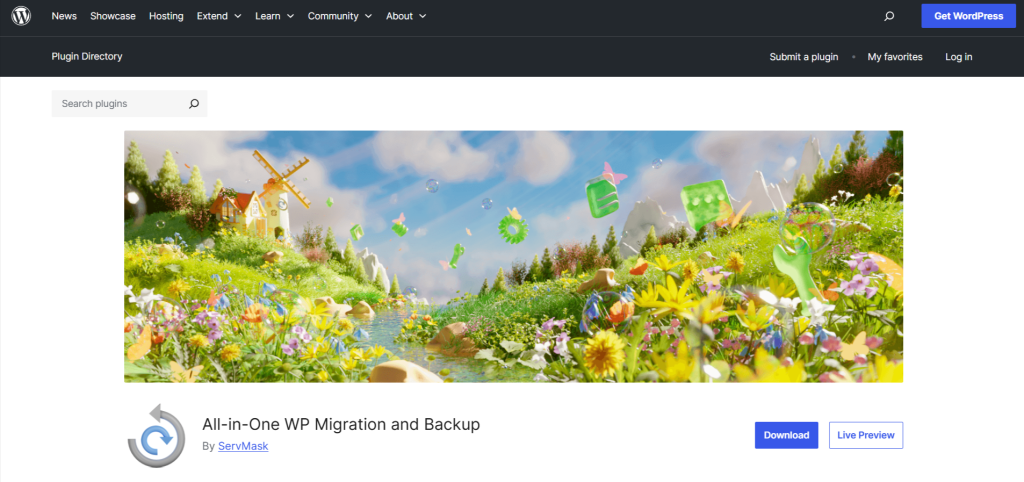
All-in-One WP Migration plugin can be considered one of the top migration plugins. Navigating through the interface as you move through the site can be done with ease and no complications. The plugin locks in a small, accessible package comprised of every facet of your site, including everything in the site.
Key Features
- User interface with easy click and drop
- Drag and drop file functionality
- Large volume site migration capability with the paid version
- Automatic assessment of plugin compatibility
- Near universal hosting compatibility
- Chunked uploads to the circuit server blockades
Pros & Cons
| Pros | Cons |
| Extremely beginner-friendly | Free version has strict size limits |
| Compatible with most hosts | Premium extensions can be expensive |
| Quick and reliable migration process | Staging and backups require add-ons |
Best For
Small and medium-sized businesses that are just beginning and require an uncomplicated process, along with minimal effort and investment.
2 – Duplicator
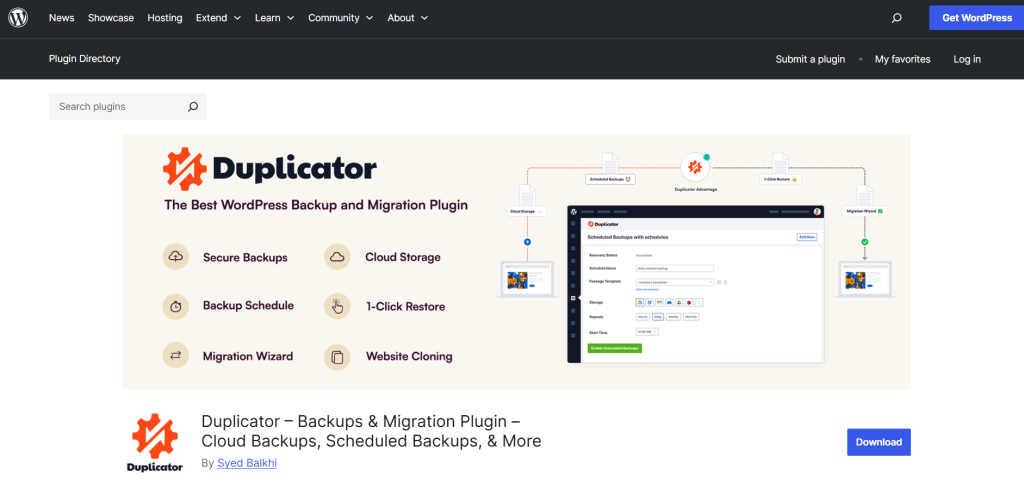
For a user seeking greater control of their migration process, Duplicator is a multi-functional plugin. After a website transfer has been constructed, the site owners can utilize the transfer, staging site creation, or the empty environment site.
Key Features
- Entire site packages include all files as well as the database.
- Ability to migrate manually or use SDD Migration Automation.
- Options with zero downtime migrations in the Pro version.
- Multisite Feature in Pro version.
- Backup options available.
- Staging and cloning features are available.
Pros & Cons
| Pros | Cons |
| Great for developers and tech-savvy users | It can be overwhelming for beginners |
| Handles large and complex sites well | Free version lacks advanced features |
| Excellent for cloning and staging | Requires manual installer setup |
Best For
Ideal for developers, agencies, and users who are transferring large, complex, or multisite WordPress installations and require additional customization as well as full control.
Reliable Web Hosting for Smoother Migrations
Planning a move or starting fresh? Choose Hostonce Web Hosting for fast performance, strong security, and effortless WordPress compatibility.
3 – UpdraftPlus Migrator
UpdraftPlus is known to be a great backup plugin, and with Migrator, moving WordPress sites is easier than ever. Migrator add-on is fully automated and secure, offering instant site cloning, migration, and restoration. This will offer a lot of convenience to back up to UpdraftPlus.
Key Features
- Digit site cloning and migration
- Automated full backup with options to set schedules
- Google Drive, Dropbox, Amazon S3, and more
- Automatic incremental backups to save server space
- Staging or testing sites
Pros & Cons
| Pros | Cons |
| Reliable backup + migration combo | Migration feature requires paid add-on |
| Supports multiple cloud storage platforms | The interface can feel overwhelming |
| Great for automated, scheduled backups | Large site migration may require a premium |
Best For
People already with UpdraftPlus, owners of websites needing strong backup and migration, and sites that may require cloud storage flexibility.
4 – Migrate Guru
The Migrate Guru plugin is free for anyone to use. It’s a high-performance migration for large sites. Migrate Guru uses its own external servers to complete migration tasks to avoid crashing or slowing down the site.
Key Features
- Free large-site migration (up to 200GB+)
- Single-click automated transfers
- Zero server load—migration performed on external servers
- Real-time progress monitoring
- Built-in compatibility with major hosts
Pros & Cons
| Pros | Cons |
| Handles very large sites effortlessly | No backup feature included |
| Extremely fast and completely free | Limited customization options |
| Zero server overload during migration | No local migration (requires internet transfer) |
Best For
Users need a fast, free, and stable migration tool. Large websites, eCommerce online stores, and membership sites.
5 – Jetpack VaultPress Backup

Jetpack VaultPress Backup (formerly VaultPress) offers real-time, automated backup and migration features backed by Automattic, the company behind WordPress.com. It’s known for its security, reliability, and seamless restore-to-new-site functionality.
Key Features
- Automatic, real-time backups
- One-click restore and migration
- Offsite secure backup storage
- Activity logs and rapid recovery
- Created by Automattic for minimal WordPress compatibility issues
Pros & Cons
| Pros | Cons |
| Extremely reliable and secure | Requires a paid Jetpack plan |
| Real-time backups are ideal for high-traffic sites | It can be expensive for beginners |
| Fast, automated site recovery | Limited advanced migration settings |
Best For
Users who need enterprise-level backup and migration security to ensure their high-traffic sites and WooCommerce stores remain secure.
6 – WPvivid Backup & Migration
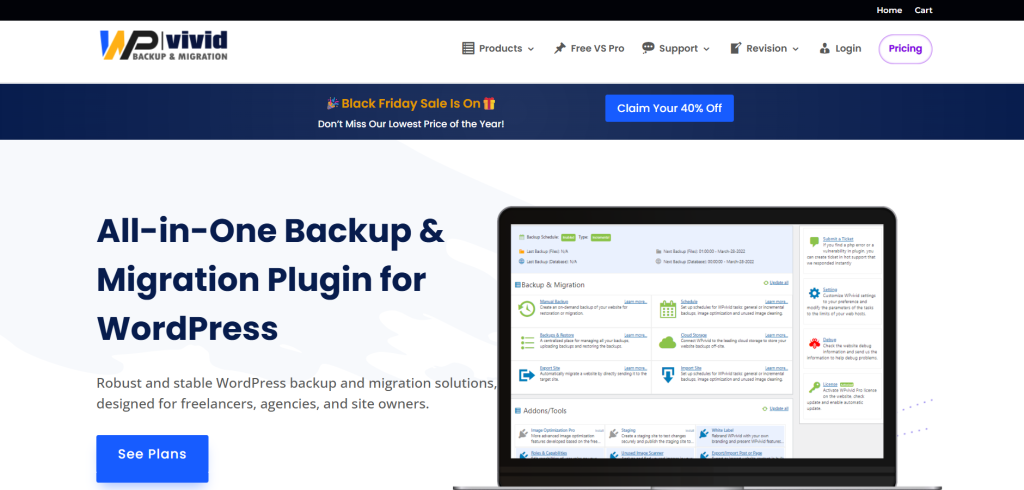
WPvivid Backup is a plugin that is designed for migration, restoration, and backup, and is one of the most utilised plugins for WordPress and a rising star among all migration pluginsbackup and. It is free and user-friendly.
Key Features
- Free migration and restoration of a site.
- Free backup site.
- Supports remote storage (Google Drive, OneDrive, Amazon S3, etc.)
- Staging site creation (Pro version).
- Periodic backup.
Pros & Cons
| Pros | Cons |
| Full backup + migration features in the free version | The staging feature requires the Pro plan |
| Clean, beginner-friendly interface | Large site transfers may require more server resources |
| Supports multiple cloud storage options | Advanced features are locked behind Pro |
Best For
For free, all-in-one migration and backup, plus paid upgrades, beginners, freelancers, and site owners can be the best.
Expert Tip
Always run your migration on a staging site first, especially if you’re moving a large or active website. This lets you test plugins, themes, permalinks, and database changes without affecting your live site. Once everything works perfectly, push the migration live to avoid downtime and unexpected errors.

7 – BackupBuddy
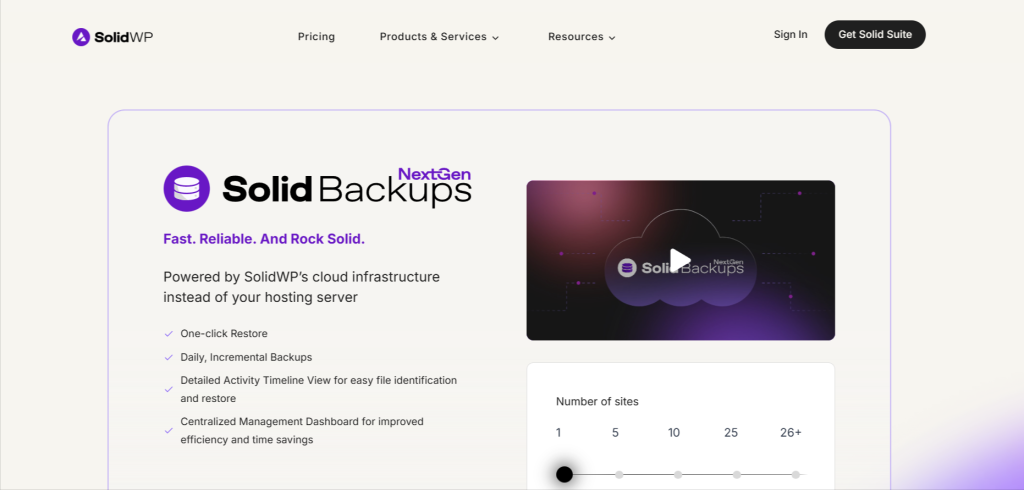
BackupBuddy (now Solid Backup) is another paid all-in-one WordPress backup and migration plugin made by iThemes. It’s a very trusted plugin, as it has safe and reliable migration backup, and scheduled automation that can give you peace of mind.
Key Features
- There are full site backups, including the database and files.
- One click restoration for easy recovery.
- One-click migration for easy site moving.
- Goes with remote storage options like Google Drive, Dropbox, Amazon S3, etc.
- Staging and deployment features
- Integrate malware scanning
- Notifications via email when backup events occur
Pros & Cons
| Pros | Cons |
| Strong backup + migration combo | No free version |
| Great for ongoing site maintenance | The interface feels outdated |
| Good security integrations | Pricing can be high for beginners |
Best For
Agencies, long-term WordPress site managers, and users who want a quality and premium secure backup + migration toolkit.
8 – Super Backup & Clone – Migrate for WordPress
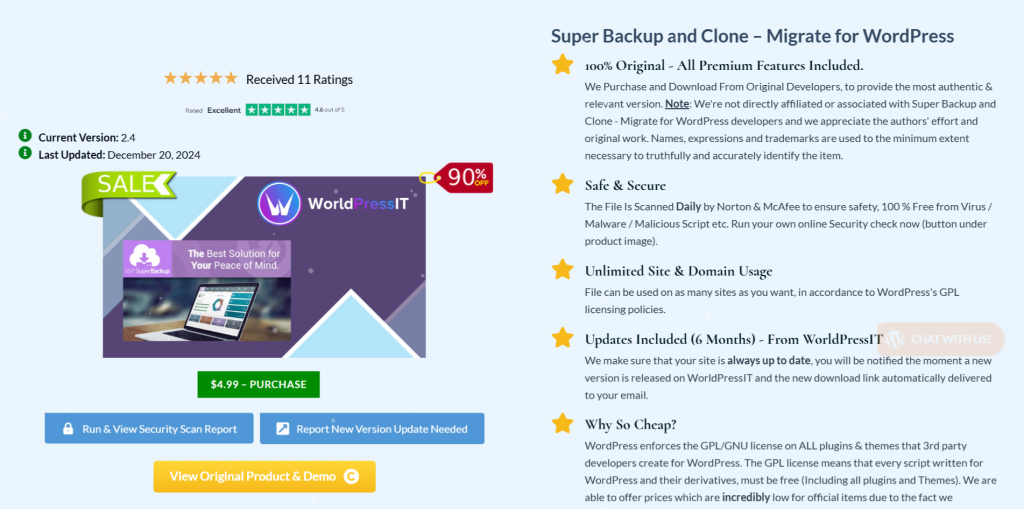
Super Backup & Clone is a backup and migration solution available as a plugin on CodeCanyon. It’s focused on quick backups with simple migration flows and flexible cloud backup options for users wanting a budget premium tool.
Key Features
- Automated backups to the cloud
- Cloning and migration
- Multiple cloud support (Google Drive, Dropbox, Amazon S3, FTP, etc.)
- One-click restoration
- Multisite support
- Backup scheduling with rotation
Pros & Cons
| Pros | Cons |
| Affordable premium pricing | Limited documentation |
| Supports many cloud storage options | The interface can feel cluttered |
| Good for multisite backups and migration | Less popular, fewer community resources |
Best For
Budget-conscious users in need of a migration plugin and multisite owners. Freelancers who need flexible options for cloud backups.
9 – BlogVault
BlogVault has enormous industry recognition as a quality service and one of the best backup and migration services for WordPress. Because of its speed and ability to stage and migrate large websites without any downtime, over 450,000 websites trust the service.
Key Features
- Zero downtime migration
- Automatic daily and on-demand backups
- The staging environment is one-click
- Incremental backups help performance
- Backups for WooCommerce in real-time
- Can do big sites (100GB+)
Pros & Cons
| Pros | Cons |
| Extremely reliable and enterprise-grade | Premium-only solution |
| Excellent for WooCommerce and large sites | Higher price compared to others |
| Staging + migration + backup all in one | Requires subscription for full features |
Best For
Users who demand a complete service without compromise on speed and reliability, accompanied by a large site, a WooCommerce store, or who are an agency.
Empower Your Website With Hostonce
Whether you’re migrating, optimizing, or building a new site, Hostonce offers the speed, security, and tools you need for long-term success.
Comparison Table (Quick Overview)
The following overview is a comparison of the most popular WordPress data migration plugins so that you may choose the one that is most suited for your needs.
| Plugin | Price | Migration Size Limits | Backup Included? | One-Click Support | Ideal User |
| All-in-One WP Migration | Free + Premium add-ons | Free version has limits; Unlimited in Premium | Large sites are supported in Pro | Yes | Beginners, small–medium sites |
| Duplicator | Free + Pro | Large sites supported in Pro | Yes | Partially (fully in Pro) | Developers, advanced users |
| UpdraftPlus Migrator | Paid add-on | Supports large sites with incremental backups | Yes | Yes | Users wanting strong backup + migration combo |
| Migrate Guru | Free | Supports 200GB+ | No | Yes | Large sites, eCommerce stores |
| Jetpack VaultPress Backup | Paid | No size limits | Yes | Yes | High-traffic sites, WooCommerce |
| WPvivid Backup & Migration | Free + Pro | Supports large sites; better performance in Pro | Yes | Yes | Beginners, freelancers |
| BackupBuddy | Paid | Supports large sites | Yes | Yes | Agencies, long-term website maintenance |
| Super Backup & Clone | Paid (CodeCanyon) | Depends on hosting limits | Yes | Yes | Budget users needing premium features |
| BlogVault | Paid | Supports 100GB+ | Yes (automatic + incremental) | Yes | Large sites, enterprise users, WooCommerce |
Is Your Migration Plugin Going to Cause Performance Issues?
An improperly optimized WordPress migrate plugin may adversely affect your site’s performance for a short while during the transfer of large amounts of data. If a plugin is particularly reliant on the server’s CPU, memory, and/or PHP limits, the site may lag and/or time out during migration. Such challenges can be avoided by selecting a WordPress plugin that offers chunked uploads, external processing, and/or task offloading to different servers. You may also run migrations during off-peak traffic periods on your site and disable non-essential plugins to help keep your site responsive during the process.
Final Thoughts
To avoid disruption, data loss, or missing elements within a website, the safest resolution is to rely on a trustworthy migration plugin in order to streamline the transition process. Beginners are advised to use plugins with simple features, such as WPvivid or All-in-One WP Migration, while more seasoned professionals are likely to have a preference for sophisticated products like Duplicator Pro or BlogVault. Migration should be as smooth as possible by ensuring that a backup of the site is created, changes are implemented within a staging environment, and validation of all features is performed post-transfer.
FAQ
Can I migrate a large WordPress site without errors?
Yes. Tools like Migrate Guru, BlogVault, and Duplicator Pro are built to handle large sites (50GB–200GB+) without crashing or timing out.
Do I need to back up my site before migrating?
Absolutely. Even though many plugins include backups, creating a separate full-site backup ensures you can restore your site if anything goes wrong.
Is it possible to migrate a WordPress site without downtime?
Yes. Plugins like BlogVault and Duplicator Pro support zero-downtime migrations, making them ideal for high-traffic or eCommerce sites.
Are free migration plugins safe to use?
Free plugins like Migrate Guru and WPvivid are secure and reliable for most users. However, premium plugins often provide extra features like staging, priority support, and larger file handling.

Top 10 WordPress Membership Plugins to Launch Your Subscription Site
By Festus Nkopuruk on July 22, 2025
Hostonce is the #1 WordPress Host
Ranked by 930+ customers in G2's Best Software Awards.