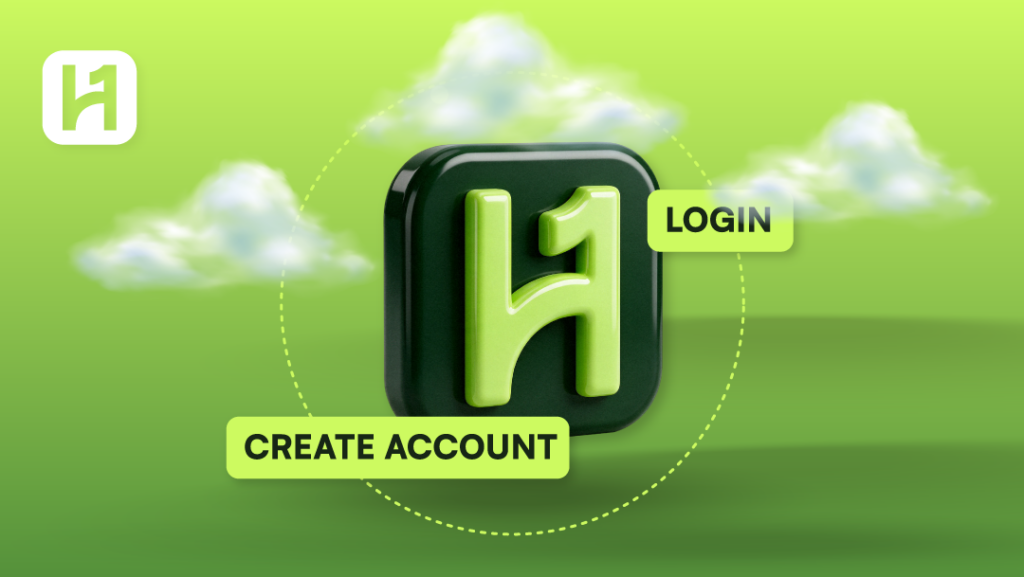
We understand that you want to avail HostOnce services. That is possible when you have a billing system account. An account will provide access to the customer area, the ability to place orders, and to manage services and billing.
Creation of a HostOnce Account
No rocket science. Just easy steps to follow.
Step 1: Open the Billing Website
Enter bill.hostonce.com in the address bar of your browser.
Step 2: Open the Page for Registration
Click on the button to create a new account. The name of the link and its location have to be checked in the interface.
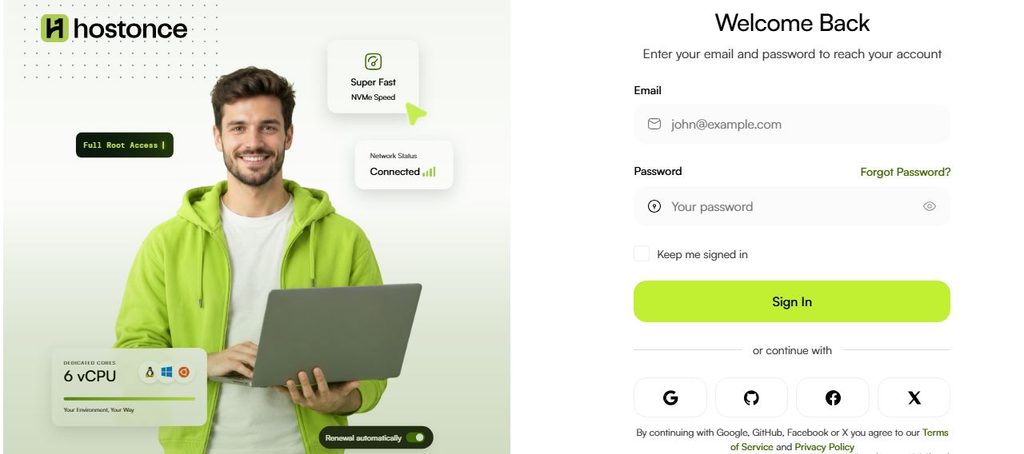
Step 3: Fill in the Account Details
HostOnce requires three mandatory details for registration:
Name: Fill in your full name.
Email: Fill in the accessible email address.
Password: Choose a password for protection of your account.
Step 4: Send the filled registration form
Click on the button to send the filled-in form. Check the relevant details and resend the form in case you get an error from the website.
Step 5: Confirm Your Email Address
HostOnce states in its published terms that it sends an email containing an activation link to the email address you used while signing up for an account.
- Open your email account.
- Locate the account activation email sent to you by HostOnce.
- Click on the activation link in the email.
- Follow all instructions appearing on the web page.
Look for it in your spam or junk mail if you fail to locate the email.
Step 6: Log in to Your Account
The email address you used is verified. Visit the HostOnce Billing site. Enter the email address and password that you entered when you signed up to log in to your account.
Successful login allows you to navigate through your customer dashboard and select a service package.

Get 25% Sale Now
HostOnce offers one of the cheapest solutions in the market right now. Explore the rest of the market if you like; HostOnce will seem economical anytime.
Logging In To Your HostOnce Account
If you already have an account with HostOnce, you need not sign up.
- Navigate to bill.hostonce.com.
- Select the option for existing customers to log in.
- Enter the email address and password which you provided during sign-up.
What Should You Do if You Fail to Log In?
Forgot Your Password?
Search for a way to recover the password on the login page. If there is one, use the instructions offered. You can use the password recovery email if you have one to regain access to your account.
Unable to Verify Your Email Address?
Please check your inbox along with your spam folder. The activation link might be there. If there is no such email in your inbox, then please contact HostOnce customer support.
Are login credentials refused?
Make sure that you enter the right email and password.
Is HostOnce account still inaccessible?
Go to the HostOnce Contact Page if you cannot solve the problem yourself.
FAQs
What personal information will HostOnce require from me to open my account?
The company’s publicly disclosed policy states that HostOnce requires full name, email, and password.
Will I need to activate my email address?
Yes. According to HostOnce’s publicly available agreement, you will have to verify an email activation link prior to accessing your account.
Will I be able to order web hosting immediately upon registration?
Email confirmation will allow you access to your account. You can choose a web hosting plan then.
What if I lose my password?
Please see the password recovery feature on the login page. In case you are unable to recover your password, you should contact HostOnce customer support.
Can I have more than one account with HostOnce?
Contact HostOnce customer support before creating another account. Having a second email address will not solve the access problem.

Muhammad Usama has had impactful journey of almost a decade exploring the wonders of writing. He is always excited to share relevant knowledge with the community. Usama enjoys reading books and travelling in his free time.