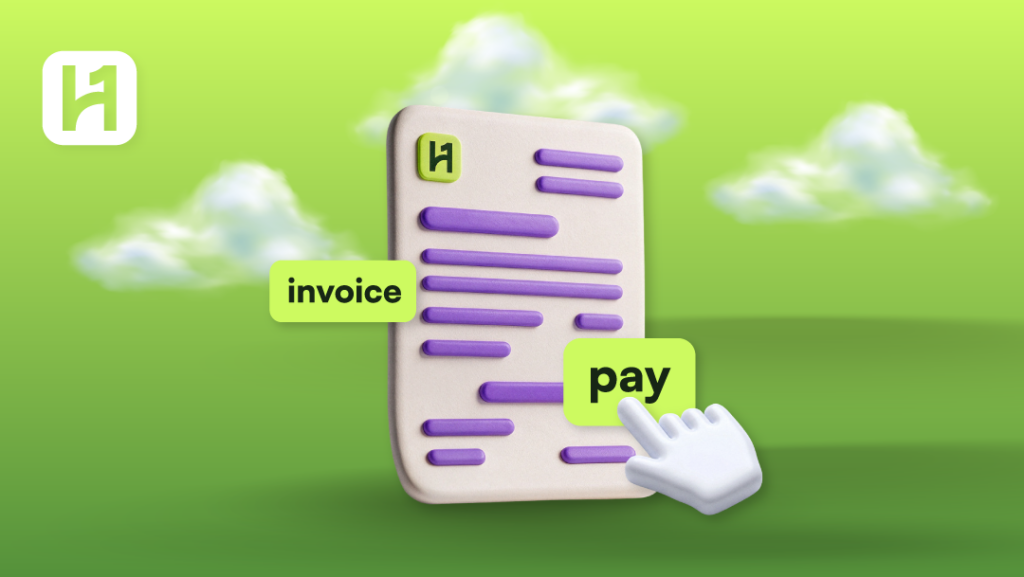
Paying on time for your HostOnce invoices guarantees the smooth operation of your hosted services and virtual servers and others. You can check the amount of money owed and make use of one of the accepted payment methods to clear your invoice.
How to Pay an Invoice
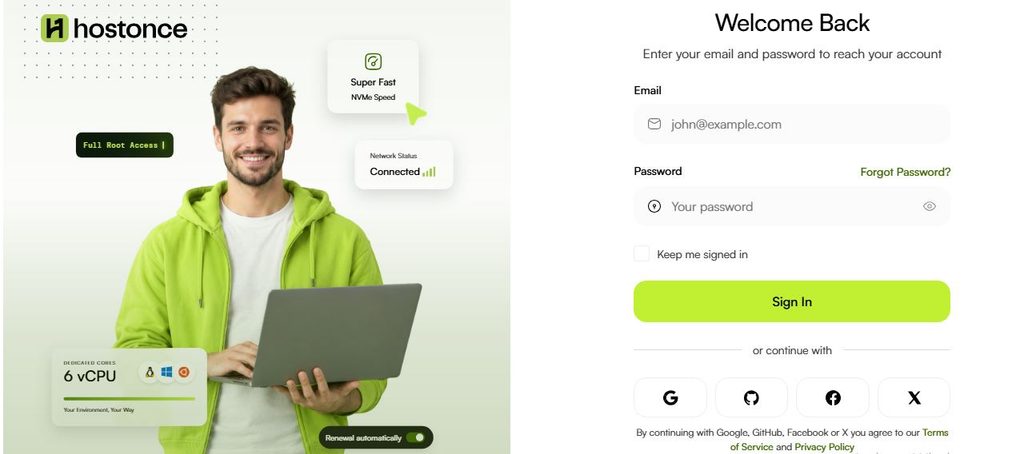
Step 1: Go to the Control Panel
Visit bill.hostonce.com and log in to your HostOnce account using the login details provided.
Step 2: Find the invoice
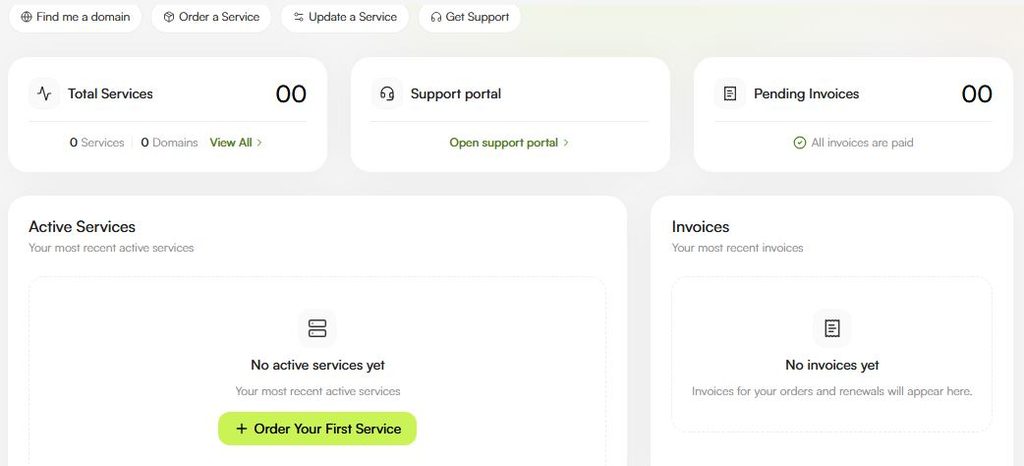
Navigate to the billing or invoice section in your account. Find the invoice to be paid.
Step 3: Open the Invoice
Click the specific invoice to view the invoice details.
Step 4: Verify the Amount of Payment
The invoice should correspond to the proper service. Its price should not differ from your expectations. Verify tax and other surcharges if presented in the invoice.
Step 5: Start the Payment Process
Make payments according to the chosen payment option for the invoice.
Step 6: Choose the Payment Methods Available
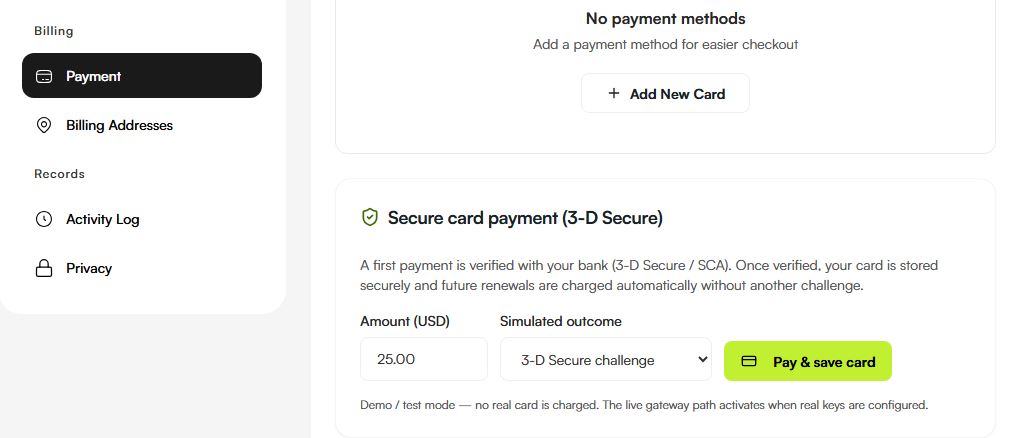
Visit https://bill.hostonce.com/payments. Choose any of the payment methods available for that particular invoice.
Step 7: Pay the Amount
Follow the instructions on the payment page. When making payments by credit card, you will have to provide the relevant information about your card. Other methods of payment might have different requirements.
Step 8: Verify the Payment
Come back to your billing account and see if the invoice status is paid. But if the payment service accepts the payment yet the invoice remains unchanged, wait for some time and then contact customer support.

Starting from $2.99/month
HostOnce is actually that easy on the budget. Each and every service of ours is meant to be affordable for anyone. Seek us now!
What Payment Options Are Offered By HostOnce?
Below is the list of payment methods offered by HostOnce on its official website.
1. Credit and Debit Cards
Some of the well-known credit/debit cards mentioned by HostOnce include:
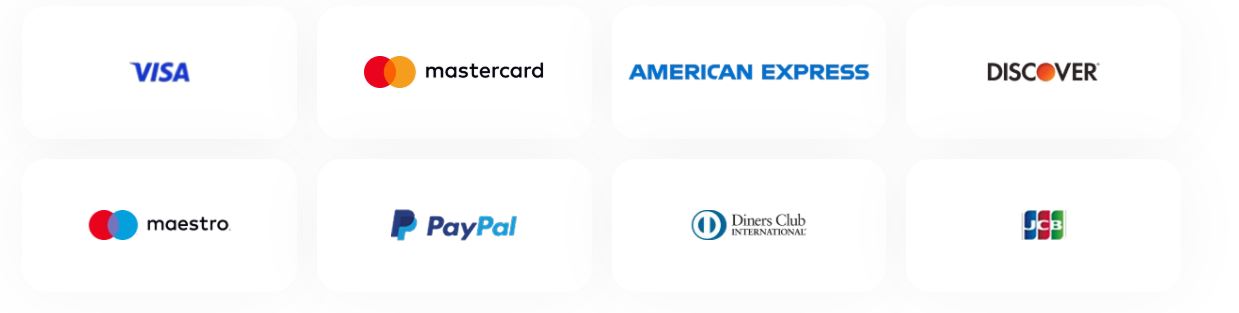
Availability of specific credit/debit cards may vary among users based on the checkout payment options.
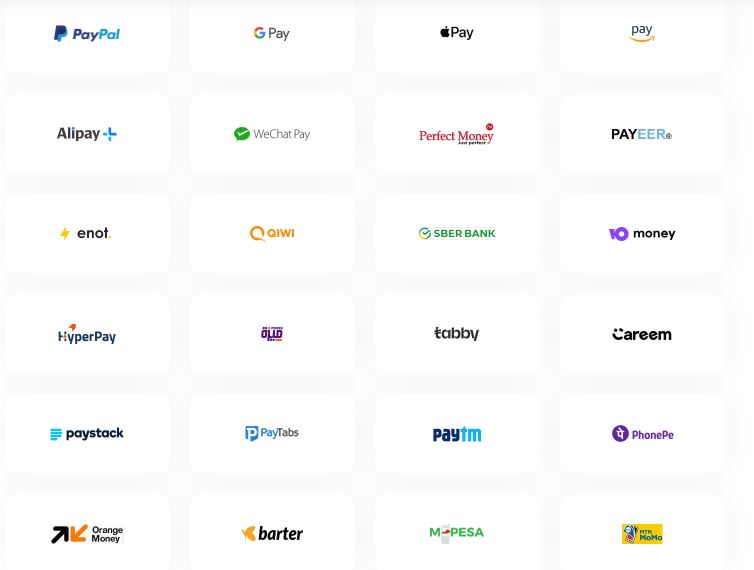
2. PayPal
Among the payment options that HostOnce offers is PayPal. When the latter appears on your invoice payment page, choose it and follow the instructions to approve the transaction.
3. Digital Wallets
HostOnce advertises some digital wallets like Google Pay and Apple Pay, but the availability of such payment options depends on various factors.
4. Bank Transfer
One of the payment methods advertised by HostOnce is a bank transfer. In case this payment method is available for your invoice, follow the displayed instructions and use the right payment reference if it is required.
This type of transaction usually takes more time than the instant ones.
5. Cryptocurrency
Cryptocurrency payments are listed as options for customers by HostOnce during checkout. Supported cryptocurrencies and their availability must be verified from the payment page when placing an order/invoice.
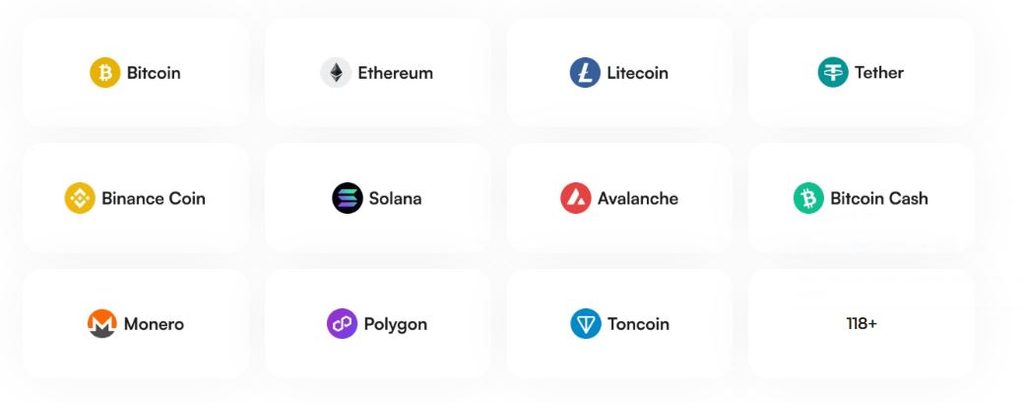
In case of support for cryptocurrency, please follow the payment provider’s guidelines strictly. Verify the details and due date of the payment before making any transfers. The transfer of cryptocurrency to the wrong address or network may be unrecoverable.
What if You Fail To Pay?
Use the following actions in case of failure to make a payment.
Your card was rejected
Make sure the card details are correct. Your bank allows that type of transaction. Ask for assistance from your bank if the payment is still being declined.
The payment page does not open
Go back to your billing account and open the invoice again. Contact the HostOnce customer support team in case the issue is not resolved.
Your bank debited you, but the invoice remains unpaid
Verify the details of the payment confirmation and transaction number. Do not make repeated transactions without verifying if the first transaction went through or is still pending.
You have paid using bank transfer, yet the invoice is still unpaid
Ensure you have used the right bank information and the payment reference. Give the payment time to process. You should contact customer care in case it is not processed and provide them with proof of your payment.
You don’t know how to pay
Look at the payment methods available on the page. If none of that works, you can contact HostOnce support for additional solutions.
FAQs
How do I make a payment towards a HostOnce invoice that is overdue?
Log in to the billing portal and find your invoice. Select the payment option available on that particular invoice. Ensure that the invoice status is updated once you make the payment.
Does HostOnce accept PayPal as one of its means of payment?
Yes. PayPal is one of the means of payment that are offered officially by HostOnce. But whether you can use PayPal as a means of payment for a certain invoice depends on what is displayed in the checkout process.
Can you use cryptocurrencies to pay your invoices with HostOnce?
Cryptocurrency payments are said to be accepted at HostOnce. But you will need to check the available methods first.
How long should it take before an invoice becomes marked as paid?
This will depend on the payment method and third-party service used to make the payment. Payments that go through the instant payment system are recorded faster than payments made via bank transfer.
Is it possible to make a payment after the due date of the invoice?
Entirely possible. But the invoice status should reflect the available payment process. Overdue invoices may lead to disruption of services.

Muhammad Usama has had impactful journey of almost a decade exploring the wonders of writing. He is always excited to share relevant knowledge with the community. Usama enjoys reading books and travelling in his free time.