HostOnce offers various hosting services, including domain, server, and website management facilities that are customarily designed for customers’ requirements. You can choose any product offered by the company. You can learn about available options and place an order using the respective ordering process.
Below is a step-by-step explanation of how one would go about ordering products here.
Go to the HostOnce Shared Hosting page on our website.
Step 2: Look at the Available Plans
Learn about the plans offered and their prices. Consider storage and other specifications. Get the best plan for your website.
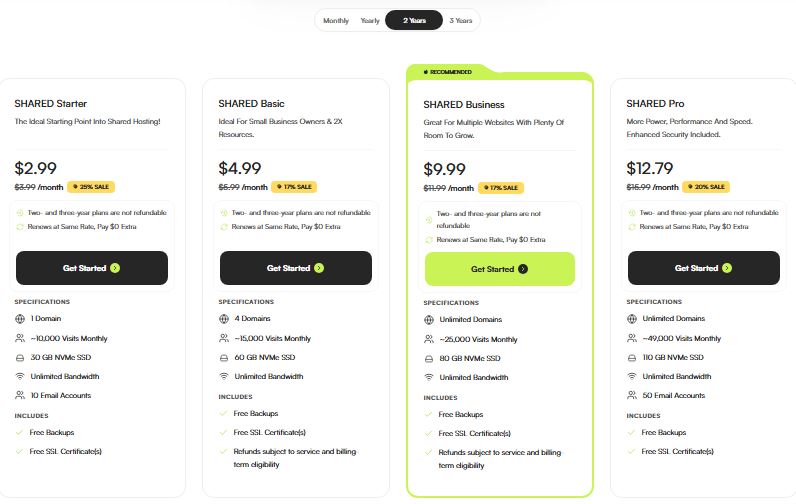
Step 3: Choose a Plan You Like
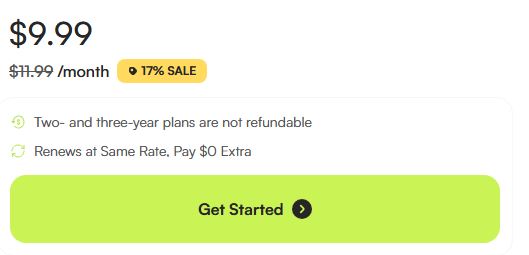
Select the ordering option shown for the plan. Click on Get Started to move on.
Step 4: Fill in the Necessary Configuration
Do as instructed during the checkout process. You will be required to fill in a certain configuration field depending on the particular product you have ordered.
Step 5: Review Your Order
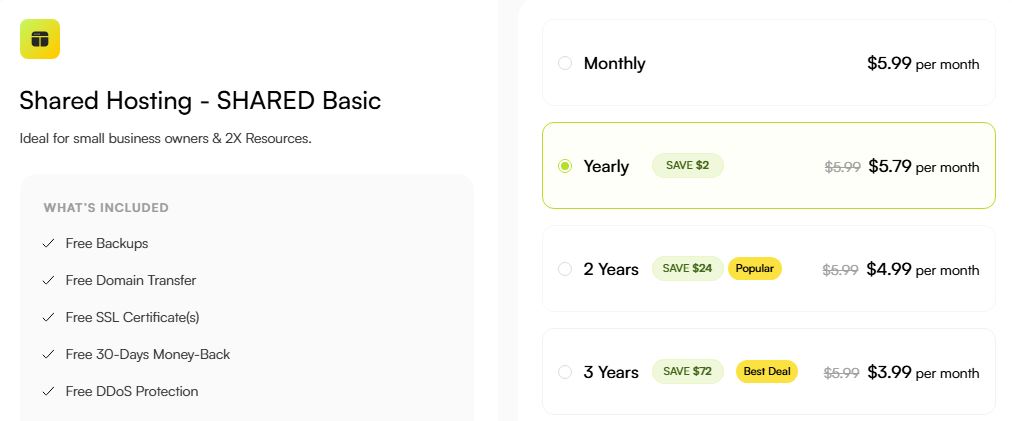
Review the selected plan and billing period. Look into the price, tax rate, and any additional costs.
Step 6: Proceed With the Checkout Process
Fill in your payment details as indicated during the checkout process. The acceptable forms of payment may vary depending on the order, currency, and geographical location of the user.
Step 7: Check your order status
Check your account for the invoice and payment status along with service activation details. Your order being successfully paid for does not mean that the provisioning will take effect instantly.
How to Order VPS Hosting
Step 1: Visit HostOnce
Go to the HostOnce website and click on the VPS hosting tab.
Step 2: Compare VPS Configurations
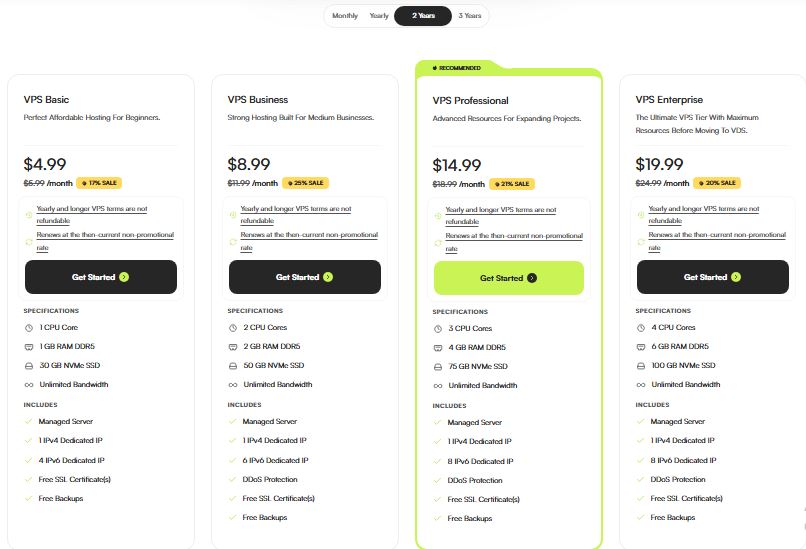
Compare the various configurations of VPS. This includes operating systems and pricing.
Step 3: Select a Configuration
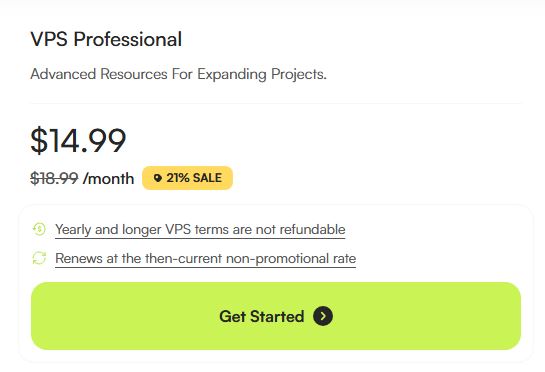
Click on the Get Started button to choose the configuration you wish to order.
Step 4: Add Configuration Details
Enter the necessary configuration details provided at the checkout stage.
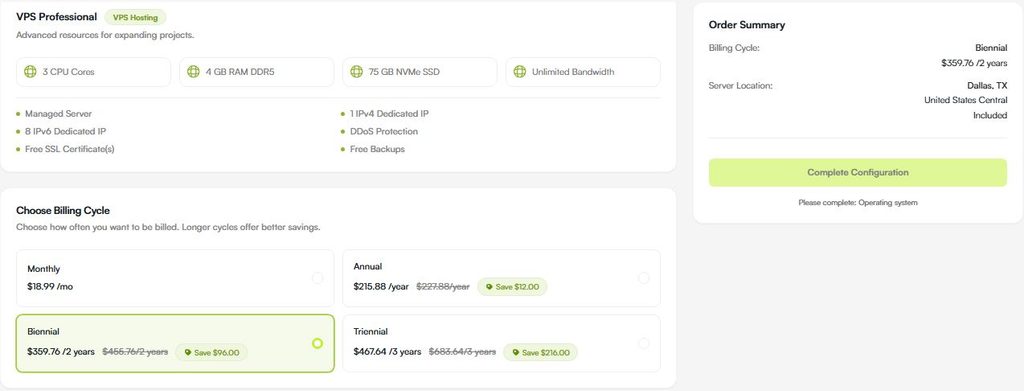
Step 5: Check Price and Resources
Check the final price and selected resources.
Step 6: Complete the Process
Go through the checkout and complete the payment process that is available.
Step 7: Return to Your Account
Return to your HostOnce billing account to verify the order and service.
Refer to the service settings in your billing account to know how to access the server.

Starting from $2.99/month
HostOnce cares about your affordability. You do not have to take our word for it. Just hit us up now and check our services out for yourself.
How to Register a Domain Name
- Go to the HostOnce site.
- Find the domain name registration option on the site.
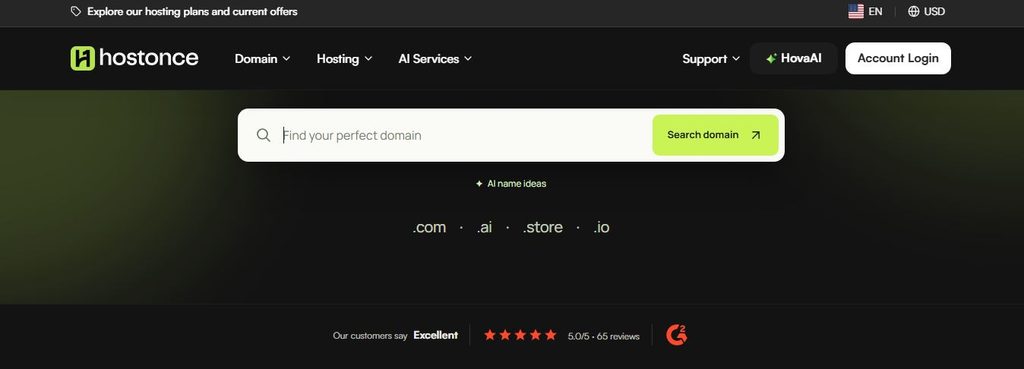
- Search for the desired domain name by using the domain search feature.
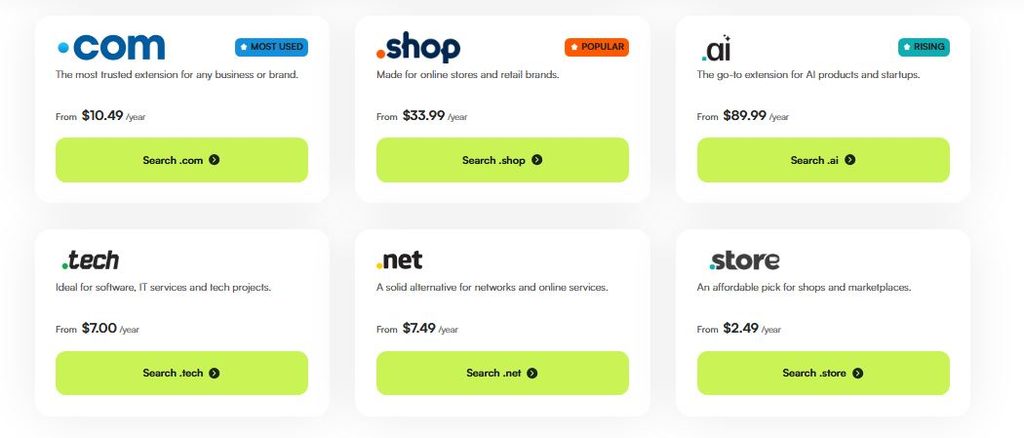
- See whether the chosen domain is available in the search results.
- Select an available domain and go on with the ordering process.
- Enter all required domain registration details.
- Review the terms of the domain registration period, cost, and fees.
- Pay for it using the available payment options.
- View the billing account to learn about the order status and domain registration information.
Domain name availability and registration are subject to the respective rules of the registry and registrar. Making the order does not mean the guaranteed registration of the domain.
Website Tool & Other Products Ordering
HostOnce also offers HovexBuilder, Stackbase, HovaAI, and website transfer service.
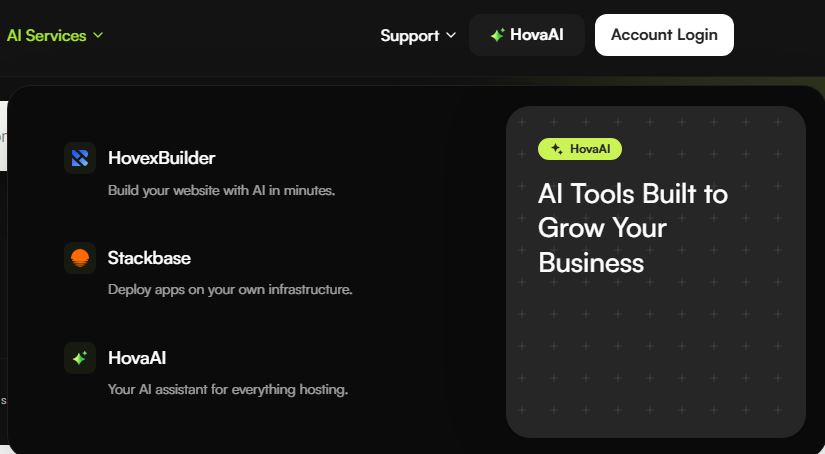
To order the above list of products, please use the corresponding product page to see what is offered, what requirements you must meet, and how much it costs.
- Go to the HostOnce website.
- Select the product you would like to order.
- Read about it and choose the appropriate options.
- Proceed with the ordering/activation process presented on that page.
- Make sure you understand the pricing prior to making an order.
Then follow further instructions which will be provided after your order.
Remember that some of the above products are not ordered via one standard ordering flow. There may be some special requirements related to the presence of another service, the eligible configuration, etc.
FAQs
Can I order several products at once from HostOnce?
HostOnce provides several categories of products. The ability to order several products with one account and the checkout process itself will depend on the selected products.
Do I have to register a domain when ordering hosting?
Domain registration does not have to be carried out with each and every hosting order. Find out what is required of you and what domains the plan provides.
When can I expect my product to be ready?
The time of activation depends on the product itself, payment, verification if necessary, and provisioning. Additional verification can also be required for domain transfer and SSL certificate.
What kinds of payments can I make?
The possible methods of payment will depend on the particular order, the currency and the location. The payment methods available will be indicated during checkout.
What if I have made the payment and still my service is not activated?
Check the status of your order and invoice in the billing system. Contact HostOnce support if the payment was made but the service has not been activated.

Muhammad Usama has had impactful journey of almost a decade exploring the wonders of writing. He is always excited to share relevant knowledge with the community. Usama enjoys reading books and travelling in his free time.