HostOnce invoicing allows you to control all your invoices linked to your services and products that you purchased through HostOnce. The invoice is required to check the bill and maintain business records. Or to verify the amount you owe to the company.
Where to Find the Invoice
Step 1: Visit the Invoice System
Go to bill.hostonce.com in your browser.
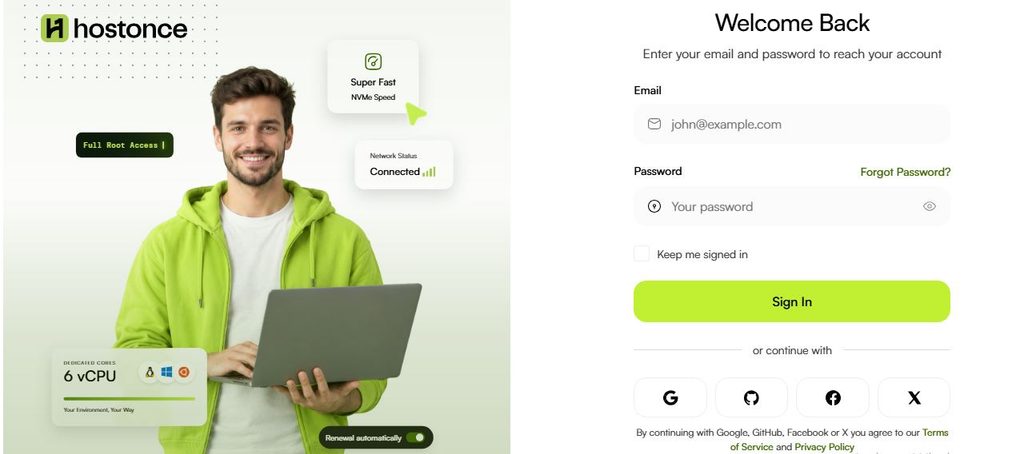
Step 2: Log in to Your Account
Type in your registered email address and password. Log in to your customer account.
Step 3: Look for Invoices
Search for your invoices in the billing or invoice tab on the customer panel.
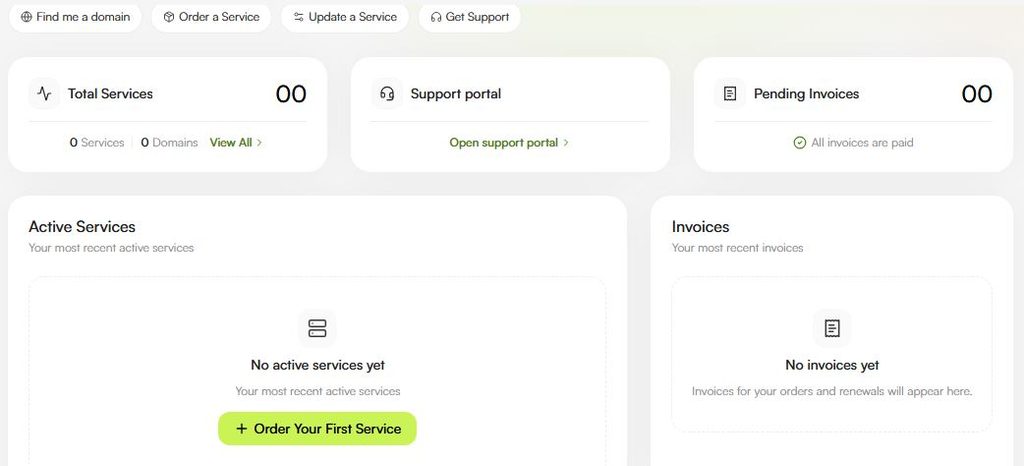
Step 4: Choose the Invoice
Check the provided invoice details.
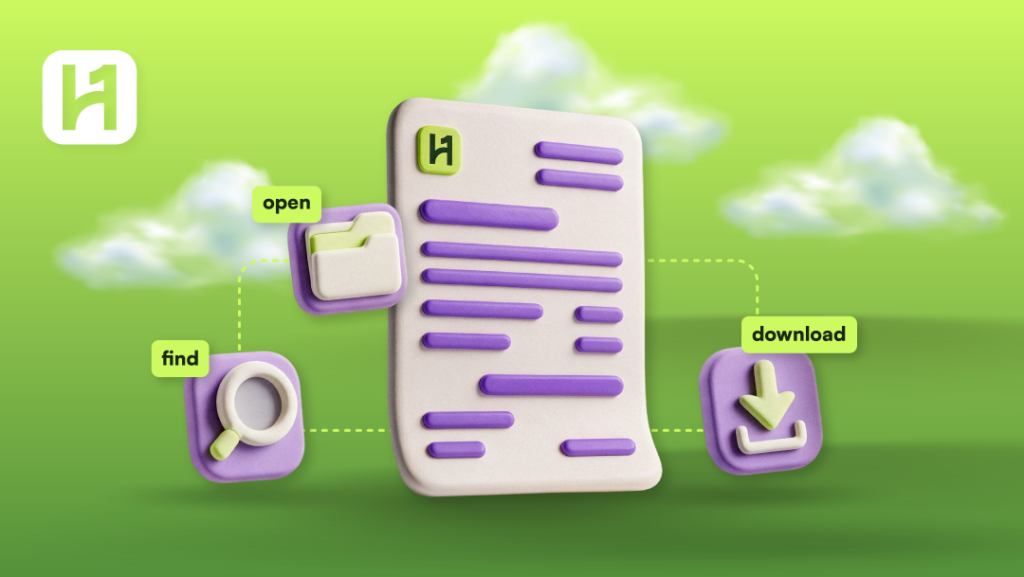
Procedure for Opening an Invoice
- Find the invoice that needs to be opened.
- Select the invoice or the method of viewing it.
- Look at the available information provided on the invoice.
- Verify that the invoice is related to the correct service and billing period.
- Check the due amount and payment instructions provided on your account.
How to Download an Invoice
- Access the billing portal of HostOnce.
- Find the required invoice.
- Find the download or print link on the invoice page.
- Click on a download link if available. Specify the destination folder if you are prompted by the browser.
- Open the downloaded document. It is legible and contains all the information required.
If the invoice page offers a print option, but not a download one, you might use the Save as PDF option in your browser’s print window.

The Spectacular Platform for Your Hosting!
HostOnce might be new, but nothing about us is amateur right from the start. Join us today and find out the high-quality hosting we offer.
What You Should Do in Case You Cannot Receive Your Invoice
There are a few options that you could explore:
- Make sure that you have used the correct HostOnce account to log in.
- Go to the billing/invoice tab to check for previous invoices.
- See the details about your service or order so that you know what your invoice is for.
- Check whether you have received any invoice notice from HostOnce by checking your emails.
In case you do not receive the invoice, you can then get in touch with HostOnce and give them your order/service information.
FAQs
Can I download my paid invoice?
If the invoice is still accessible from your billing account, you can use its download or print feature.
Is it possible to access old invoices?
Look in the invoice section of your account for any old invoices. If the old invoice is not accessible, contact HostOnce support.
Can the invoice be provided to me in PDF format?
If there is any provision available to download it in PDF format, kindly do the needful. Otherwise, if you can print the invoice, you can use the browser’s Save as PDF feature.
What should I do if there is incorrect information on my invoice?
Please contact the HostOnce Support Team with your invoice number and details of the incorrect information. Do not think you will be able to edit it yourselves.
Will my payment be made through downloading?
Downloading is the process by which your bill is stored on your computer. It still does not mean that you have paid your bill.

Muhammad Usama has had impactful journey of almost a decade exploring the wonders of writing. He is always excited to share relevant knowledge with the community. Usama enjoys reading books and travelling in his free time.