The renewal of a HostOnce service gives you an opportunity to prolong the hosting, VPS, domain or other subscribed services period beyond their initial expiry date. In accordance with the selected product and particular billing configuration, a renewal of that service can be either manual or automatic.
How to Renew a HostOnce Service Manually
Step 1: Access the Billing Portal
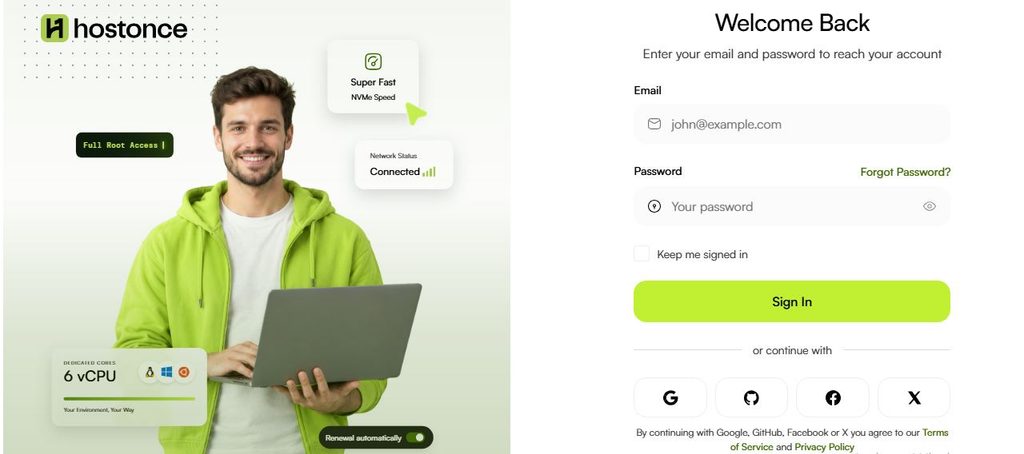
Access bill.hostonce.com and sign in to your HostOnce account.
Step 2: View Your Services
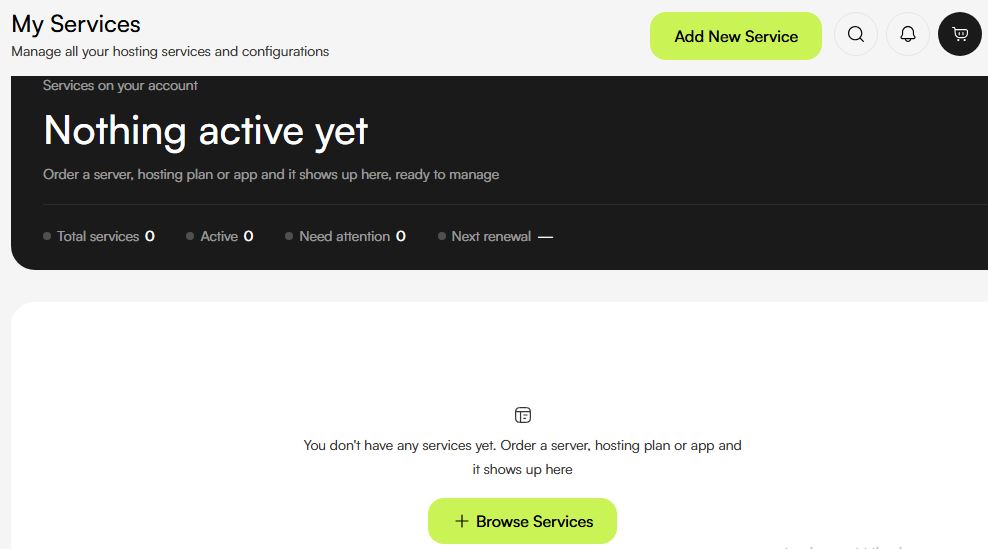
Access the service management section of your customer account. Find the service you wish to renew.
Step 3: Check the Service Details
Review the service name along with its current status. Check the expiration date and renewal details if available. Verify that the right service
Step 4: Find the Renewal Option
Open the service details and see if there is any renewal action possible. Proceed as instructed by the portal if such an instruction is available.
Step 5: Verify the Renewal Fees
Check out the renewal period before making a payment. Look at the cost of renewal and additional charges.
Step 6: Make the Renewal Payment
The renewal may result in the generation of an invoice. Open the invoice and make payment. Select a payment method applicable for the payment transaction.
Step 7: Confirm the Renewal
Verify whether the expiration date or the service status has been updated.

Start hosting at $2.99/month!
HostOnce is fresh and super with domains of your choice. Select what you prefer and let us turn it into a seamless experience for you.
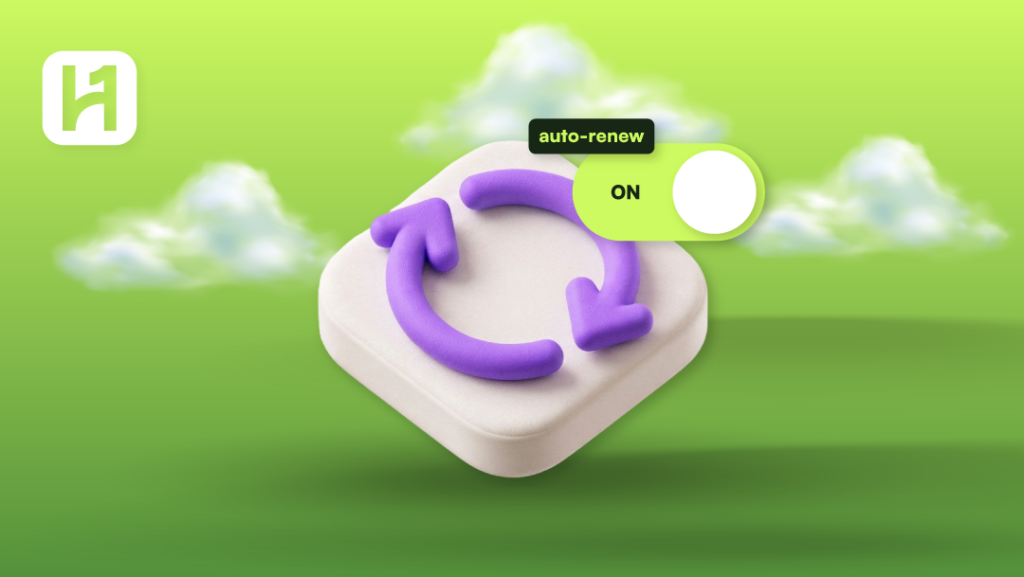
How to Enable Auto-Renewal
An eligible service may be set to auto-renew by the billing schedule. This depends on the product in question.
- Log in to the HostOnce billing system.
- Go to the service management tab. Select the desired service to be managed.
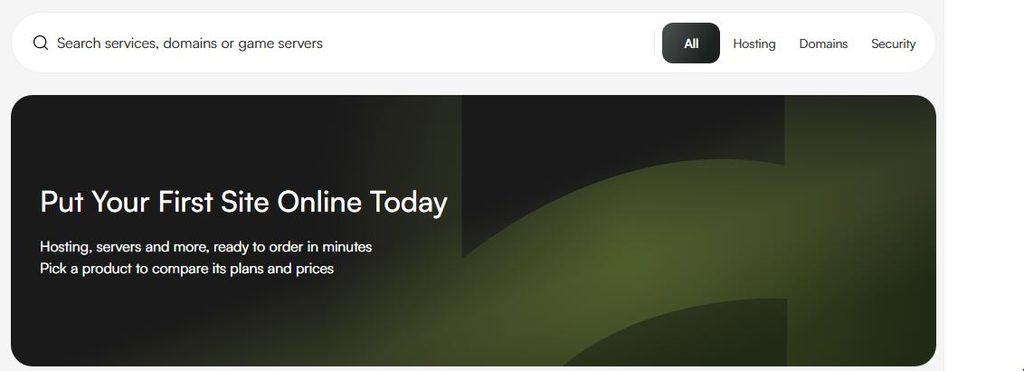
- Find the auto-renewal feature from either the service information or the billing options.
- Turn on the auto-renewal toggle if available.
- Ensure that the setting is confirmed or changed.
One cannot guarantee that a successful payment will occur just by enabling auto-renewal. Renewal may be unsuccessful if there is no way to collect the payment.
How to Turn Auto-Renewal Off
- Log in to your HostOnce billing account.
- Find the service that you would like to change.
- Review the information about the service and find the auto-renewal toggle.
- Turn off the auto-renewal.
- Verify if needed in the portal.
- Ensure that the confirmation is done.
Disabling the auto-renewal will not lead to the cancellation of the service. It will ensure that the auto-renewal does not take place. The service may continue working until its paid-through date, depending on product terms.
Use the appropriate method of cancellation if you would like to cancel the service.
FAQs
How do I renew my HostOnce service?
Log in to your billing account. Find your service. Follow the procedures provided for renewing this service. Check the fees and pay the invoice if any.
Can I enable or disable auto-renewal?
It depends on whether or not the option is provided for this specific service. Check the service options for the ability to control the setting.
Will the service be active even after activating the auto-renew feature?
Not always. It is possible that the process will not succeed because of payment problems or other conditions. You should check the invoices and service status.
What will happen if I disable auto-renewal?
The service can continue up until the end of the existing paid period. It will not automatically renew. You need to check the information.
What can I do if my service expires?
Check the expiration date and renewal options as soon as possible. Contact HostOnce support if you are unable to renew the service via my account.

Muhammad Usama has had impactful journey of almost a decade exploring the wonders of writing. He is always excited to share relevant knowledge with the community. Usama enjoys reading books and travelling in his free time.