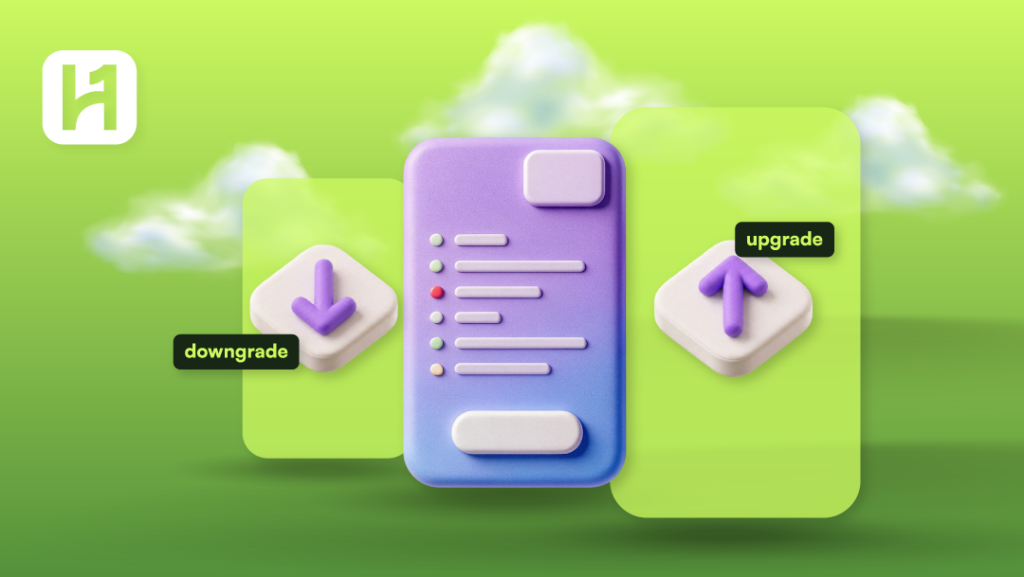
It might happen that you should upgrade your HostOnce plan because your website has expanded and your server needs more power. In case you no longer need your current plan and wish to save money, then downgrading your plan will suit your needs.
How to Upgrade Your HostOnce Account
Step 1: Log in to Your Account
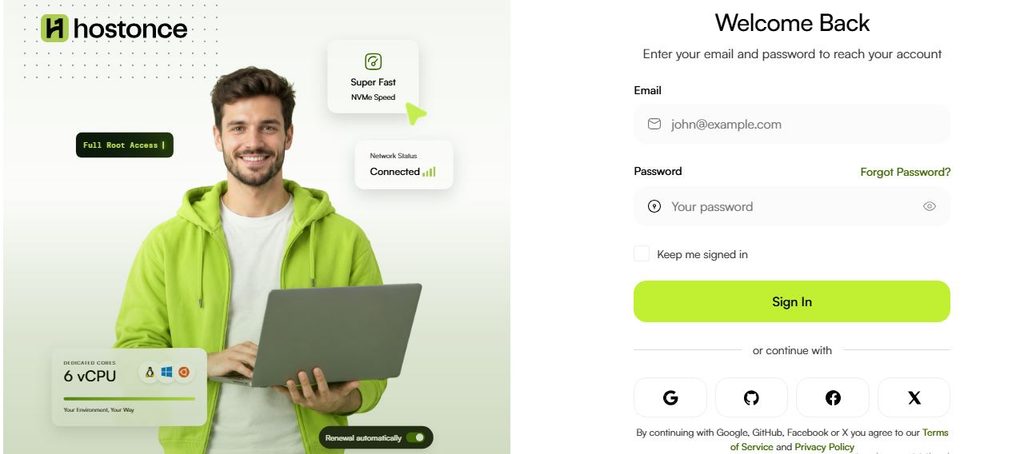
Go to bill.hostonce.com and log in using your email and password.
Step 2: Choose a Service
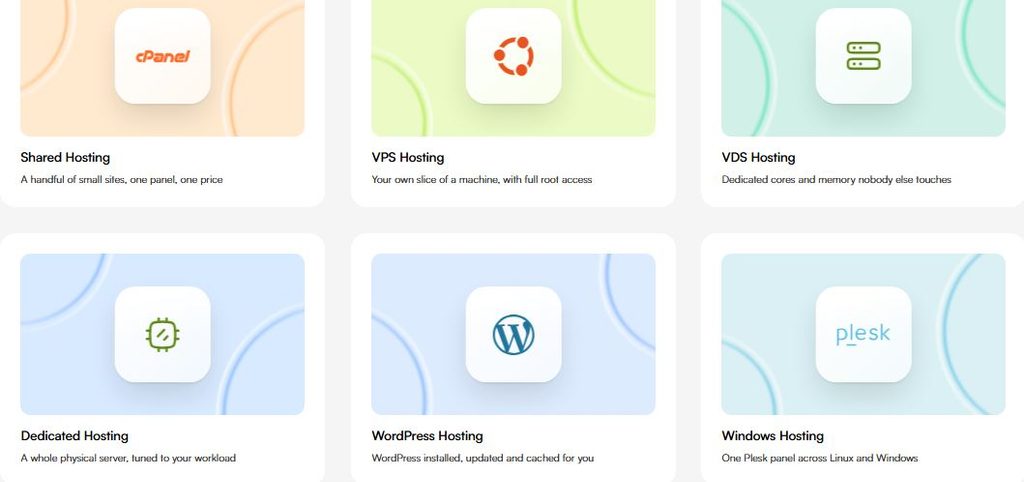
Access the service management page and choose the shared hosting, VPS or any other service whose plan you want to upgrade.
Step 3: Consider Your Plan
Consider your current plan, its billing cycle, cost and other details like resources provided. In case of hosting, these could be storage amount, amount of websites hosted and some other plan details. In case of VPS – CPU, RAM, storage, and bandwidth.
Step 4: Find out if you have a Plan Change Option
Go to the service details page and see if there is an upgrade or plan change option for the product.
Step 5: Select Your New Plan
From the plans given, choose the right one that fits your requirements. Compare the resources, features, billing cycle, and cost before proceeding.
Step 6: Check Charges
Check your charges for the above change.
Step 7: Apply for Plan Change
Submit your request for the plan change and pay the charges following the instructions from the billing portal.
Step 8: Verify Your Plan Upgrade
Go back to your service details and see if your plan is upgraded according to the instructions given above.

Success with just $2.99/month!
HostOnce is the gateway to lots of dreamy options! Don’t trust us just yet? Try us and wait for the pleasant surprise!
How to Downgrade a HostOnce Plan
The downgrade action will move your service to a plan with fewer resources or features. You should first verify if you can use the plan for your current website or application/server.
- Access the billing section of HostOnce.
- Choose the service management tab and choose the service that needs downgrading.
- Review the resources that are part of your existing plan.
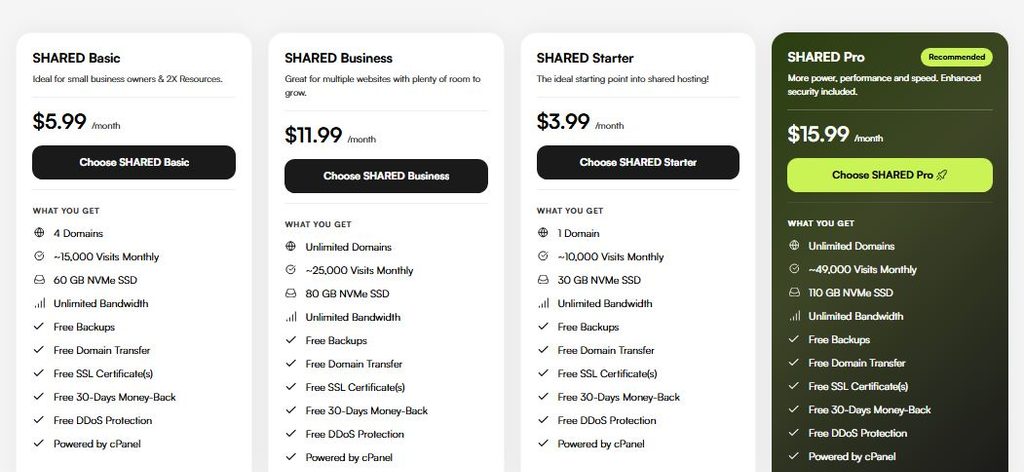
- See if there is an option for changing plans. If a downgrade is available for this service, then follow the instructions provided.
- Choose a lower plan from the available plans.
- Review the limits on resources, the features, billing cycle, and price of the plan chosen.
- Note any warnings provided regarding resource limits, data, incompatibility, or additional fees.
- Make the changes only once you understand what you will be getting into.
- Verify later on whether the changes have been made successfully or not.
If there is no option for plan change in the portal, do not cancel your existing service and get another one without first understanding the impact. Contact HostOnce Support to know about other possibilities.
FAQs
Is there a way for me to upgrade my plan whenever I want?
Whether or not you can upgrade your plan will depend on the specific product that you have and what options you will see in your account. Check your service specifications to see if it’s possible for you to upgrade your plan.
Am I going to have any downtime when I upgrade my plan?
Upgrading your plan doesn’t necessarily mean you will experience a period of downtime; however, there are some that require downtime for processing and rebooting.
Am I going to lose my data if I downgrade my plan?
Downgrading a plan is not synonymous with losing your data, although you might exceed certain limitations of a lower plan that can affect your data. Always check if your usage will be compatible with a lower plan.
Will I get a refund after downgrading?
Downgrading to another plan does not mean that you will get a refund.
What if I can’t upgrade/downgrade my plan on my own?
Contact our support using the contact information in your account and state your plan and service details.

Muhammad Usama has had impactful journey of almost a decade exploring the wonders of writing. He is always excited to share relevant knowledge with the community. Usama enjoys reading books and travelling in his free time.